

Downloading a movie and transferring a movie via USB: In this article, you will learn how to move a movie that you have downloaded to your computer (Windows or Mac) to a USB drive. Before downloading movies, make sure that you are not violating any laws in your country. In most cases, you will need to purchase a movie in order to download it.
Download movie
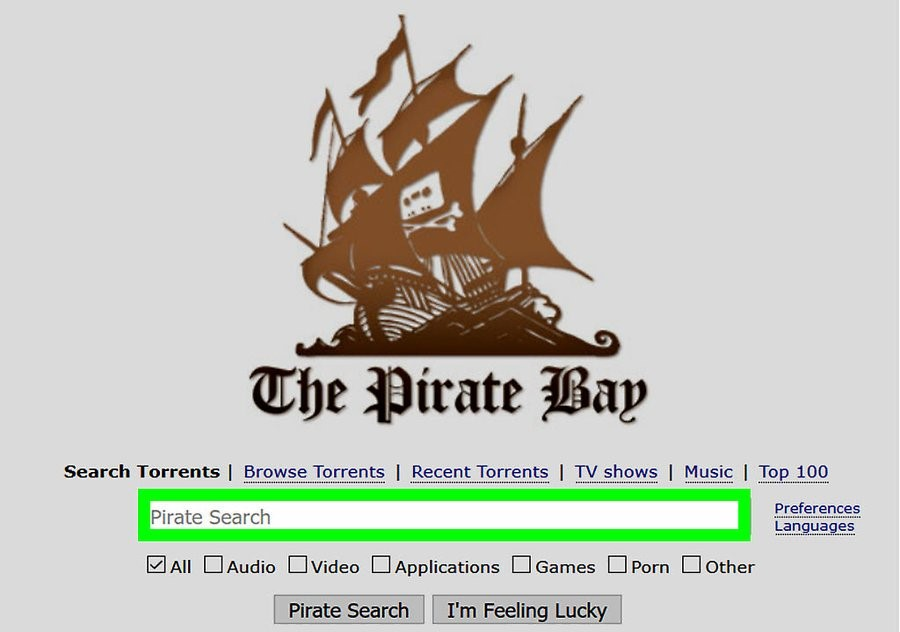
1: Search for the movie you want to download . There are many places you can download movies from, like YouTube for example. In most legal cases, you will need to purchase the movie in order to download it.
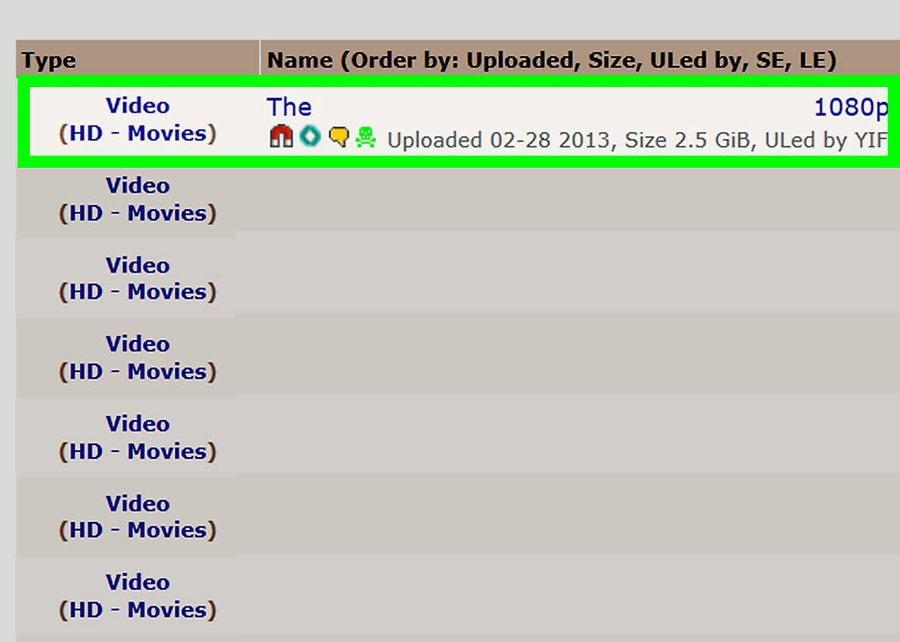
2: Make sure the movie is safe .When downloading from the Internet, watch out for sites with lots of pop-ups or intrusive advertising, or sites whose addresses don't have "HTTPS" before the "www" part.
You'll also want to make sure the file format will work on your computer, TV, or whatever device you decide to watch the movie on.

3: Download the movie . Click “Download.” Depending on your browser settings , you may need to select a download location (e.g. , your desktop) before downloading the file.
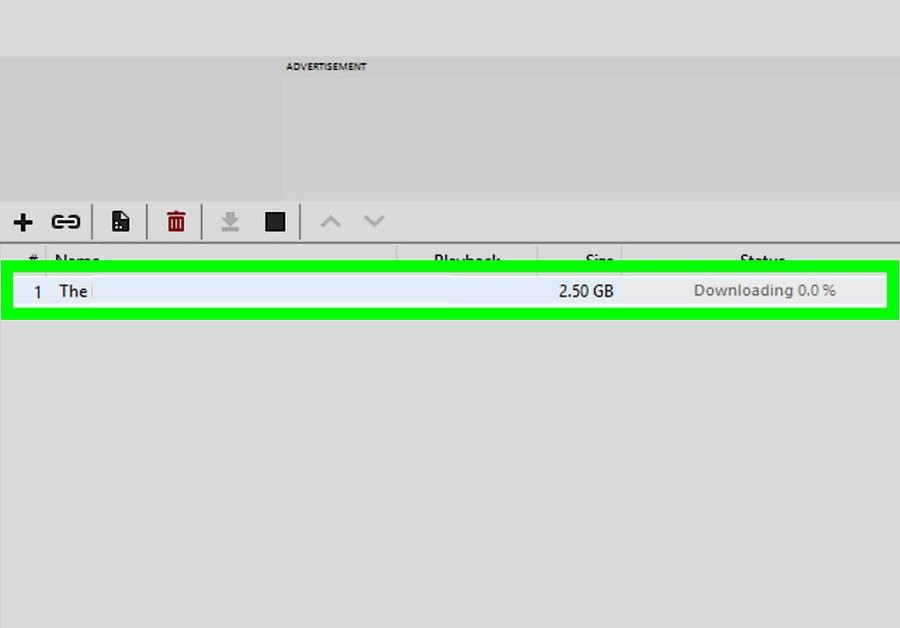
4: Wait until the download is complete . Once the download is complete, you can move it to a flash drive .
Transfer to Windows
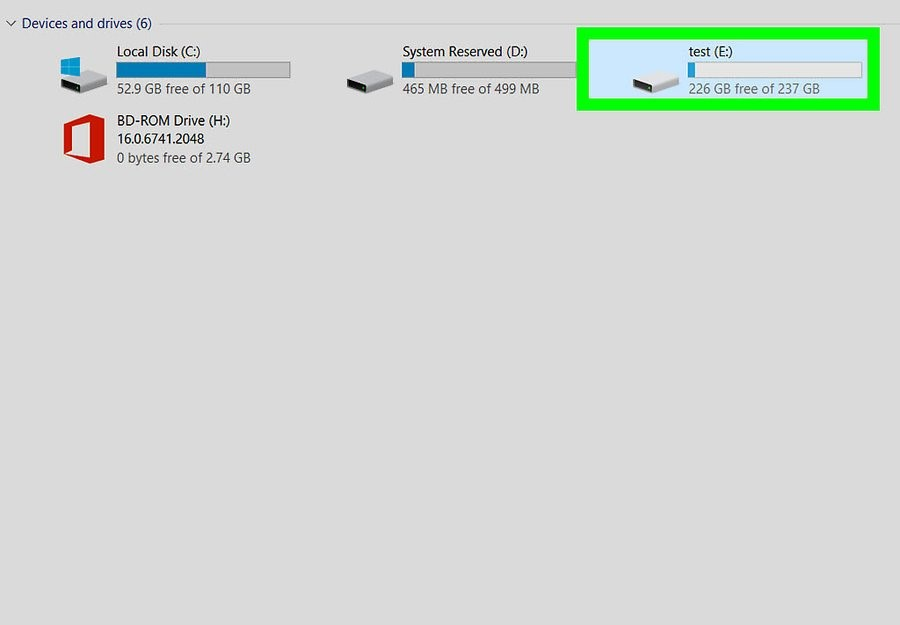
1: Connect the flash drive to the computer . It should fit into one of the USB ports.
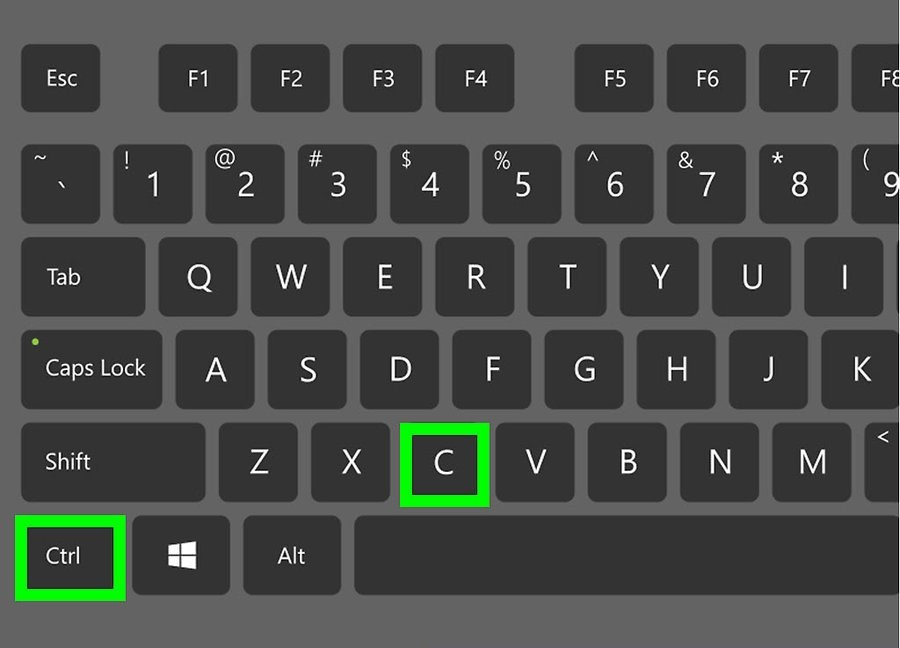
2: Copy the file. Click on the downloaded file and then press Ctrl + X to copy it. The file will disappear after that.
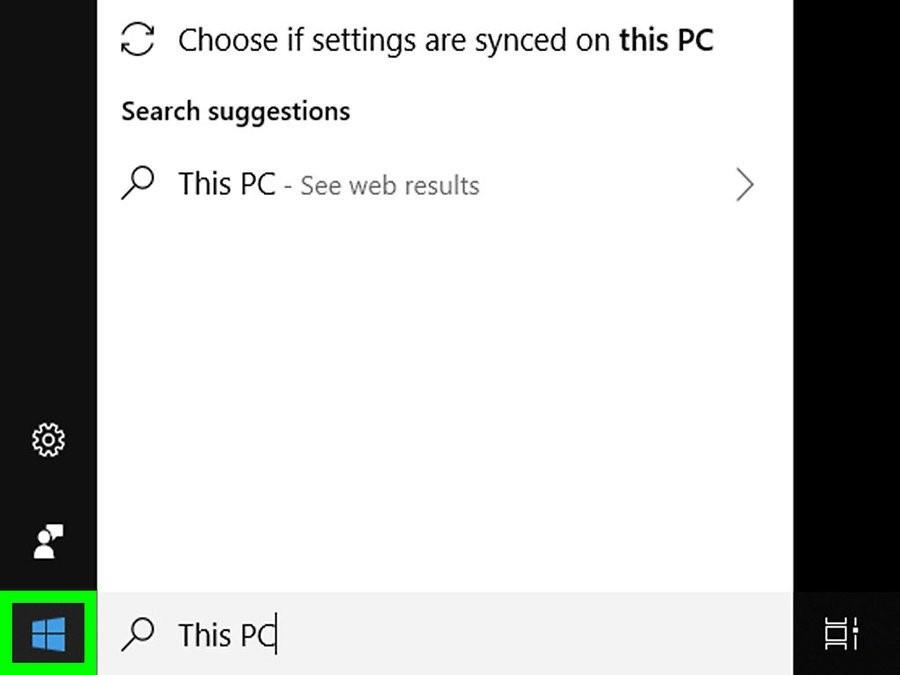
3: Open Start . Click on the Windows logo in the lower left corner of the screen.
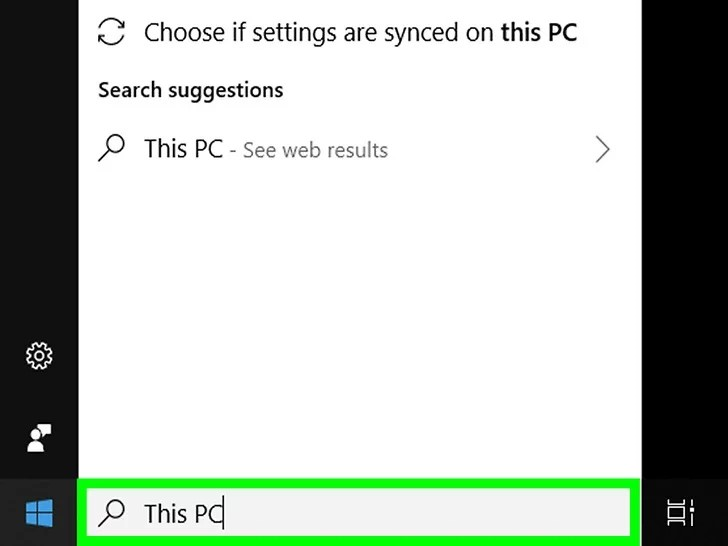
4: Open “ This PC ” . Type “ This PC” and then open “This PC” at the top of the menu.
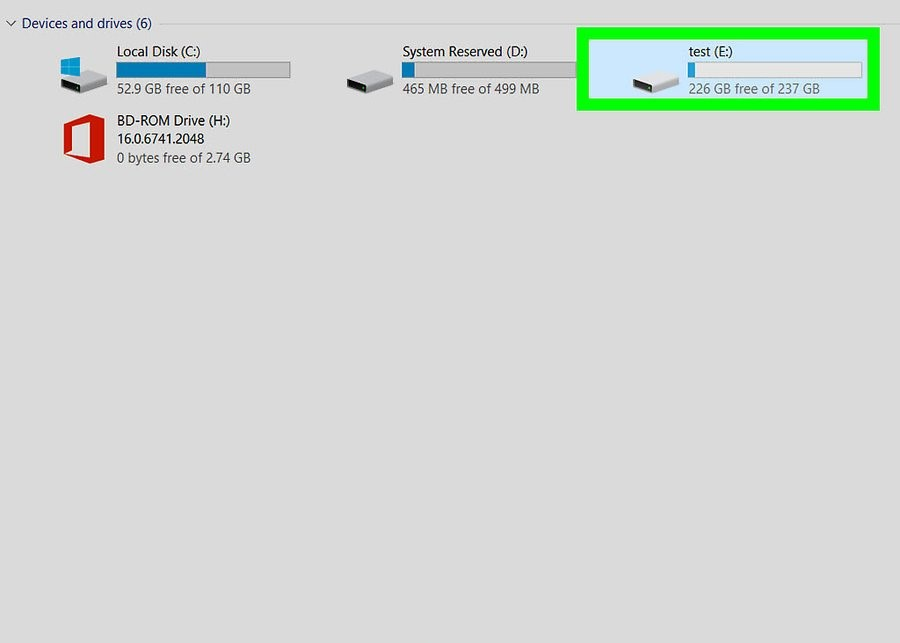
5: Open your flash drive . Under “Devices and Drives,” double-click the name of your drive.
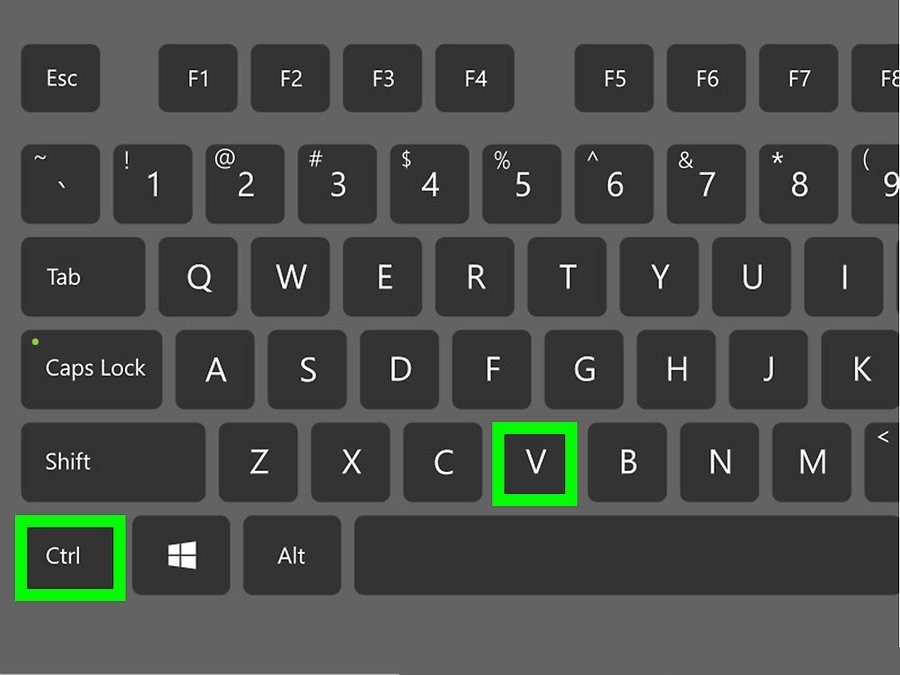
6: Copy the movie. In the flash drive window, press Ctrl + V. You should see the file appear on the flash drive, although it may take a few minutes for the transfer to complete if it's a larger file.
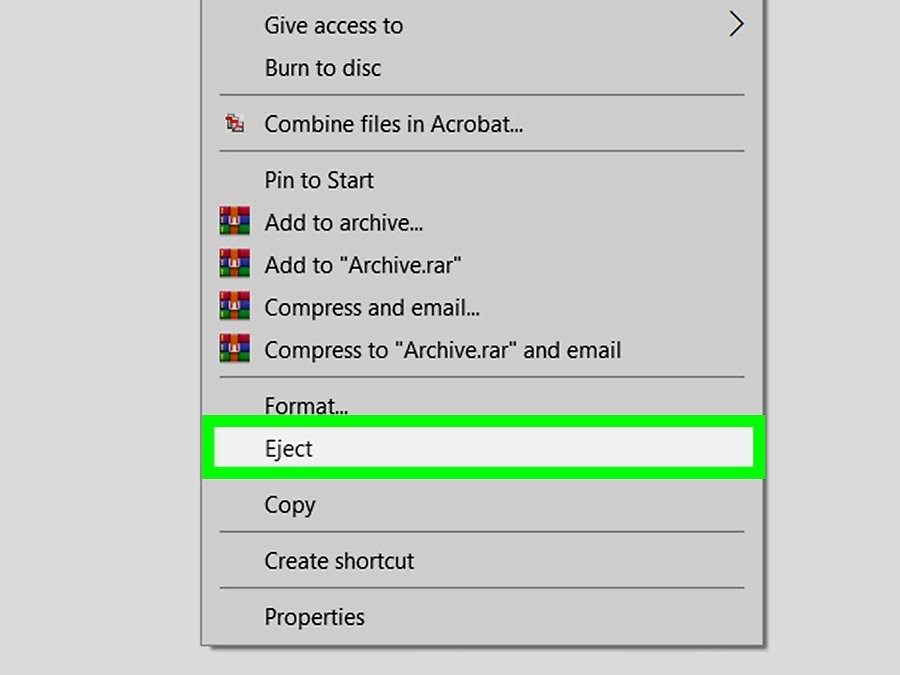
7: Remove the drive . When the file is successfully transferred to the flash drive, tap the flash drive icon in the lower-right corner of the screen, and then select Eject.
Transfer to Mac
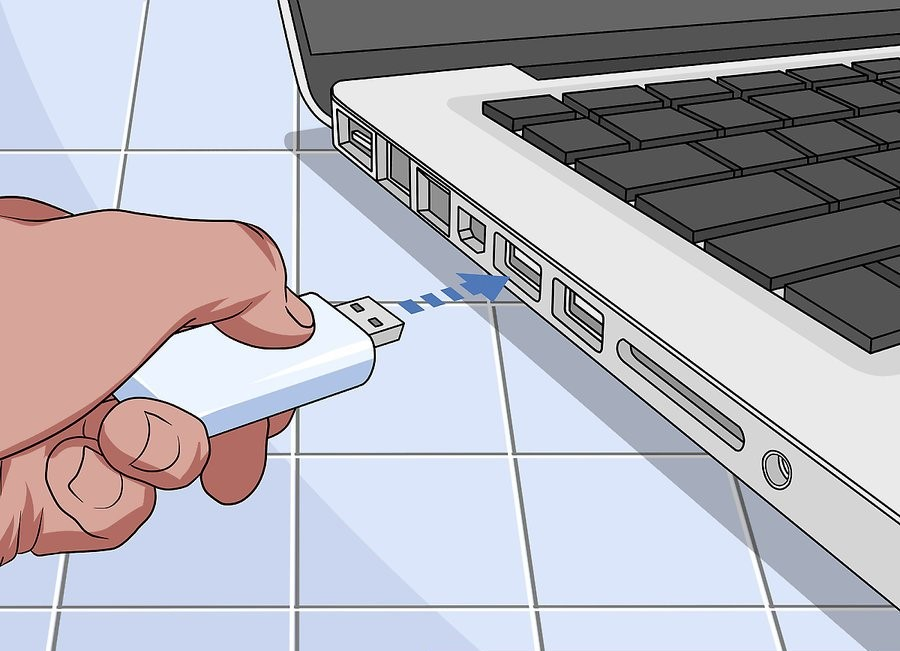
1: Connect the flash drive to the computer . It should be plugged into a USB port.
If your computer doesn't have USB 3.0 ports, you'll need a Thunderbolt 3 to USB converter or a USB type C flash drive.
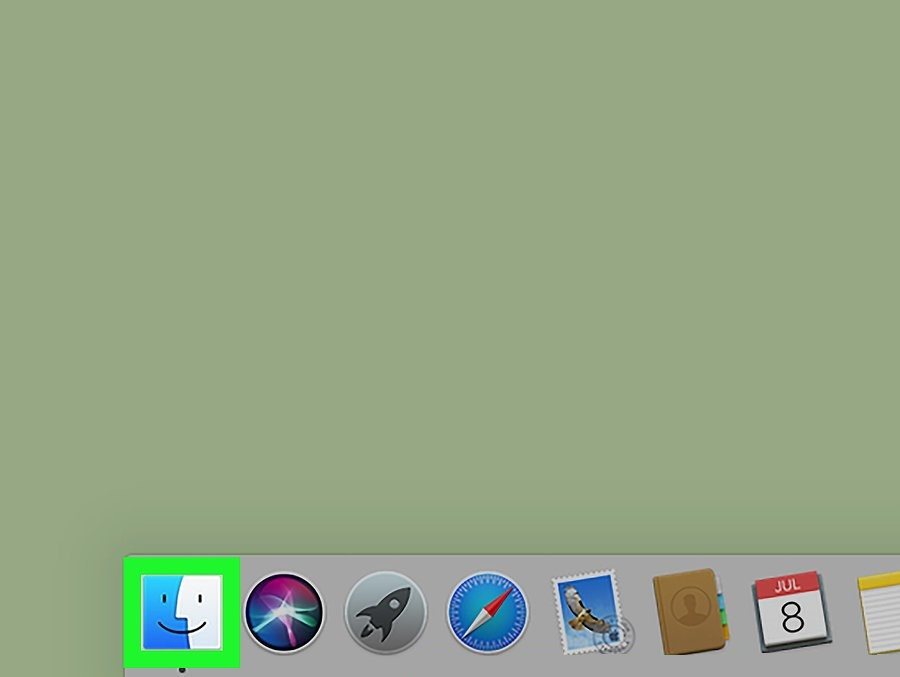
2: Open Finder . It looks like a blue face and is located in the Dock of your Mac .
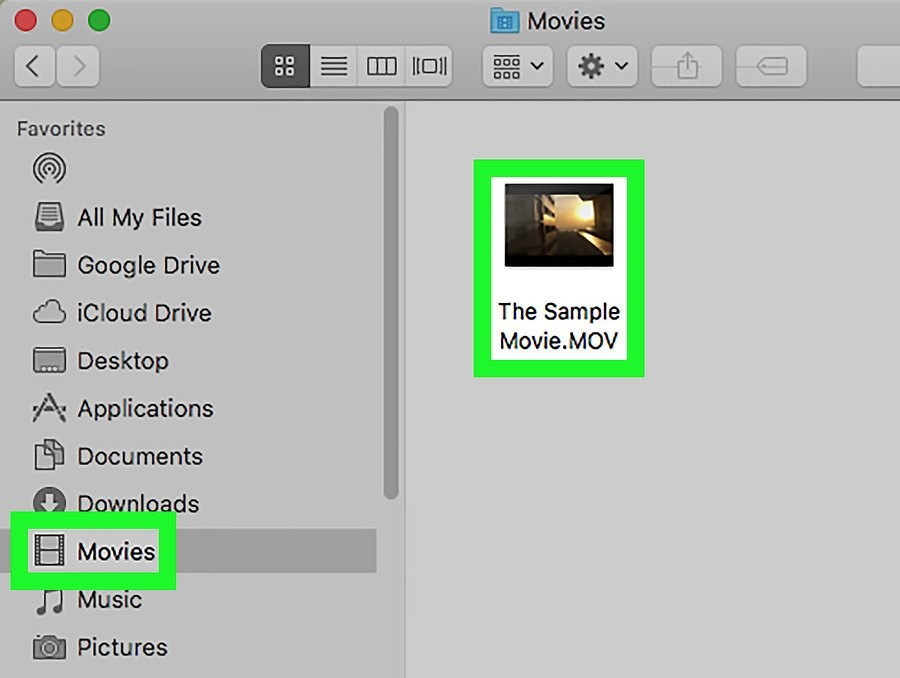
3: Find your movie . Go to the folder where you downloaded the movie .
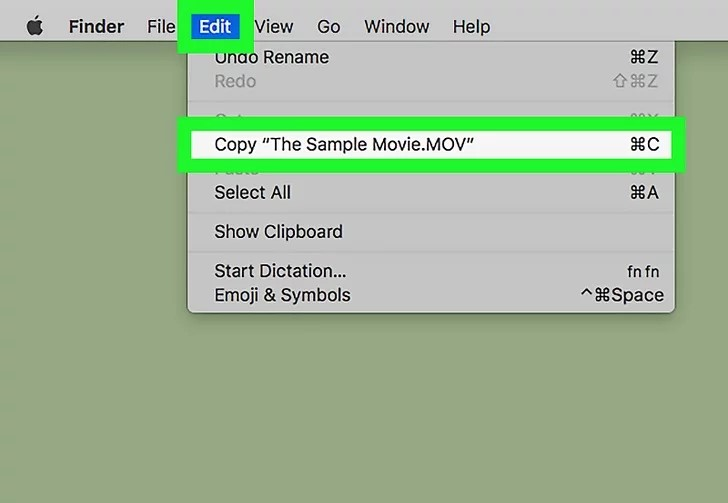
4: Copy your movie . Tap the file once to select it, then select “Edit” at the top of the screen and tap Copy .
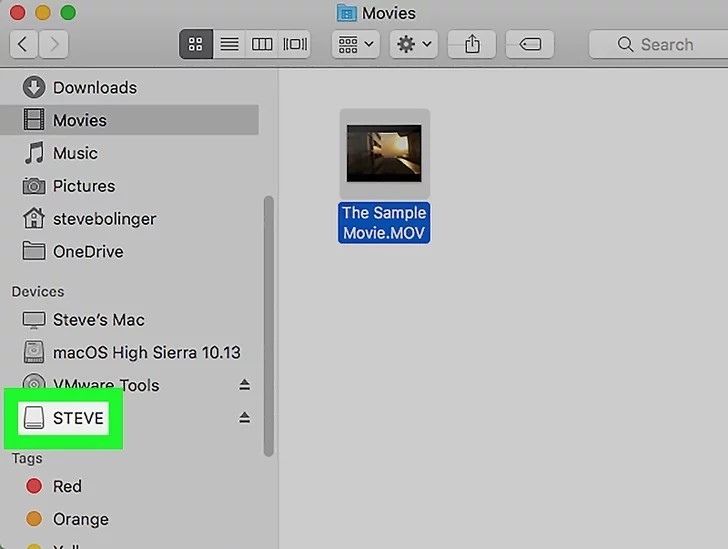
5: Click on the name of the flash drive . You will find it in the lower left corner of the Finder . This will open the flash drive.
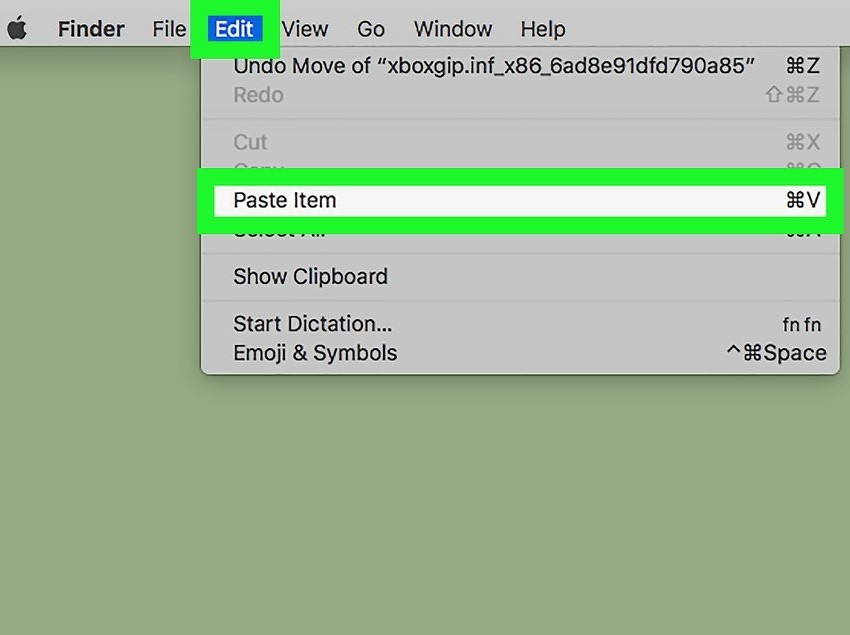
6: Paste the movie. After entering the USB flash drive window, click Edit again. Then, select Paste.
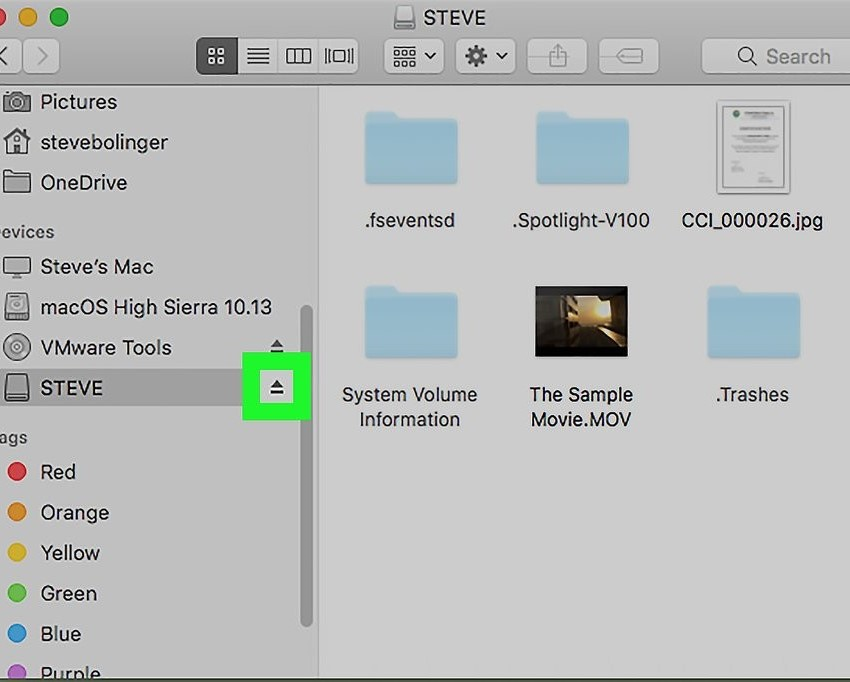
7: Click “Eject“. You will find it to the right of your drive name in Finder. Click Eject after the transfer is complete and remove your drive.
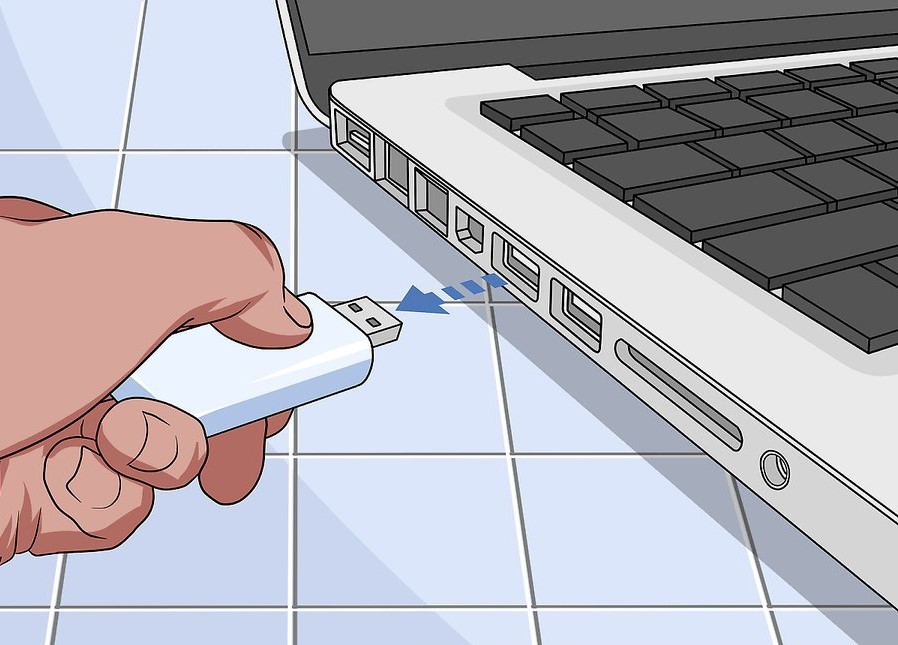
8: Remove the flash drive . When prompted, you can remove the flash drive from your computer.
Images: wikihow.com
