

If you've upgraded to iOS 13, then you may have discovered that the Mail app is behaving a little strangely, which is a bit annoying if you rely on this app for work.
The most annoying error seems to be the “no sender” error, where messages in the inbox show “No Sender” as opposed to the sender’s name for some users. This can turn an already chaotic mailbox into an organizational disaster.
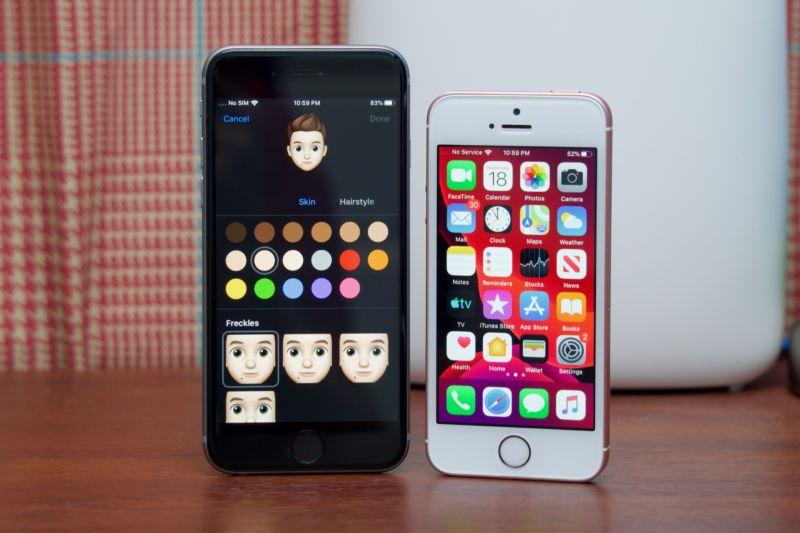
One solution to this is to remove the Mail app from the multitasking tray and then restart your iPhone. This should fix the issue, at least temporarily, until the next update.
Another interesting bug is that the notification signal on the Mail icon is erratic and unreliable. Unfortunately, there is no workaround for this, so we have to wait until Apple.
Another reported issue is that the Mail app is not retrieving emails. Some users report that deleting their mail accounts and re-creating them essentially fixes the error, but it may not work, so it's worth waiting for an update.
Let's hope that iOS 13.2, which is scheduled to be released on September 24, will fix these issues.
