

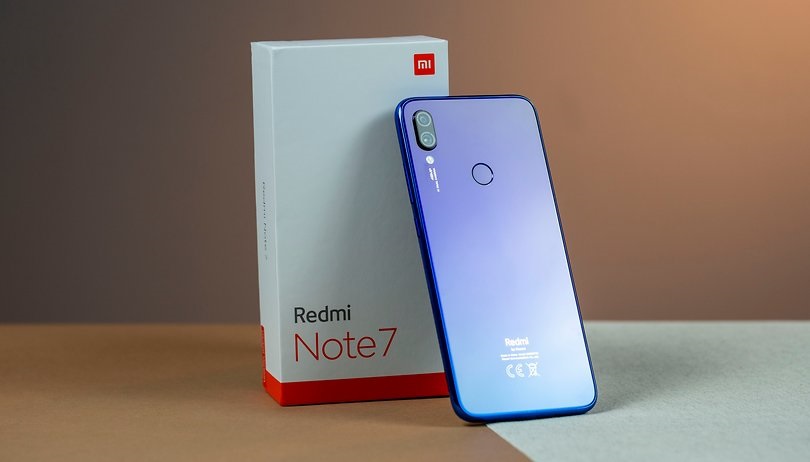
The new update that has arrived on the Redmi Note 7 brings a number of new features, such as new modes for the AI camera, floating windows for call notifications while playing a game, and greater control over notifications, among others, according to user reports. Apart from the new features, MIUI v10.3.5.0.PFGMIXM upgrades the Android security patch. The new MIUI 10 update also brings optimizations for the face unlock feature and also fixes a number of system issues related to features such as notifications, battery information, camera, and lock screen, among others.
Starting with the new features that are said to be coming with the new MIUI update, the most notable one is the upgrade to the April security patch. As for the camera, the latest MIUI build for the Redmi Note introduces new modes for the AI camera, but there is no specific information about it in the changelog shared by users. It is worth noting here that the Redmi Note 7 received an update last month, which brought support for Enhanced Low Light Mode. A bug that caused the camera app to automatically crash has also been addressed.
Coming back to the MIUI v10.3.5.0.PFGMIXM update for the Redmi Note 7, it is said that now the phone is still on the lock screen even after the face unlock feature has unlocked the device. In addition, the effectiveness of the face unlock feature has been improved. Finally, users can now choose to see floating windows for incoming calls while playing a game.
Apart from the new features, the update also introduced a redesigned homepage in the Mi Cloud app, according to user reports. Several other software issues, such as incorrect notification signals, the absence of a low battery warning while the device was in landscape mode, and call notifications being covered by notification icons, have also been fixed.
Like all stable MIUI 10 software updates, the new MIUI v10.3.5.0 update is available via the Mi Updater app on the phone. To update your Redmi Note now, head into the app to check if the update is available for your phone.
