

Sony has released a new firmware package for the PlayStation 4 game consoles, specifically version 5.56, which improves overall system performance, just like the previous version of the PlayStation 4 Firmware.
The steps you need to follow if you want to get the latest version are very simple. First, you need to save the appropriate .PUP file to a computer.
Next, create a “PS4/UPDATE” path on a FAT32-formatted USB stick , transfer the firmware file there, back up any important data stored on your console, and connect the removable storage to your PS4 unit.
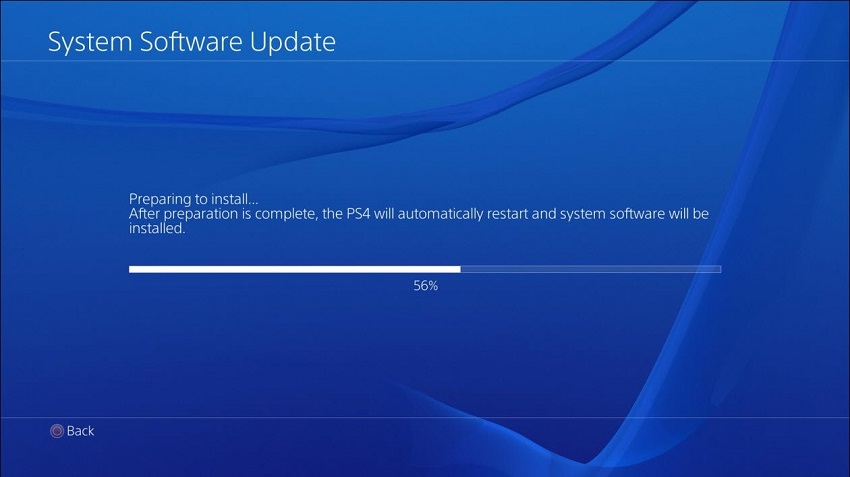
Now, if the upgrade package is already in use, go to Settings > System Software Update, follow all on-screen instructions, and apply the new version to your console without deleting user data or modifying settings.
As for the reinstall file, restart the console, select the “Initialize PS4 (Reinstall System Software)” option, and wait patiently while the device completes the process. Keep in mind that this method deletes all users, data, settings, and any other files on the console.
Considering all the above, download Sony PlayStation 4 Firmware 5.56, apply it, and enjoy an upgraded experience on your PlayStation 4.
