

If you want to share large files using only commands from your Linux terminal then Transfer.sh is the solution for you.
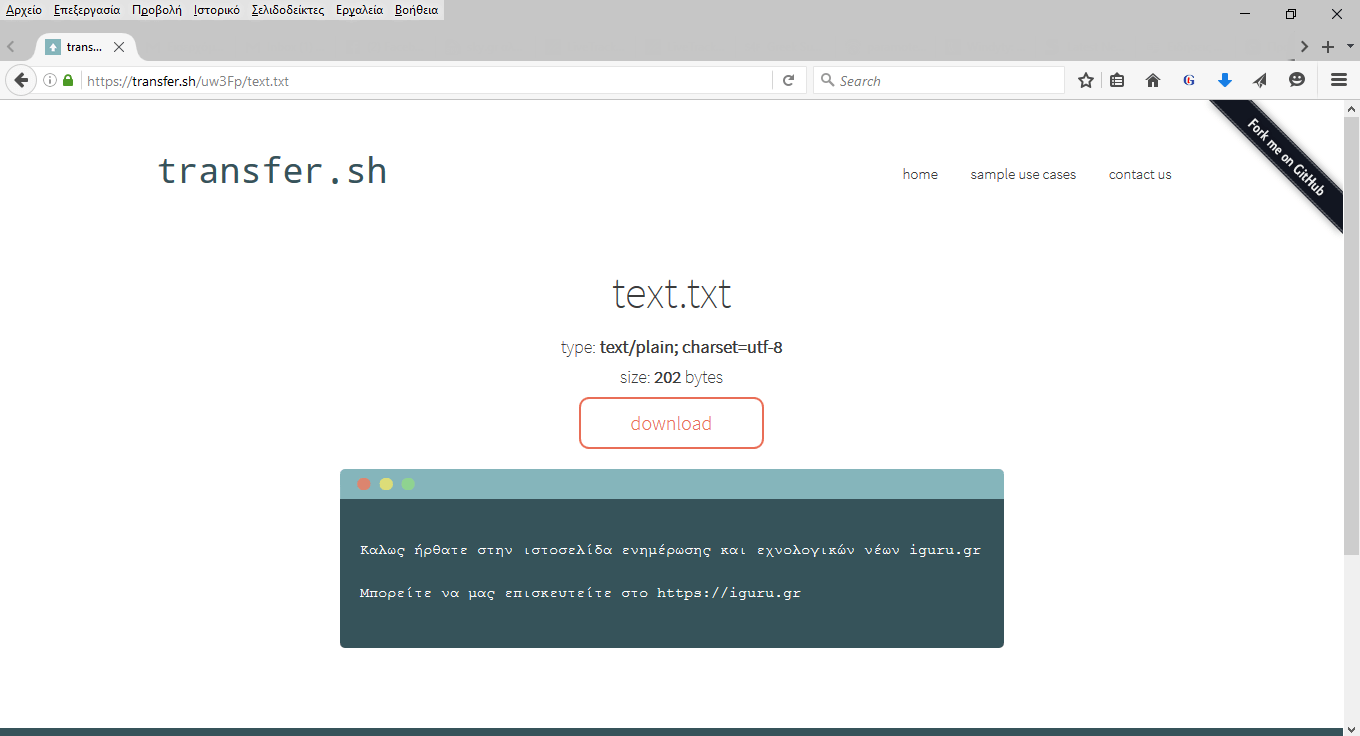
Transfer.sh does not require any installation from you. Everything is done online. Instead, all you need to do is install a program – Curl, which is a tool that helps you upload data to a server. It is easy to install and all you need to do is the following, depending on your operating system :
Open a terminal window on your Linux and type the following:
For Ubuntu (or anything based on Ubuntu): sudo apt-get install curl
For Fedora: sudo dnf install curl
For Arch: sudo pacman -S curl
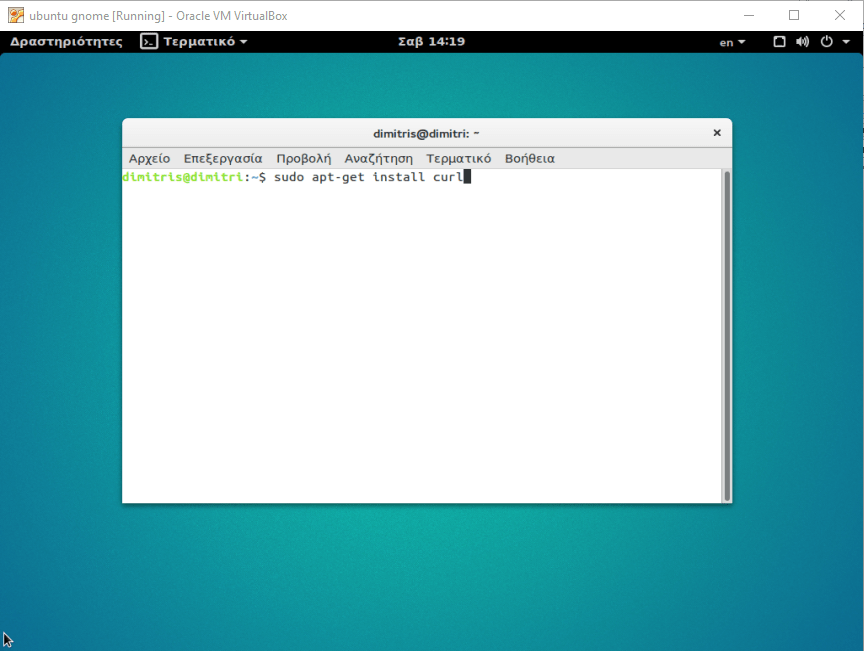
Once Curl is installed, you are now ready to upload the files you want. Let's see how with the following example commands:
curl --upload-file ./filename https://transfer.sh/filename
If you want to upload, for example, the file “text.txt” then the command would be:
curl --upload-file ./text.txt https://transfer.sh/text.txt
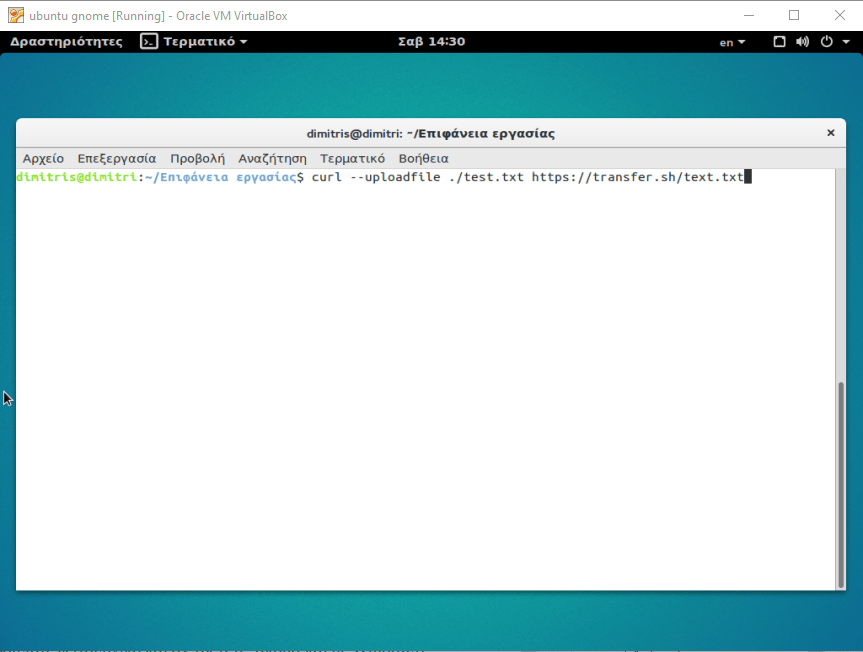
Once you run the command, traηsfer.sh will create a unique download link, a link with which you can download your files via curl and the command line or via a web browser (so you can download them with any operating system you are running, even Windows).
The link to our file is below: https://transfer.sh/uw3Fp/text.txt
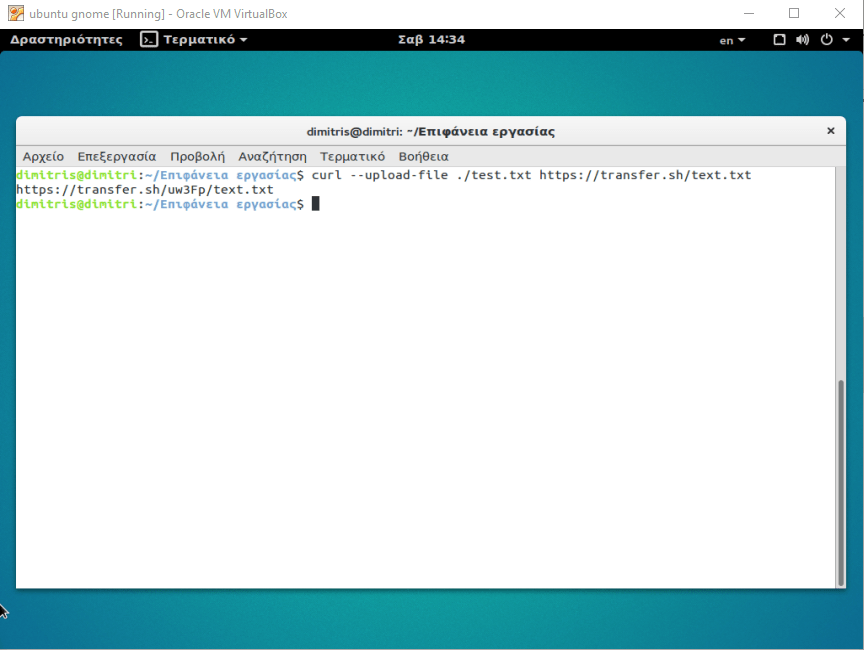
To download the file you have uploaded, you can either run it in your browser and click the download button, or type the following command in a terminal window of any Linux operating system
curl https://transfer.sh/yw3Fp/text.txt > text.txt
The above command will save the file locally. Of course, traηsfer.sh works with all file types, not just the one used in this example. In fact, you can upload up to 10 GBs in a single file for free, which is more than enough for even the most demanding user.
If you're wondering why I should share my files through a terminal instead of a browser, then the answer is this: simplicity! The Linux command line offers simplicity and combined functionality with other programs, making it a great tool. It's no coincidence that it has fanatical fans.
Note: Traηsfer.sh works on any system that has bash and curl. This means it can work on BSD and OSX (possibly even Windows), not just Linux.
