

At CES 2026, Keychron introduced a new line of keyboards for Mac with the Q Ultra series. All offer an 8K polling rate and a fantastic metal build, and come in three size variations: 75%, 80%, and full-size.
See also: Corsair Galleon 100 SD combines mechanical keyboard with Stream Deck
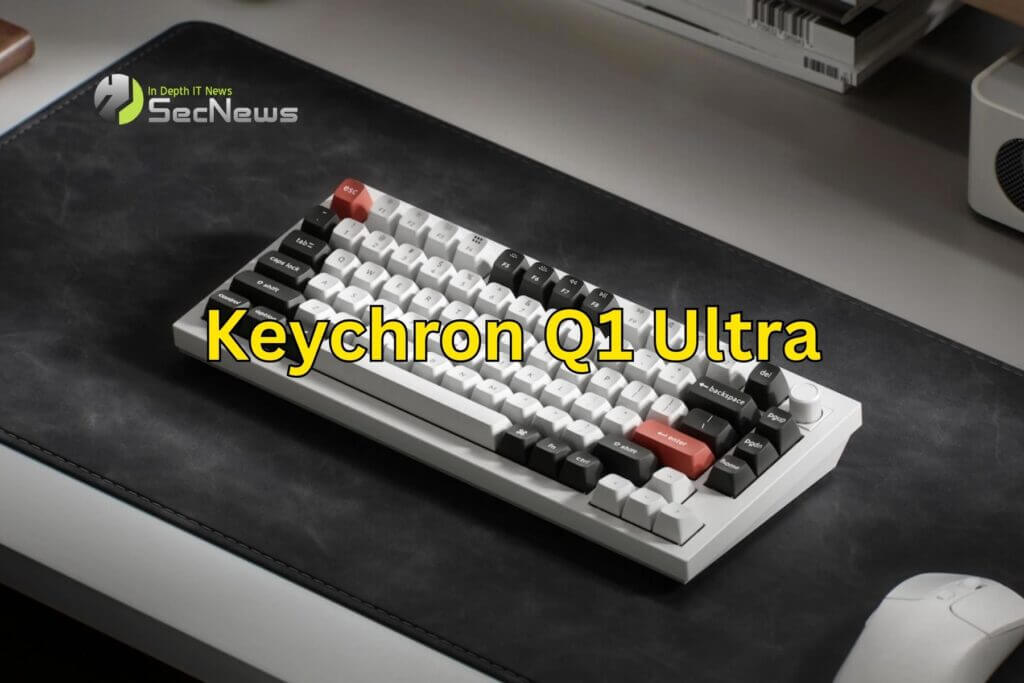
If you prefer a bit more keys, you can get the Q3 Ultra for 80% off, and if you prefer a numeric keypad, you can get the Q6 Ultra. The keyboards have a similar price point, between $230 and $240. The main feature of these new keyboards is the 8K polling rate while operating wirelessly, which means the keyboard offers extremely low latency when typing.
In practice, though, you probably don't type fast enough for this to be noticeable in any measurable capacity. Even with this outrageously high polling rate, Keychron promises up to 660 hours of battery life on a single charge. Assuming 6 hours of computer use per day, that translates to about 110 days of full use between charges.
At 8 hours a day, that's 82.5 days of full use. On average, you can probably expect to go about 3 months between charges, which is pretty strong for a wireless keyboard. All of these keyboards also offer hot-swappable switches, aluminum construction, and customizable RGB lighting. There are two color options: black/blue and white/orange.
See also: Apple: New firmware for Magic Keyboard and Magic Trackpad
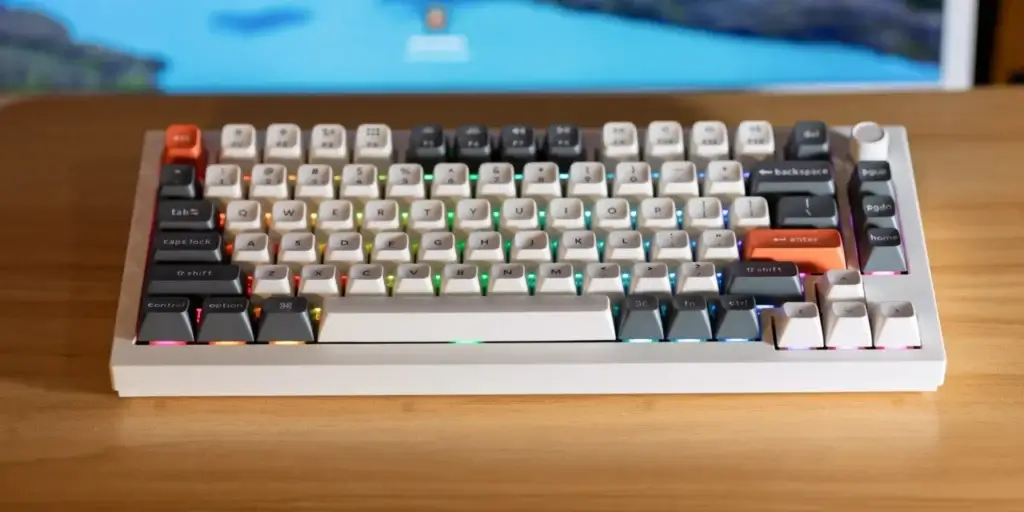
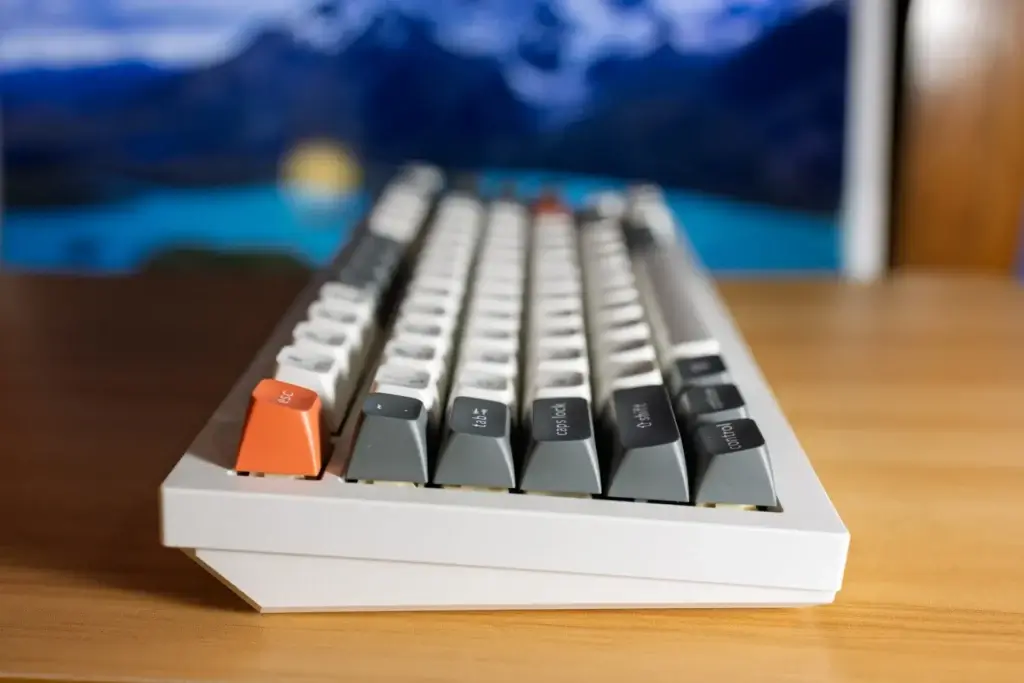
This keyboard (in terms of look and feel) far surpasses the Keychron K2. The fact that it’s all aluminum isn’t really a big deal. It looks great though and definitely fits in well with the overall Mac aesthetic. If there’s one downside, it’s that the keyboard doesn’t have adjustable feet. The RGB lighting is pretty good and there are plenty of options you can customize.
You will need the Q3 Ultra or Q6 Ultra for the dedicated backlight toggle key. On the Q1 Ultra, you can toggle the options using fn + Q.
Additionally, the lighting is actually per-key, rather than a typical keyboard-wide lighting. This isn’t exclusive to the Q Ultra series, but it’s nice. Finally, the Q Ultra series offers a new button design. The button lets you adjust the volume instantly with a simple twist, and you can also reorder it using the Keychron Launcher.
See also: Logitech's Alto Keys K98M incorporates new features
In the Keychron Launcher, you can also create custom macros or remap keys however you wish. Overall, the Keychron Q1 Ultra is definitely aimed at a fairly high end of the market, but if you have it in your budget – you’ll enjoy it quite a bit. Plus, the keyboards last a long time (especially since you have the option to easily change your switches and keycaps) – so it’s a one-time purchase, rather than something that needs constant upgrading.
