

The Northern Lights have become visible across large areas of the Northern Hemisphere due to stronger geomagnetic storms. Here's how to photograph the Northern Lights using a Google Pixel smartphone or other Android devices.
See also: Rare red aurora due to disturbances in Earth's magnetic field
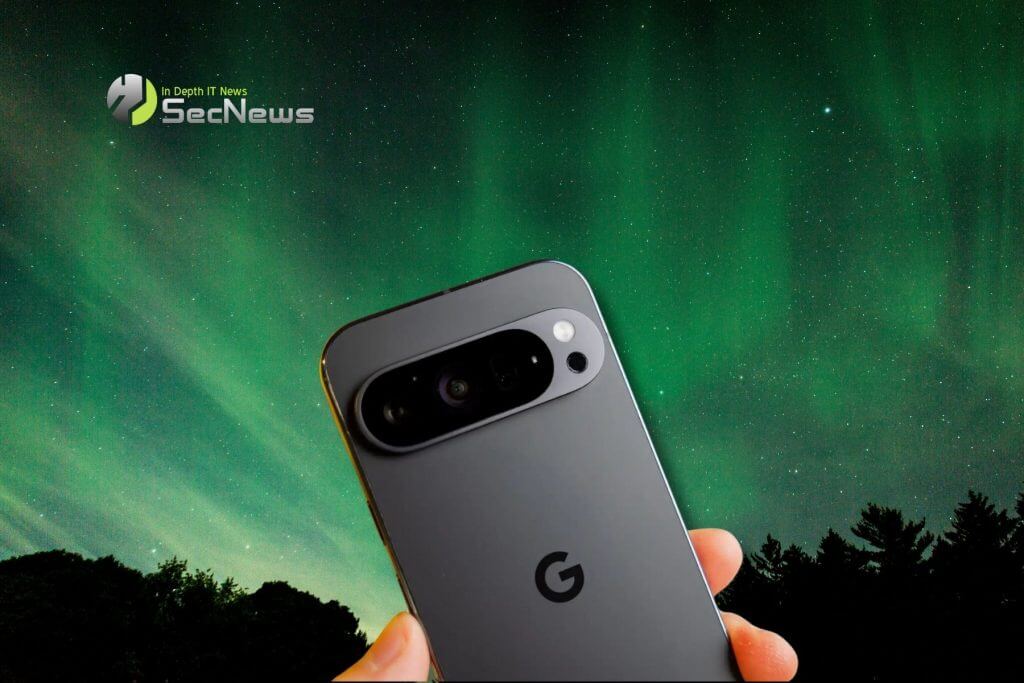
The Northern Lights – aurora borealis – are usually only visible in northern regions of the planet. They are the result of solar storms passing close to Earth and charged particles interacting with gases in the atmosphere. They are a spectacular sight in the sky, and this weekend they are visible in areas of the planet that rarely see them, including large areas of the United States.
This will vary depending on where you live, the level of light pollution, and many other factors. With the naked eye, you might notice some colors in the sky or a slight tint, but a camera can see more under the right conditions.
Using the long exposure mode on your camera, like Google Pixel's astrophotography, you can capture the Northern Lights in a way that looks even better than with the naked eye. Here's how to do it.
To start, you'll need two things: a dark environment with minimal light pollution and a tripod.
Place your phone on a tripod and open the camera app. Then, on a Pixel, switch to the “Night Sight” mode in the bottom bar. If the Northern Lights are already clearly visible to your eye, you’ll probably be able to capture them simply using Night Sight. But astrophotography can capture much more detail and a time-lapse as well.
See also: Rare phenomenon over the US is influenced by the Sun

To enable astrophotography on your Pixel, place your phone on a tripod and make sure it's on a stable surface. After a few seconds of stillness, you'll see a star icon appear on the shutter button. Gently tap this button, and your phone will then begin the process, which can take up to 4 minutes.
Once the shot is complete, your phone will process the image and output a still photo as well as a time-lapse of the shot, which is especially fun for capturing the Northern Lights.
While not many other Android phones have dedicated features for astrophotography, you can still capture a good shot with the standard night modes. Most phones, including Samsung Galaxy, will automatically switch to night mode when it's dark enough.
A good rule of thumb is that if you can see the Northern Lights with the naked eye, your phone's standard night mode can probably capture an image of it as well. If you can barely see the aura, you'll probably need to go into manual shooting mode and look for long exposure options.
See also: Astronaut photographed impressive aurora around Earth

On modern Samsung Galaxy devices, you’ll be able to access long exposure in two ways. Under the dedicated “Night” mode, you can switch from auto exposure to “Max.” Alternatively, you can go into “Pro” mode and increase the “Speed” to 5 or 6 seconds. As with the Pixel, you’ll definitely need a tripod for this.
