

A new malvertising campaign is using Google Ads to promote a fake KeePass download site. The campaign operators used Punycode to appear as the official domain of the password manager ,KeePass. The goal was to distribute malware.
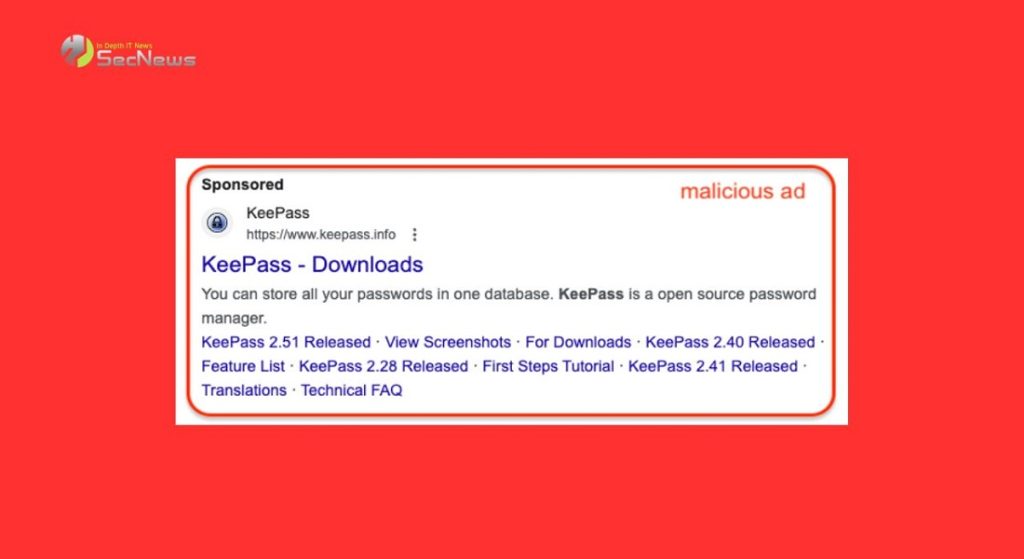
Google is trying to tackle malvertising campaigns, which allow attackers to exploit sponsored adsthat appear above search results.
Even worse, Google Ads can be used to display the legitimate domain for Keepass in ads ( https://www.keepass.info ), making the scam harder to detect .
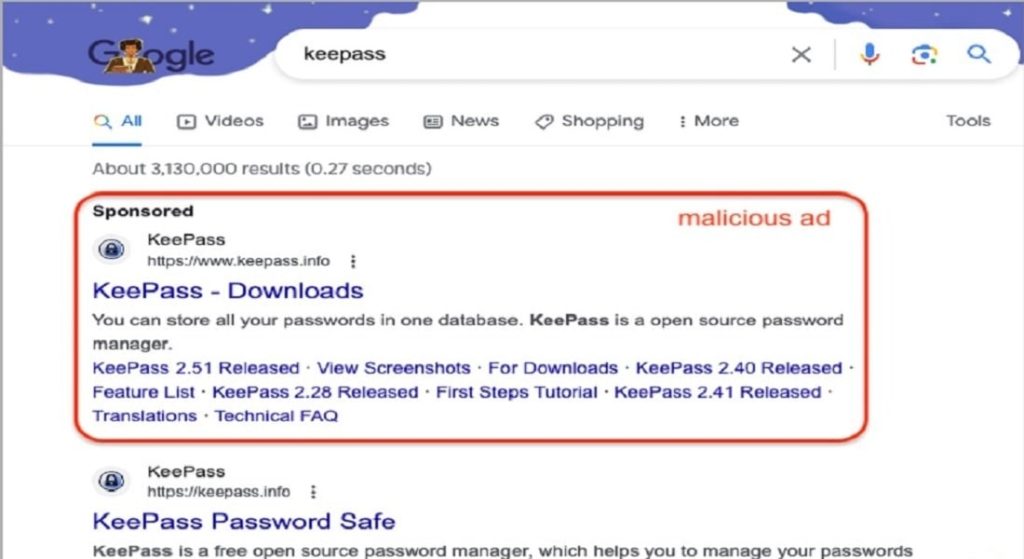
Those who click on the malicious link will go through various redirects that filter bot traffic and sandboxes to reach the fake KeePass website using a Punycode URL, https://xn--eepass-vbb[.]info /.
See also: Ads distributing malware appear in Bing Chat replies
Malwarebytes -exploiting malvertising campaign, notes that Punycode abuse is not uncommon. However, combining it with Google Ads abuse is something new and could signal a dangerous new trend in the threat.
Abuse of Punycode
Punycode is an encoding method used to represent Unicode characters, helping to convert hostnames with non-Latin scripts (Cyrillic, Arabic, Greek, Chinese, etc.) to ASCII, so that they can be understood in the DNS (Domain Name System).
For example, “München” will become “Mnchen-3ya”, “a” will become “mxa”, “правда” will become “80aafi6cg”, etc.
Cybercriminals use Punycode to register domain names that look like official, legitimate sites, but with a character that uses unicode (to make them look slightly different).
These attacks are called “ homograph attacks .” In the attack detected by Malwarebytes, the attackers use the Punycode “ xn—eepass-vbb.info ” which is converted to “ ķeepass.info .” It looks like the authentic domain of the password manager Keepass, but with a slight difference in the “ ķ ” character .
See also: Malicious Google ads trick Mac users into installing Atomic Stealer malware
This small difference will probably not be noticed by most users and so they will fall into the trap.
Those who click on download links embedded on the fake Keepass website receive a digitally-signed MSI installer called “KeePass-2.55-Setup.msix” that includes a PowerShell script associated with the FakeBat malware loader.
Google removed the original Punycode ad that Malwarebytes had spotted, but according to BleepingComputer there are other such ads promoting KeePass.
The second ad, however, leads to a domain named keeqass[.]info. Again, the same MSIX file is promoted that includes the same FakeBat PowerShell script to download and install malware on the Windows.
According to BleepingComputer, running the script will download an encrypted file , decrypt it, and extract it to the %AppData%. In the file analyzed by BleepingComputer, the script will launch a file named 'mergecap.exe' from the archive.
The final malware payload delivered in this recent campaign has not been determined, but a Sophos report from July 2023 links FakeBat to infostealers such as Redline, Ursniff, and Rhadamathys.
See also: Cisco: More than 40,000 IOS XE devices infected with backdoor

Malvertising campaigns
In today's digital environment, one of the most critical security issues is malvertising. It refers to the use of fake advertisements that lead to malicious pages and download malware. Many times, users don't even know they've been infected with viruses and other malware until it's too late.
How does Malvertising?
A user clicks on a malicious ad. Typically, they are taken to a malicious website that delivers the malware. It can also be used in conjunction with other techniques to attack highly protected computers or networks.
It is clear that the threat of malvertising is present and growing, and constant attention and upgrading of security measures are required to combat it.
Source: www.bleepingcomputer.com
