

Many times I have wondered how to make a free logo -or logo- by myself for a website or for social media. If you have the same question, I found and tried DesignEvo which I consider to be the best logo maker application. In this article I have described my experience with DesignEvo and why it is worth trying!
From creating a great logo and making wedding invitations to designing social media posts, using the right visuals is essential. That's why the profession of graphic designer is now in high demand. But if you're not a graphic designer and don't want to spend money on a professional, how do you create the logo you need? Don't worry, there's a way to make your own logo for free!
If you have a blog or website, for example, of course one of the things that needs to be ready right away is a logo. Of course, you can use the services of a graphic designer out there. But what if you want to make the website logo yourself? There are many alternatives that you can use and one of them is of course a logo maker application, both free and paid.

Speaking of a free logo maker app, I can't help but mention DesignEvo. This DesignEvo review, like the rest of the reviews on SecNews, is of course based on my personal experience using the app. Before we analyze and comment on DesignEvo, let's learn some information about it first.
DesignEvo is a free logo maker application that is available as a web app, mobile app (Android and iOS), and desktop app (Windows and Mac). DesignEvo is available for free and offers a lot of features. Note that there are more than 10,000 templates that are ready to use and all you need to do is customize them to your needs.
The features of DesignEvo are as follows:
- 10,000+ templates: From a huge collection, you only need to use specific keywords to find a logo template that suits your needs.
- Abundant font and icon options: Millions of icon options and more than 100 font options can help you design a logo according to your needs.
- Easy to edit: One of the great features of the app is that all the provided templates are very easy to edit and customize with an intuitive user interface.
- Export to Vector Format: Want to use a logo template that has already been created in another software? Simply export it to Vector format, so the quality won't be damaged if the resolution changes. It's suitable for use on printed media such as clothing, brochures, banners, etc.
- Storage Cloud: This way, you don't have to worry about losing your logo data, whether it's created or not. You can also sync it across devices, whether in the browser, on desktop, or on mobile apps.
- Free: In addition to paid plans, of course, you can also create a free logo with DesignEvo.
- And much more.
Of all the above features, which ones are the most interesting to you?
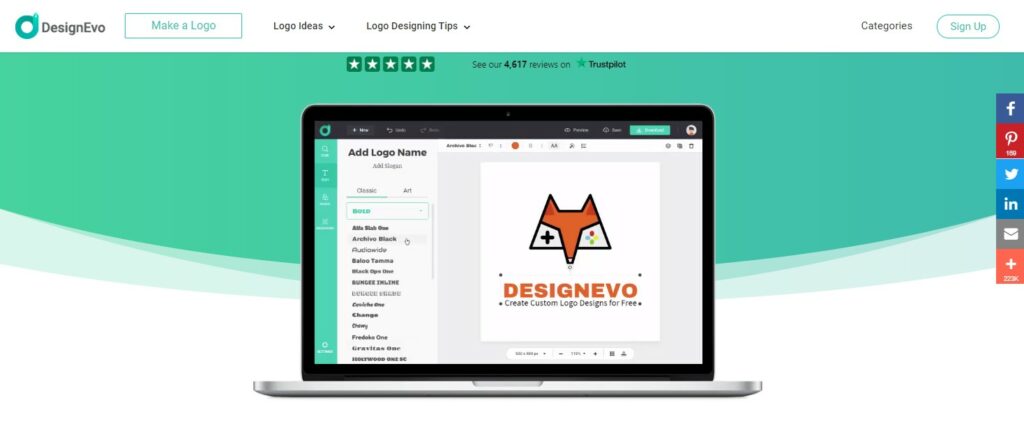
DesignEvo: How to make a free logo online
First, go to the DesignEvo website by clicking here and take a look!
I came across DesignEvo when I was searching for reviews related to free online logo maker applications . After comparing them, DesignEvo emerged as one of the top choices. Why is DesignEvo the best logo maker application for creating a donor logo ?
When you want to create a logo, you will first be presented with various ready-to-use logo templates in various categories. This is great because it really helps the user to quickly get familiar with the basic functions upon startup. After that, navigating the interface features is also simple and the layout is easy to remember. From changing templates, changing fonts, adding icons to creating logos on the available canvases, everything becomes easier.
The extensive collection of templates and icons is definitely another advantage of DesignEvo, although choosing the best template from the many collections will take some time. Fortunately, there is also a search feature where you use more specific keywords (also equipped with the autocomplete feature in the search box like in Google), what you are looking for becomes easier to find, thus saving you more time.
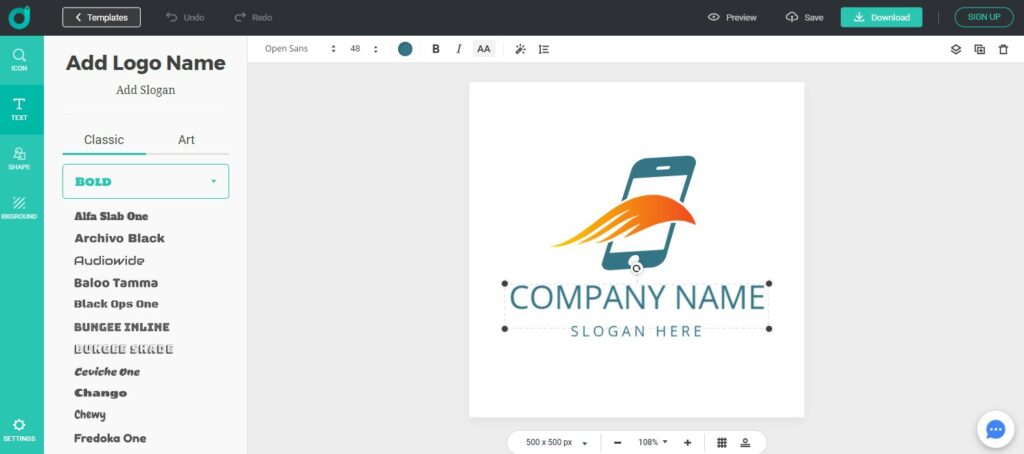
Unlike most logo creation apps of its kind, DesignEvo allows users to get started without having to register first, let alone pay upfront. Users are given the opportunity to try out its features first. Once satisfied, users have the option to get the premium features as well, if they feel they need them.
Having used DesignEvo , yes, I highly recommend it, especially for those of us with limited expertise in graphic design, especially in logo creation
