

Did you know that Google lets you customize the types of ads you see online? If you don't want to see alcohol or gambling ads on YouTube, you can hide them. Here's how you can do it.
As you may already know, Google is responsible for serving many of the ads you encounter while browsing the web. If you're signed in to a Google account, these ads are personalized to you.

Google takes many things into account when personalizing ads. Some information , like your age and gender , is collected from your Google Account. Additional information, like your household income and marital status, is based on assumptions given your activity on Google services
You can access all the information Google uses to personalize ads through dashboard . We'll change the settings on this page to see fewer alcohol and gambling ads on YouTube.
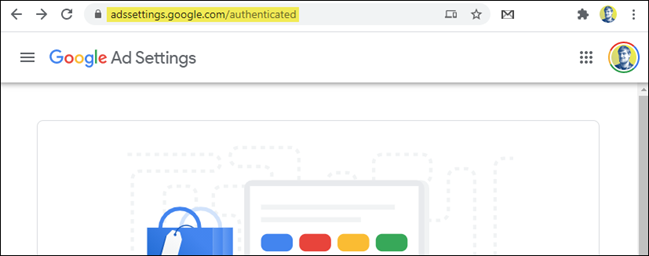
To get started, visit the Google Ad Settings in a browser on your computer, phone, or tablet. Make sure you're signed in to your Google Account.
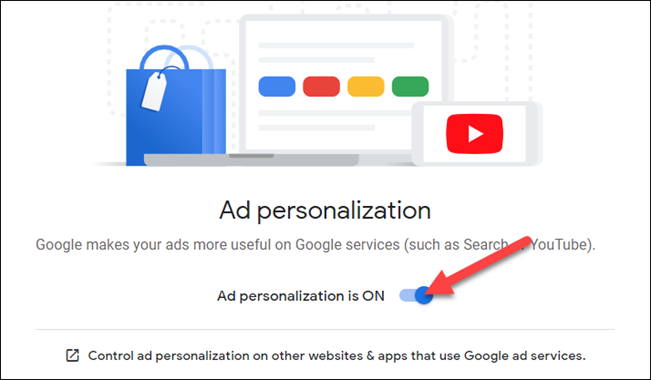
At the top of the page, you'll see the “Ad Personalization” toggle. You can turn it off to disable ad personalization. However, if you want to control the types of ads you see, “Ad Personalization” must be turned on.
Scroll down to the “Ad Categories on YouTube” section. This feature is in beta, so you may not see yet.
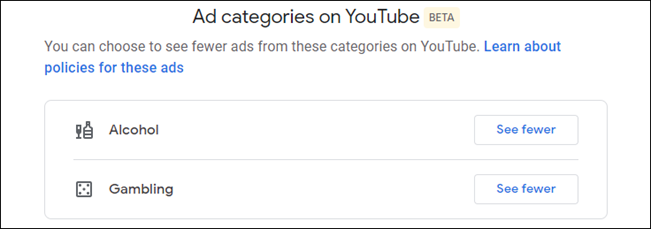
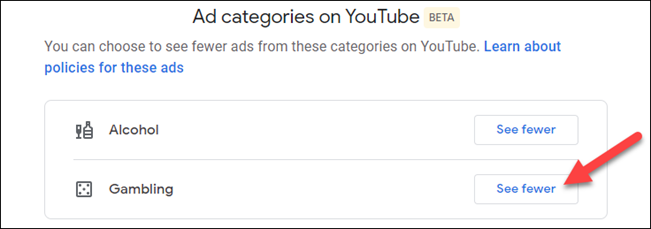
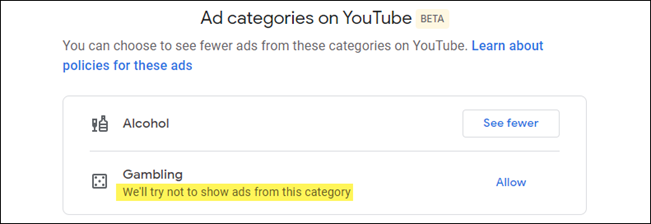
Currently, there are two categories here: “Alcohol” and “Gambling.” Click “See Fewer” next to the types of ads you no longer want to see.
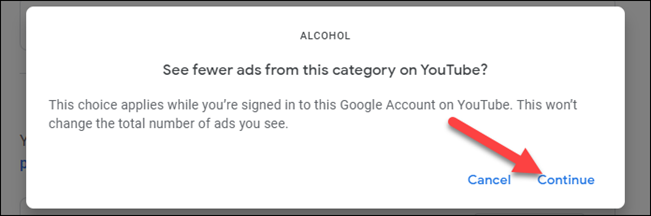
A pop-up message will ask you to confirm. Click “ Continue”.
You will notice that in the category (or categories) you selected, it now says, “We'll try not to show ads from this category”.
So, unfortunately, Google doesn't guarantee that you won't see ads from the categories you've selected. However, you should definitely see fewer of them in the future.
You're all set! Hopefully, you'll now see fewer of the ads you find most annoying on YouTube.
Source: howtogeek.com
