

If you're an iPhone user, you probably use your phone in a certain way – just the way Apple wants you to. But if you dig around, you can find some hidden iOS features that let you navigate through apps much faster. We've identified these hidden features and are presenting them to you below.
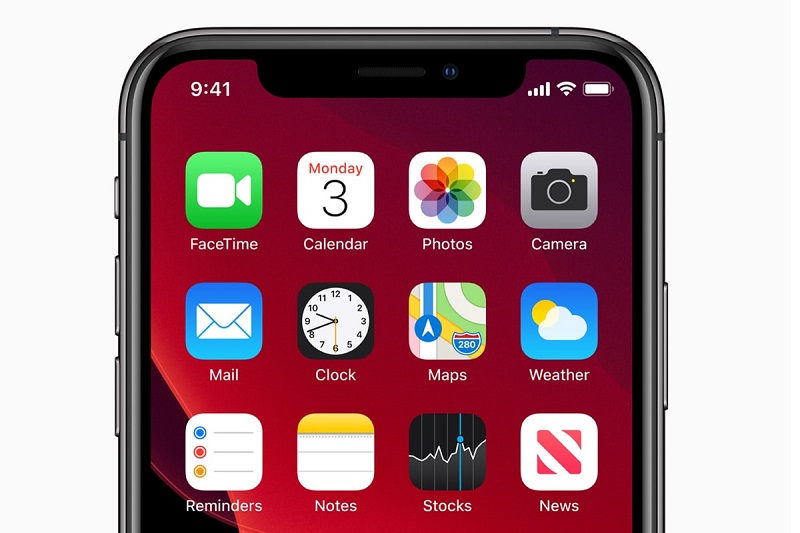
The first of these features is AssistiveTouch.
AssistiveTouch is an accessibility feature that displays a small menu on your screen (which you can move around with your finger), giving you quick access to a variety of features. With AssistiveTouch, you can access menus and controls that require so-called “onscreen gestures,” such as: Control Center, Notification Center, Spotlight, app switching, and Speak screen.
There are three ways to enable AssistiveTouch:
- Tap Settings > Accessibility > Touch > AssistiveTouch, then turn on AssistiveTouch.
- Tap Settings > Accessibility > Accessibility Shortcut , then tap AssistiveTouch.
- Tell Siri: “Turn on AssistiveTouch.”
You can customize AssistiveTouch by going to Settings > Accessibility > Touch > AssistiveTouch, then clicking Customize Top Level Menu. You can display up to eight icons, so it's incredibly flexible.
It's an amazing shortcut that you will find very useful, for example, in screenshots.
Another feature is Haptic Touch which brings up the menu for each app. Just long press on an app and see what pops up. It may or may not be useful. It depends on the app!
You can even do the same with built-in iOS features like Control Center.
If you use your iPhone for work, then I think these two features will undoubtedly increase your productivity. It will take a little more getting used to, but you will definitely see the benefits. If not, stay tuned for even more tech tips!
