

Microsoft has released Windows 10 Preview Build 18323 (19H1) to Insiders enrolled in the Fast Ring. The new version brings support for Raw images, improvements to the new light theme, and notifications for enabling Tamper Protection.
Tamper protection, as we mentioned in an earlier post, is another security feature that comes to protect Windows Defender Antivirus itself.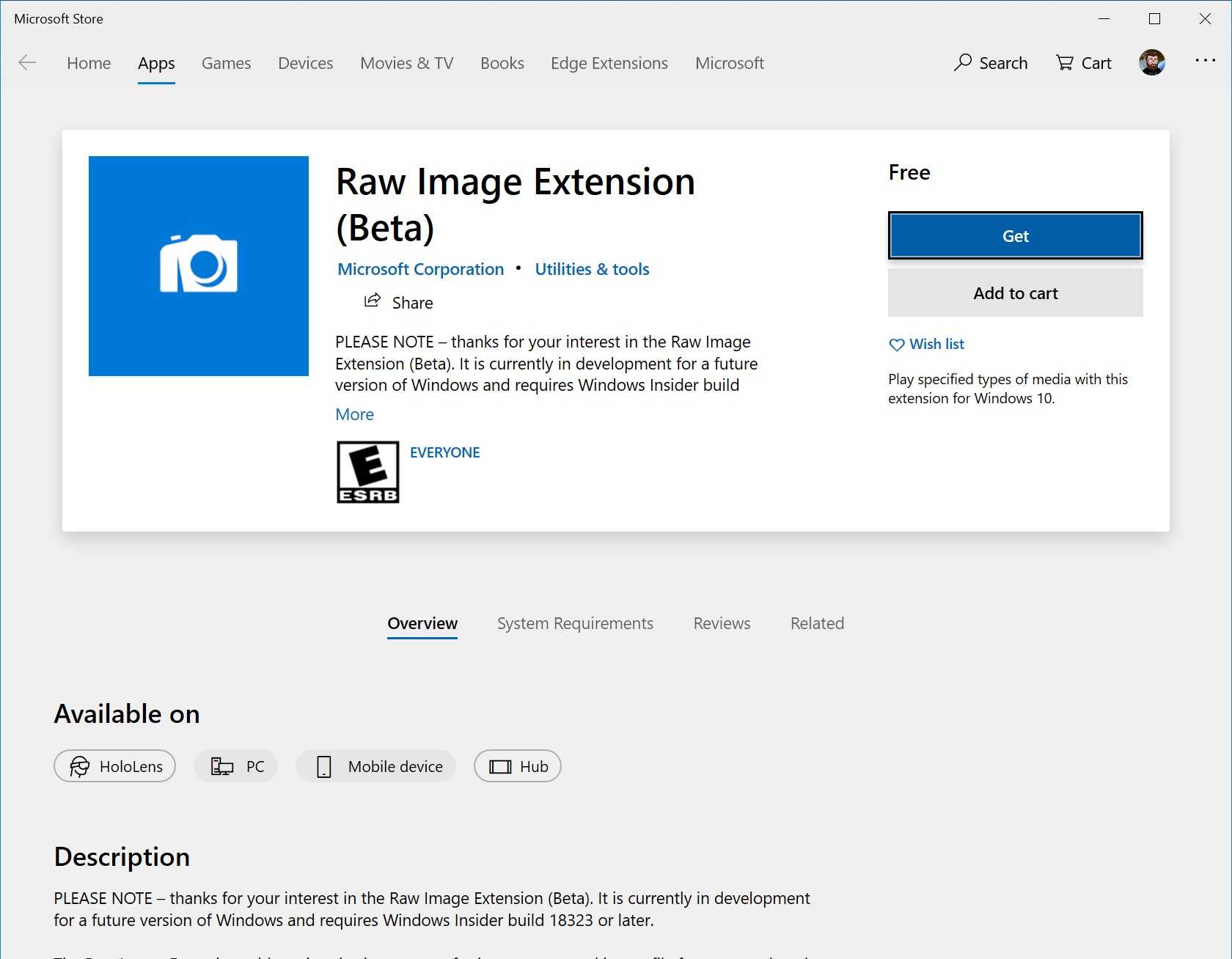
The description of Tamper Protection states:
Prevents others from violating important security features.
Tamper Protection is a new setting for Windows Defender Antivirus, available in the Windows Security app. When enabled, the setting provides additional protection against changes to core security features.
If you are an Insider in the Fast Ring, you can update from the path: Settings – Update & Security – Windows Update.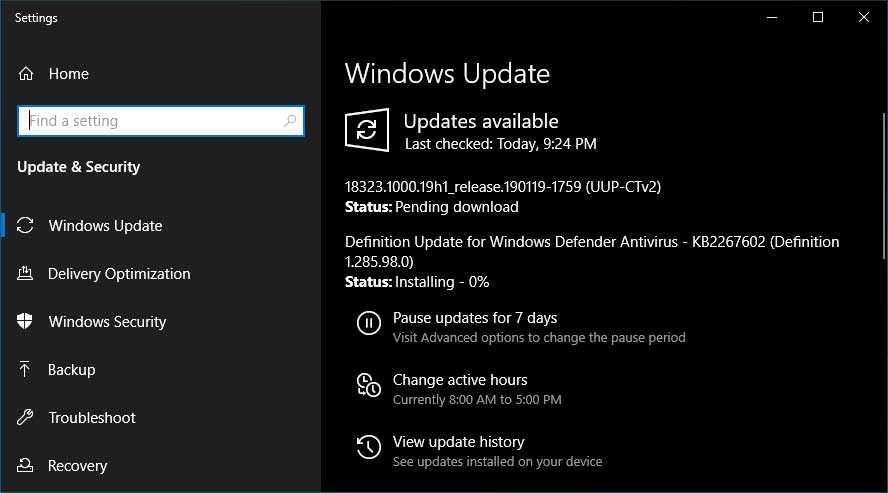
Once the new version is installed, Microsoft says you may see a notification to enable Tamper Protection. Microsoft recommends enabling the new security feature.
If you're interested in the new version, you can check out the official announcement above. Remember, this is a test version of Windows, so it may not work as it should. So if you're thinking about upgrading, it's a good idea to do it on a computer that you don't use for work.
____________________
- GitHub free access to private repositories
- Microsoft signs $1.76 billion deal with Pentagon
- Laptop and overheating. A beginner's guide
- Windows 10: fix Setup failed to validate product key
