

As we reported in a previous post, Google, following an agreement with Getty Images, decided last week to remove the “View Image” button from image search results.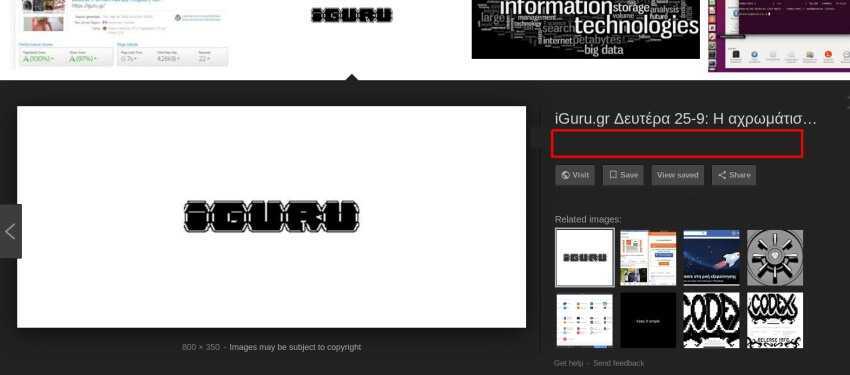
This specific function could instantly display the file within a new frame, without needing to go to the page where the image exists.
Below we will see how you can regain access to the “View image” function.
You just need to install a Chrome or Opera browser extension and you'll see the View Image button back where it should have been the next time you perform an image search
A similar extension is also available for Firefox.
Alternatively, you can use the anonymous search engine Startpage (based on Google's search engine) and you will have access to the View Image feature without needing an extension.
If you don’t mind a few extra clicks, you can always right‑click the images that appear in the search results and select ‘Open the images in a new tab’.
Google Chrome: since July insecure pages with HTTP
