

Before it became a mobile phone maker, email service provider, and smart home device company, Google was a simple website with just a search box. However, even this simple service has a few tricks up its sleeve. Users of the service have discovered that there is a complete text adventure game available to all users, as long as they know how to search for it.
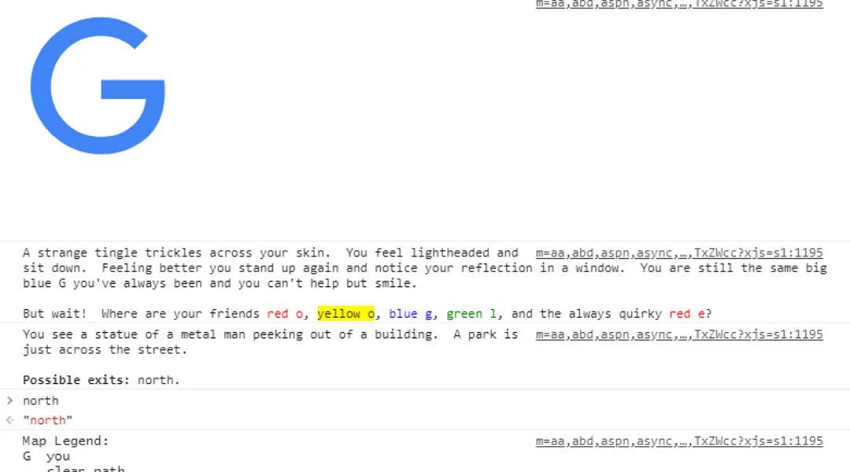
First, to access the game, you must have the appropriate browser. Google Chrome supports the game, as does Mozilla Firefox and Edge, which however have some flaws. Unfortunately, the Safari browser does not support Google's game.
So using the browser of your choice from the list of compatible browsers, you should open google and search for the term “text adventure”. After that, you should open the console tab. This is done either by right clicking and selecting Inspect element, or by pressing ctrl + shift + i. So by selecting the console tab, if you have followed these very simple steps correctly, there should be a note that says “Would you like to play a game”.
To "run" the game, you simply have to type "yes" and your adventure will begin. The goal of the game is to find all the letters of the company through various challenges.
If you've played a text adventure game before, you'll know that controlling your character is done entirely through simple text commands. Typing “north,” “south,” “east,” or “west” will allow you to move around the game's various areas, while commands like “grab” and “use” allow you to interact with objects you encounter.
