

FiiO X5: FiiO offers its customers a new firmware package for the 3rd generation X5 portable player. The reason is version 1.1.9 which adds the “Bluetooth never sleep” option that allows independent upgrade of the FiiO Music application as well as much more.
The new version offers Balanced turbo mode, allows users to skip to the album or artist of the currently playing track, adds charging protection for unusually high/low temperatures, and ensures that the unit plays all tracks properly.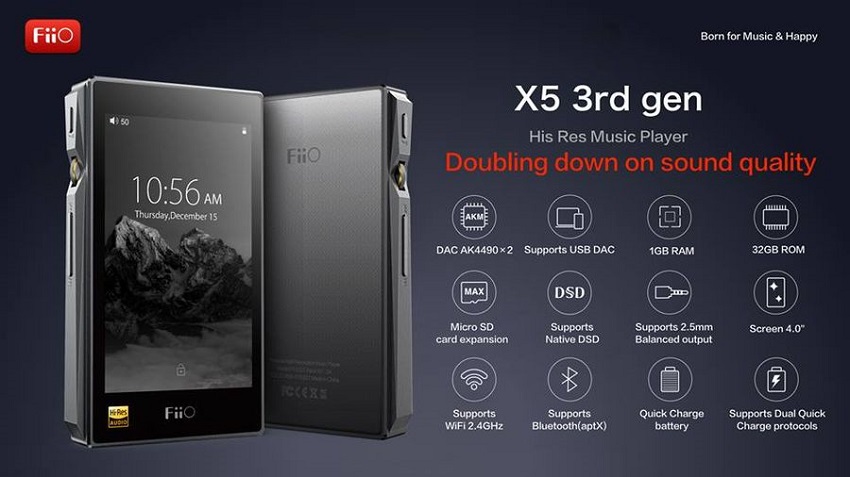
Regarding installation, first check the player's battery and make sure it is fully charged, save the downloaded file to a formatted microSD card and insert it into the player or directly into the X5's internal storage.
Then, turn on the X5 in Android, go to Technical Support > Firmware Update > Local Upgrade > external_sd (or internal_sd), select the update zip package, press “Ok” and wait patiently.
Do not press any buttons on the device or remove the battery/SD card during installation as this may lead to various malfunctions. The player will automatically reboot, install the firmware update and finally restart when complete.
With the above in mind, download the FiiO X5 3rd Generation Portable Player Firmware 1.1.9, follow all the steps carefully, and enjoy the new changes.
