

If you use OpenSUSE you will know that there are two different versions: the stable Leap and the rolling Tumbleweed.
Here we should pause a bit as I consider both to be stable releases. The rolling release Tumbleweed is not before the stable Leap. What does this mean? Perhaps there are many who believe that the rolling release is made to serve the stable, with testing of new products and applications and services. Wrong.
OpenSuse is not like the other distributions that you know and may have tried.

The Linux distributions we know and are released in a rolling cycle contain package programs that have been tested in a testing repository. Since no errors and bugs have been observed, only then do they move to their stable release.
However, the same does not happen with Tumbleweed. Before it even uses packages from the testing repository, it is first tested by humans and then by machines. Then it moves to the testing repository or Factory.
There, it begins testing by a lot of users and when it is considered ready for mass use, it goes through another review (first by humans and then by machines). After the process is complete, it goes into the rolling release repository. This means that it has gone through a lot of reviews before being released.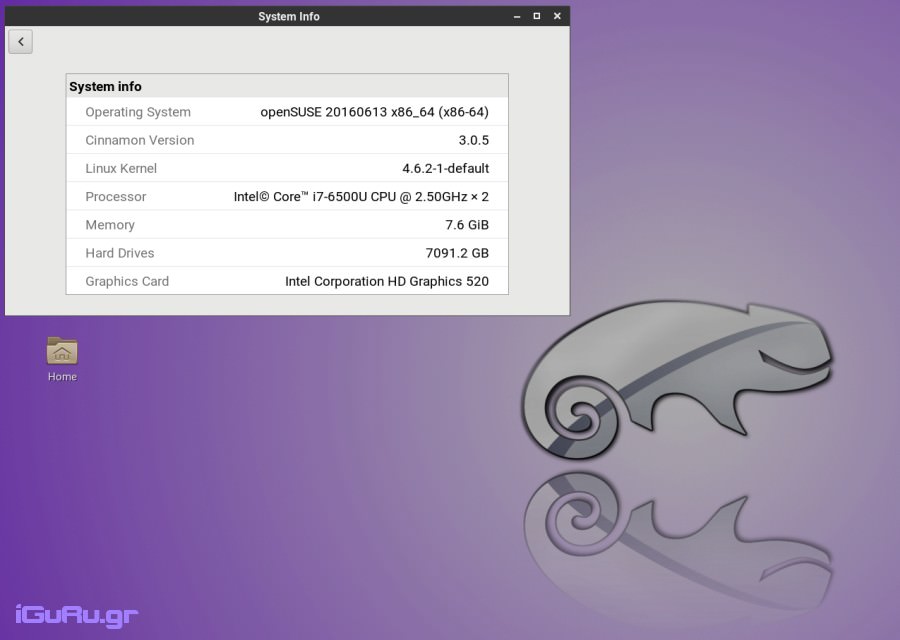
The only thing left is the system on which you install the operating system. If the hardware is old and problems arise, you can report the bug to be fixed in the next update.
If you are on OpenSUSE Leap and want to try Tumbleweed, below we will describe how to change the version:
First, we back up the Leap repos
su -
mkdir /etc/zypp/repos.d/old
mv /etc/zypp/repos.d/*.repo /etc/zypp/repos.d/old
Then we add the official Tumbleweed repositories
zypper ar -f -c https://download.opensuse.org/tumbleweed/repo/oss repo-oss
zypper ar -f -c https://download.opensuse.org/tumbleweed/repo/non-oss repo-non-oss
zypper ar -f -c https://download.opensuse.org/tumbleweed/repo/debug repo-debug
zypper ar -f -c https://download.opensuse.org/update/tumbleweed/ repo-update
We check the repos we installed:
zypper lr -u
and we refresh the repos to get the new gpg keys
zypper --gpg-auto-import-keys ref
After the above we are ready to change version
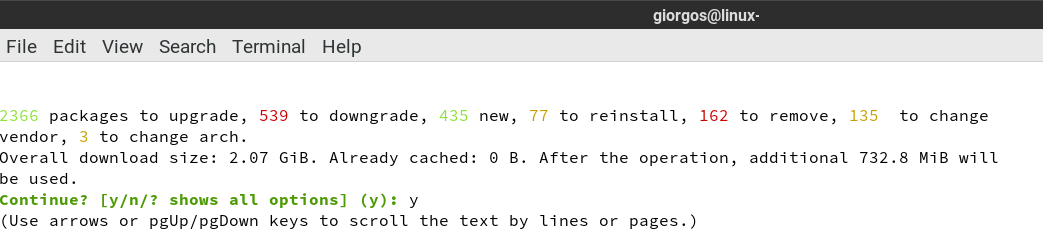
sudo zypper dup
The last command will take a while to complete (depending on your connection).
After installation we can add more repositories.
zypper ar -f -n packman https://ftp.gwdg.de/pub/linux/misc/packman/suse/openSUSE_Tumbleweed/ packman
zypper ar -f -n science https://download.opensuse.org/repositories/science/openSUSE_Tumbleweed/ science
zypper ar -f -n wine https://download.opensuse.org/repositories/Emulators:/Wine/openSUSE_Tumbleweed/ wine
We are done.
If for any reason you are not satisfied, let's see how you can go back to Leap

I would of course recommend a clean installation of Leap, but you can also try the following method:
Let's remove the Tumbleweed repos. Then we will restore the Leap repositories from the backup we made at the beginning:
su -
rm /etc/zypp/repos.d/*
mv /etc/zypp/repos.d/old/*.repo /etc/zypp/repos.d/
Let's check the repositories:
zypper lr -u
Refresh for new gpg keys.
zypper --gpg-auto-import-keys ref
And now we can switch back to Leap:
sudo zypper dup
