openSUSE Tumbleweed: You'll probably love the openSUSE distribution, although it differs from other Ubuntu-like Linux distributions that are based on Debian.
Although these distributions are preferred by millions of users, I will focus on something that makes openSUSE stand out:
Its codebase is Enterprise (from SUSE Linux Enterprise to be exact). So there is a solid foundation for the openSUSE project community to build on. The distribution has two different versions, the stable LTS version of openSUSE, and the rolling version Tumbleweed.
Tumbleweed contains the latest packages of every piece of software packaged by the openSUSE project. The latest kernel, the latest libraries, the latest desktop environments. Everything in Tumbleweed can and does change all the time.
Personally, I consider openSUSE a very reliable and “easy” distribution, as long as you spend some time learning the amazing yast. Of course, I suggest you try it and you will see that it has nothing to do with the Ubuntu philosophy.
Let's look at the installation steps (click on the images to enlarge):
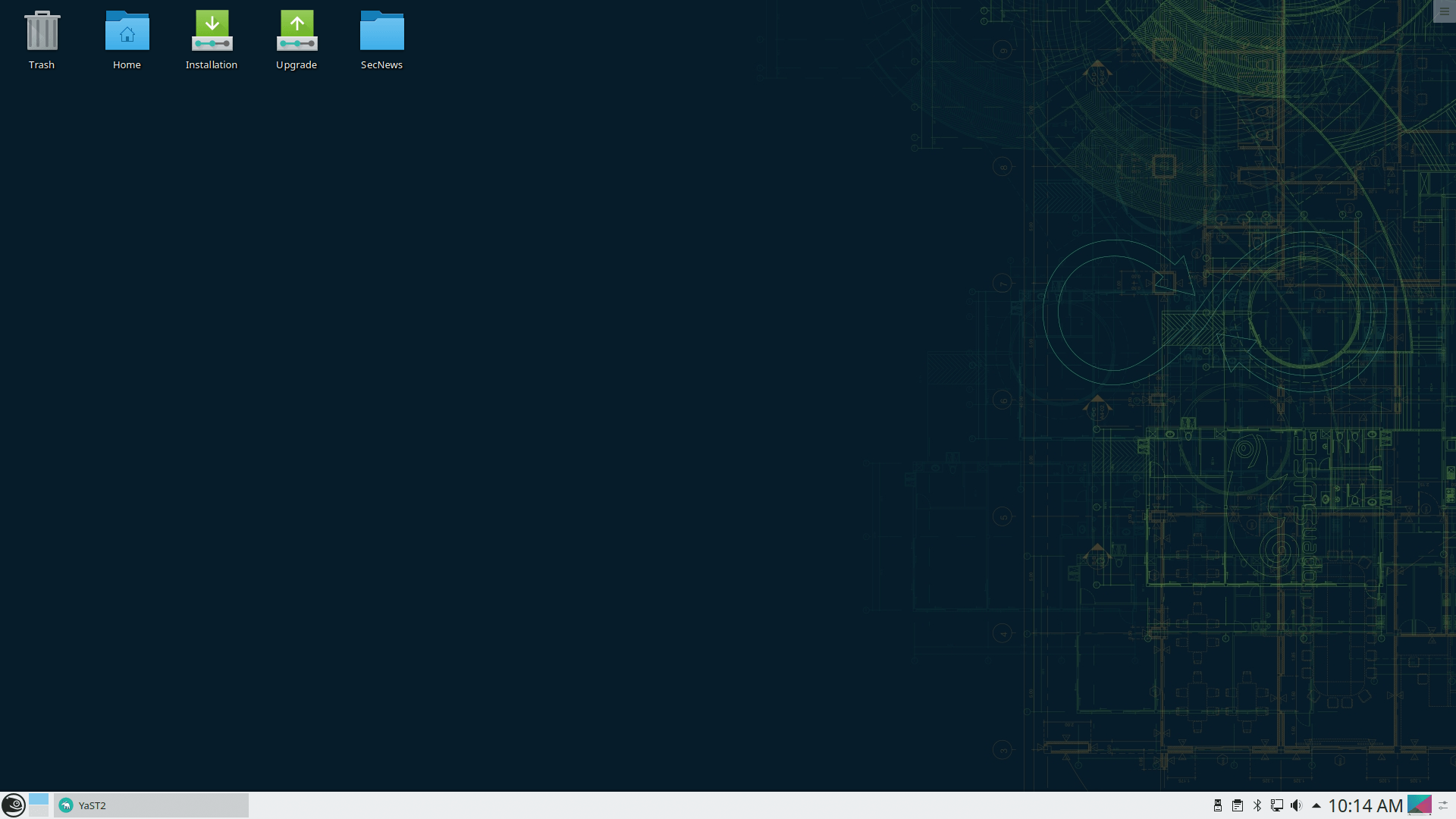
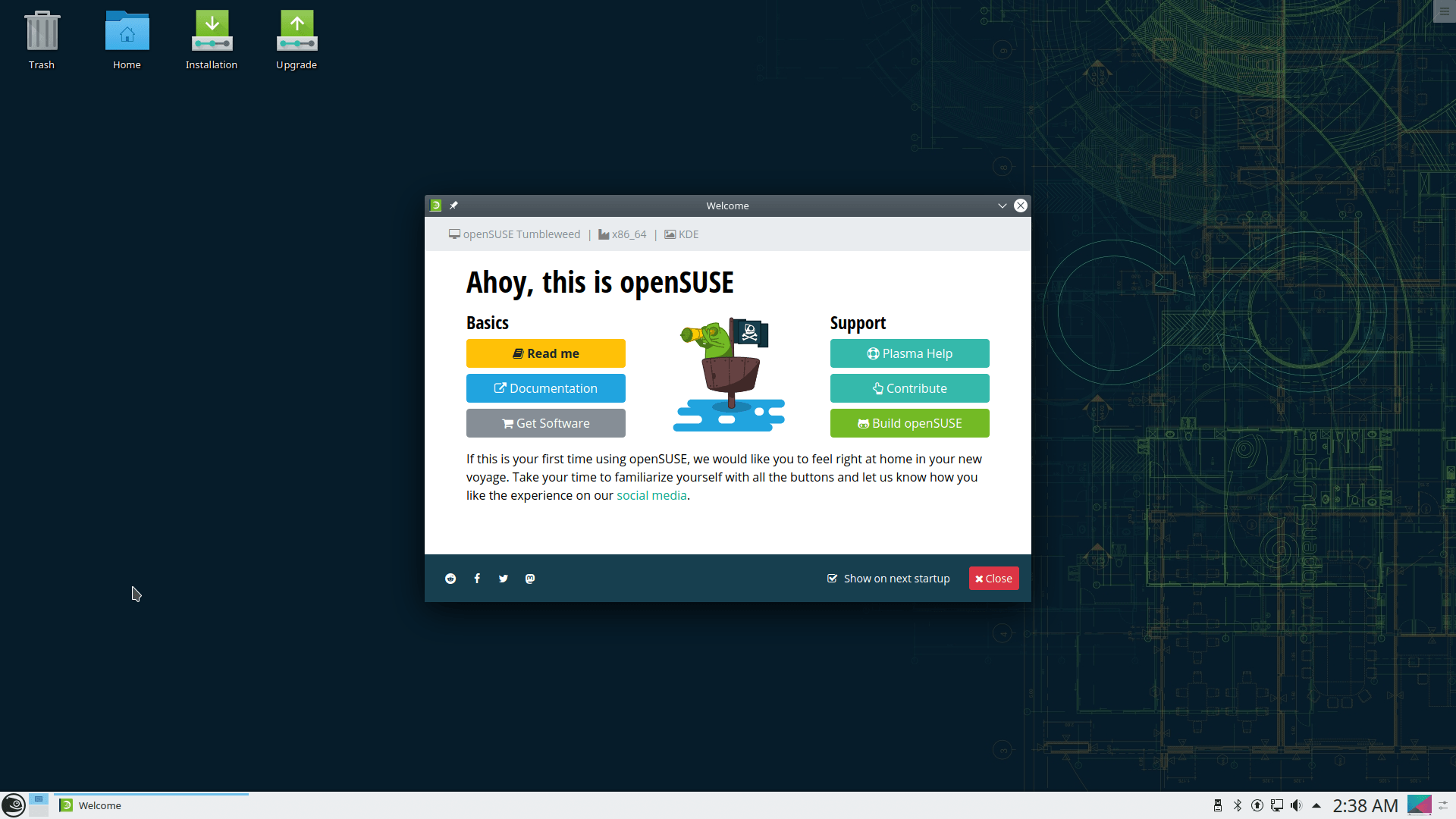
Boot from the live ISO, double-click on the installer on the desktop.
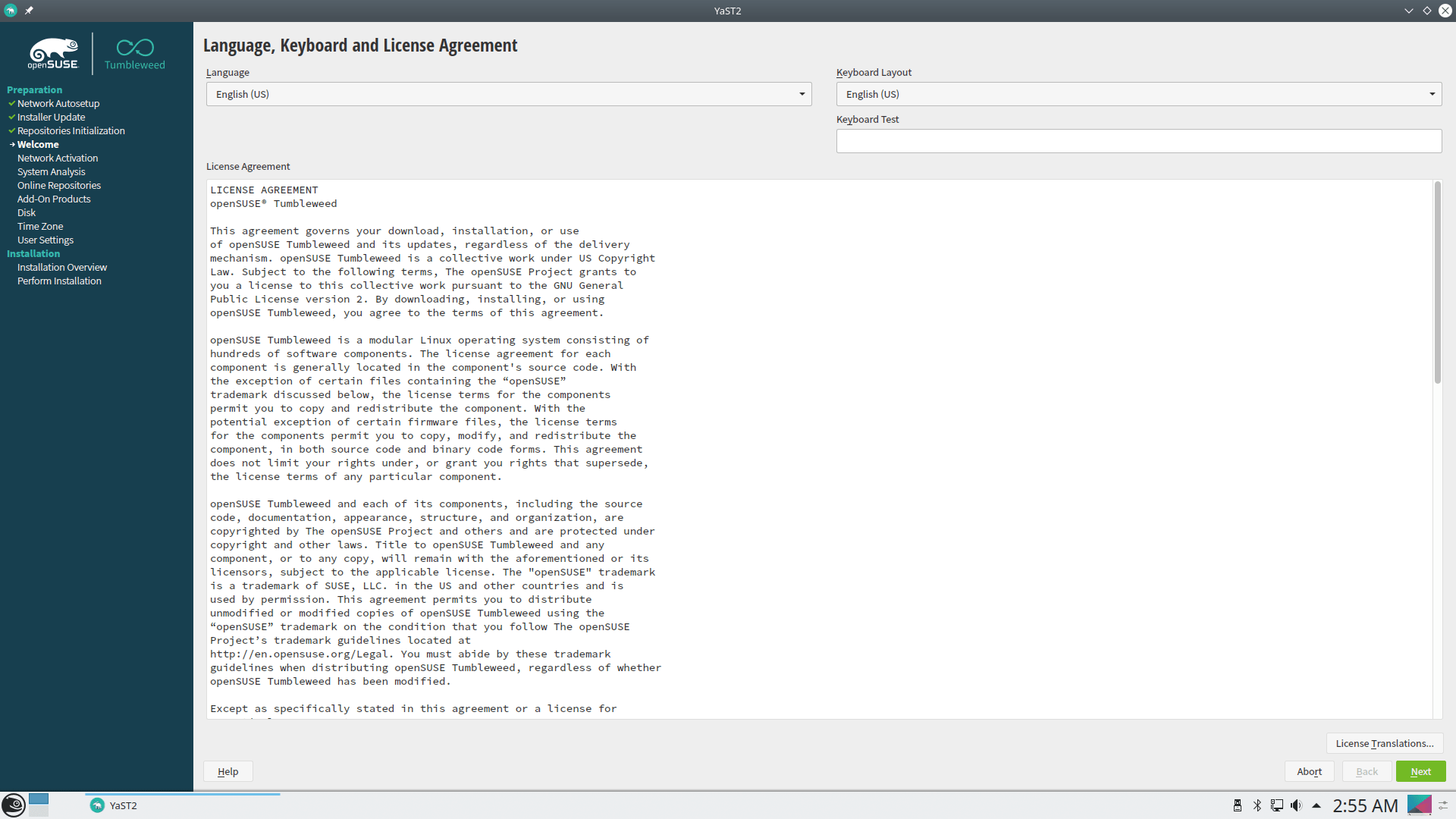
Accept the terms to get started.
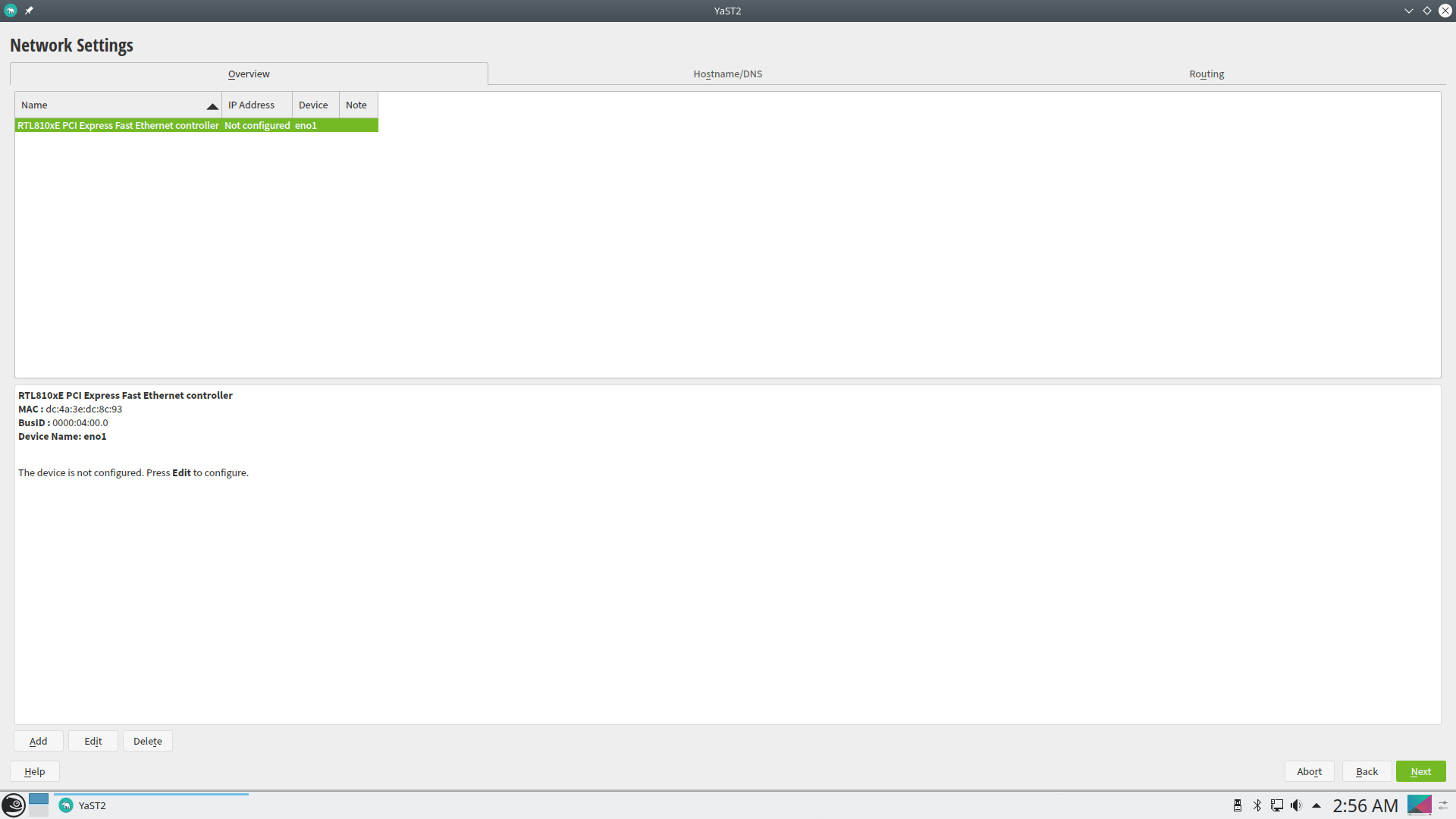
On the next screen, the installer will set (himself) the network settings so that you are connected to the internet during the installation
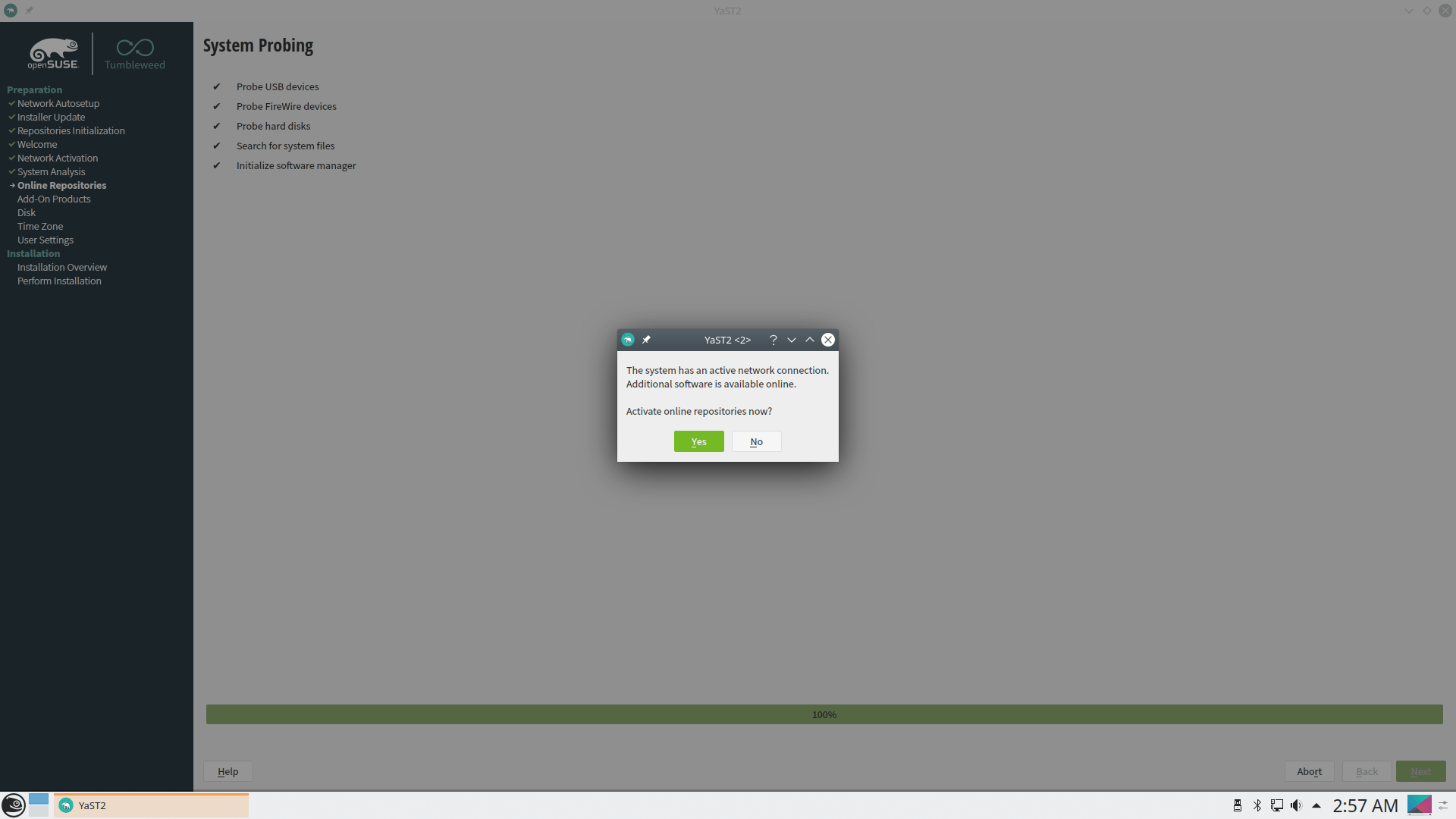
Then you will have to accept the addition of the necessary repos
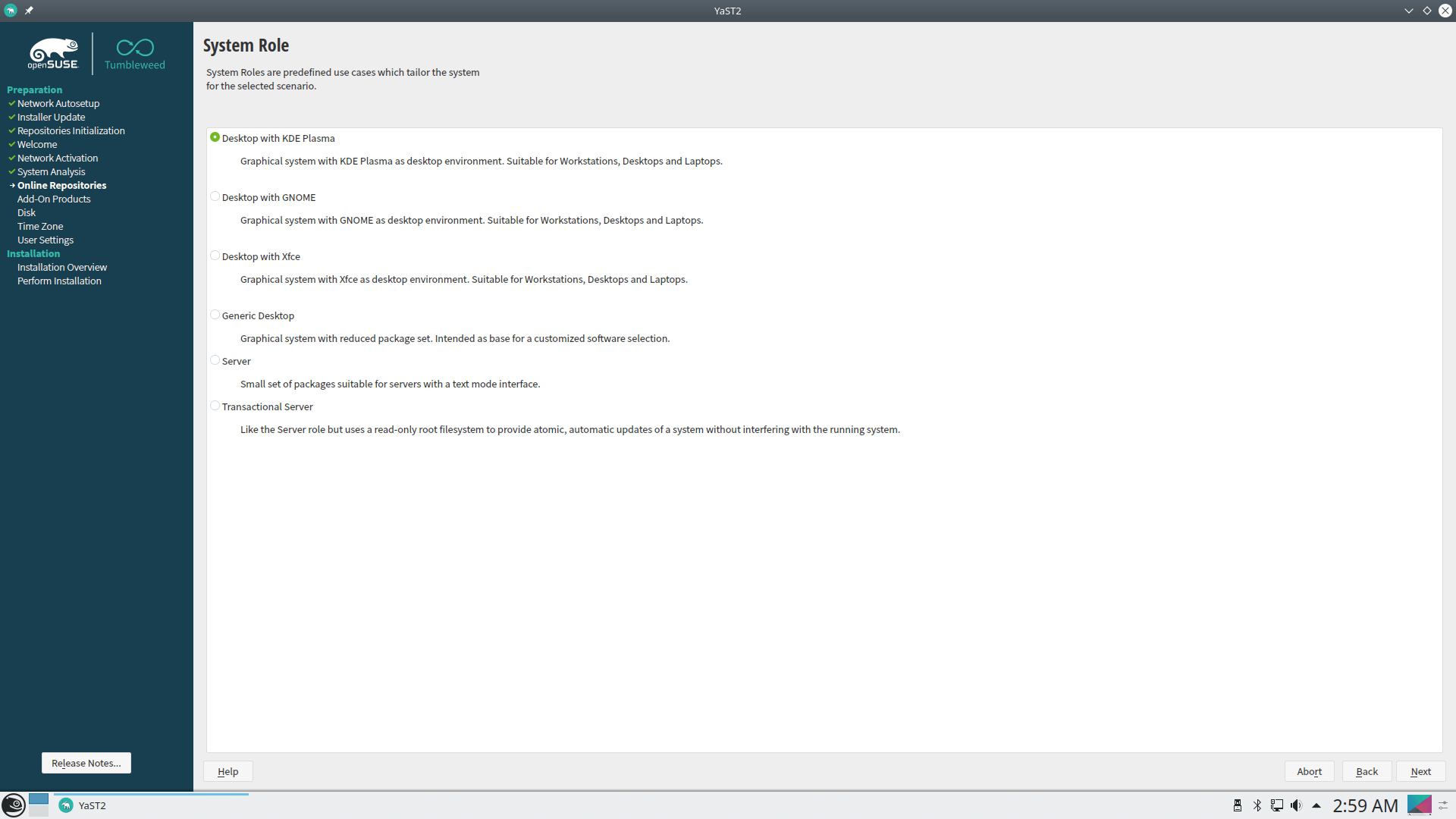
I chose to install KDE DE.
and I move on to the partitions
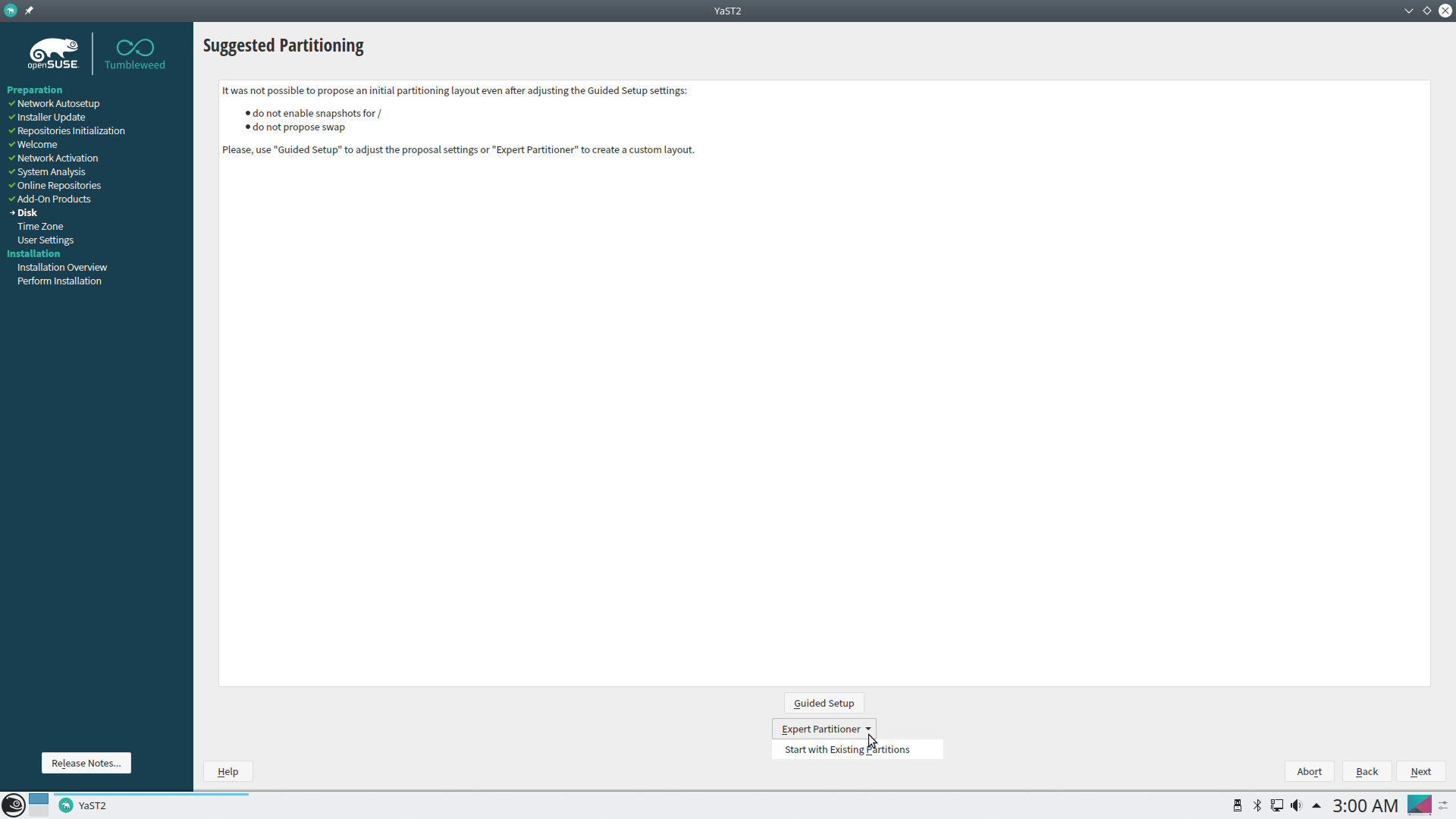
I choose expert to create my own, and not automatically, since my system contains other operating systems.
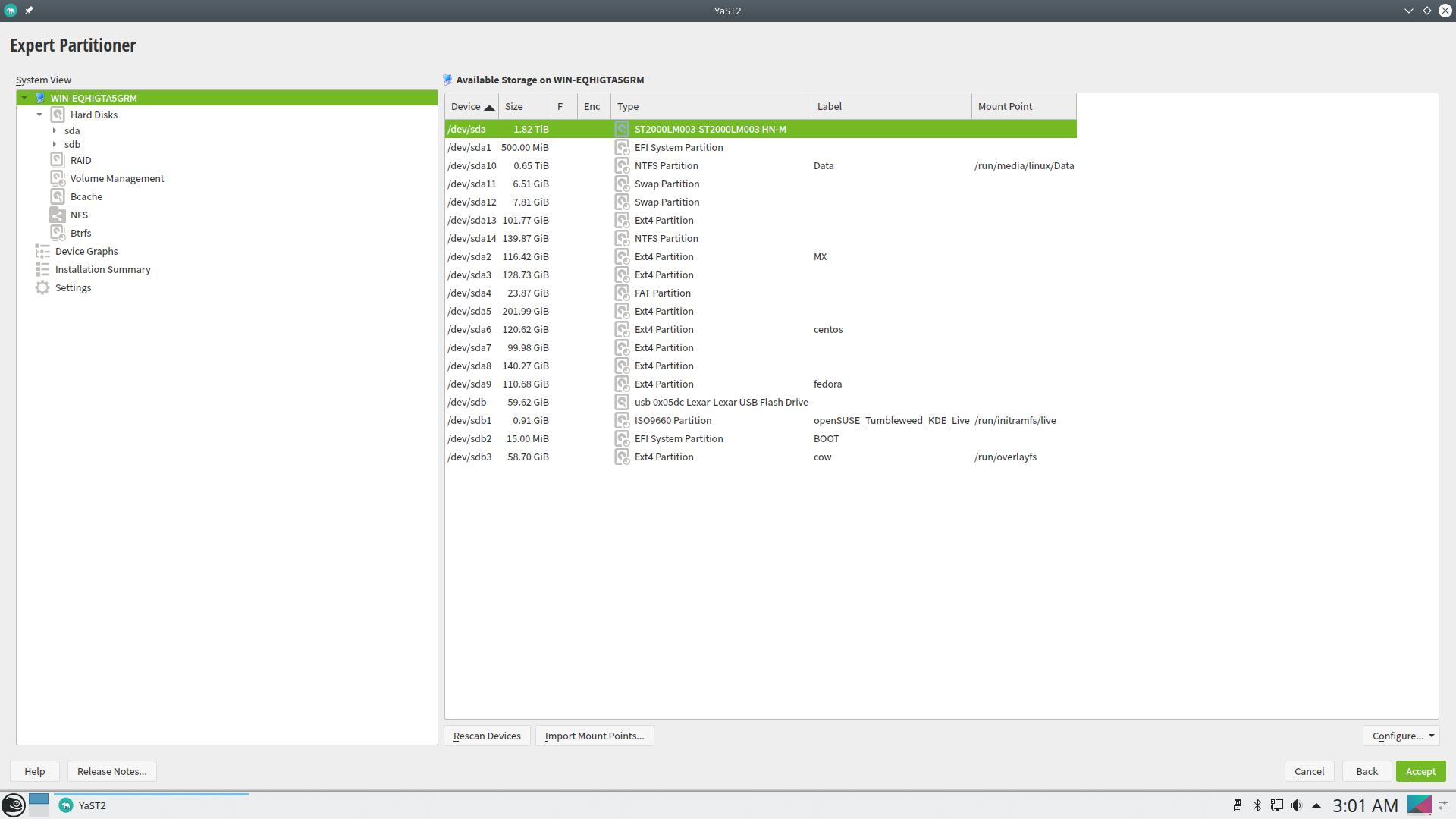
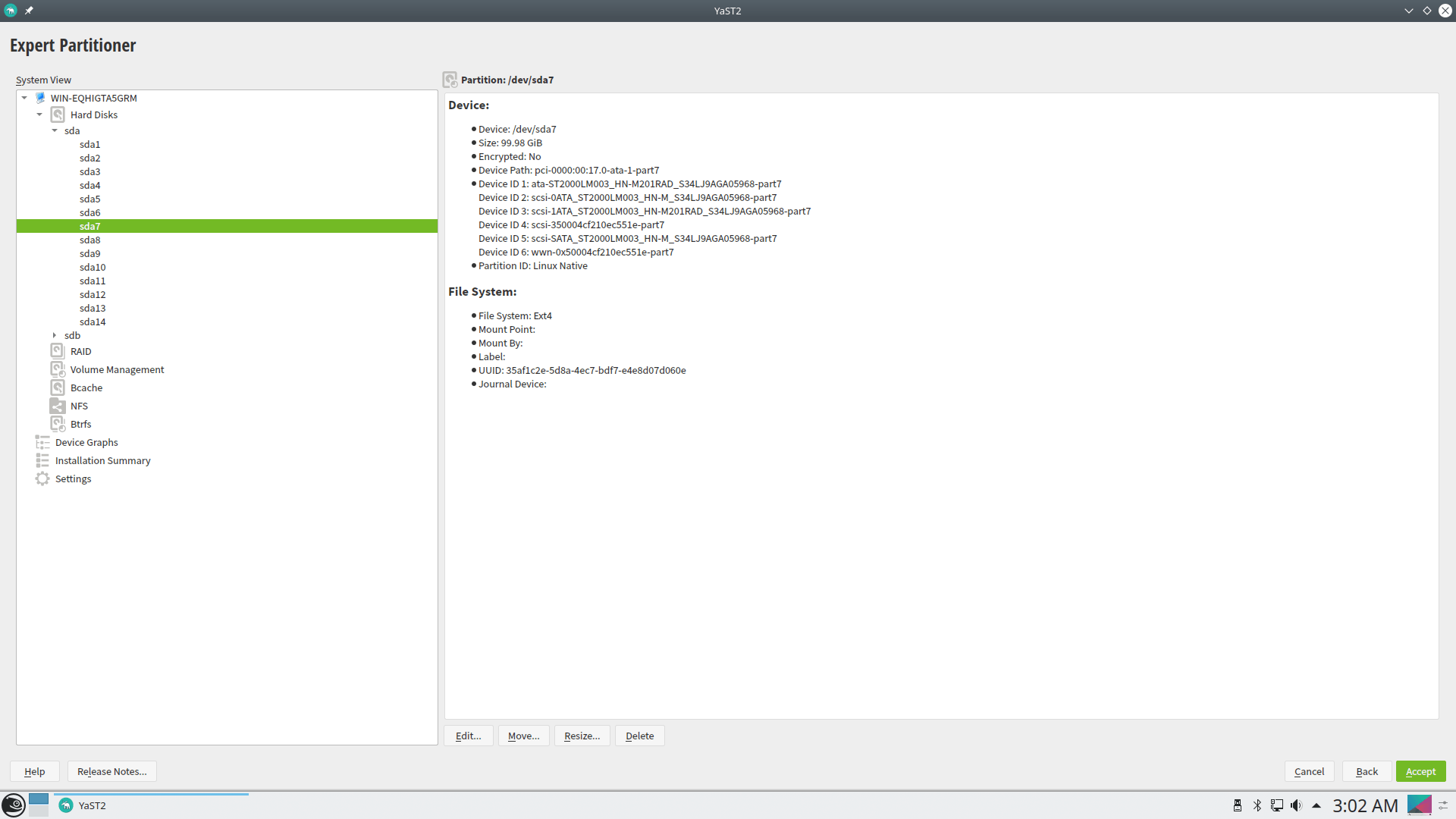
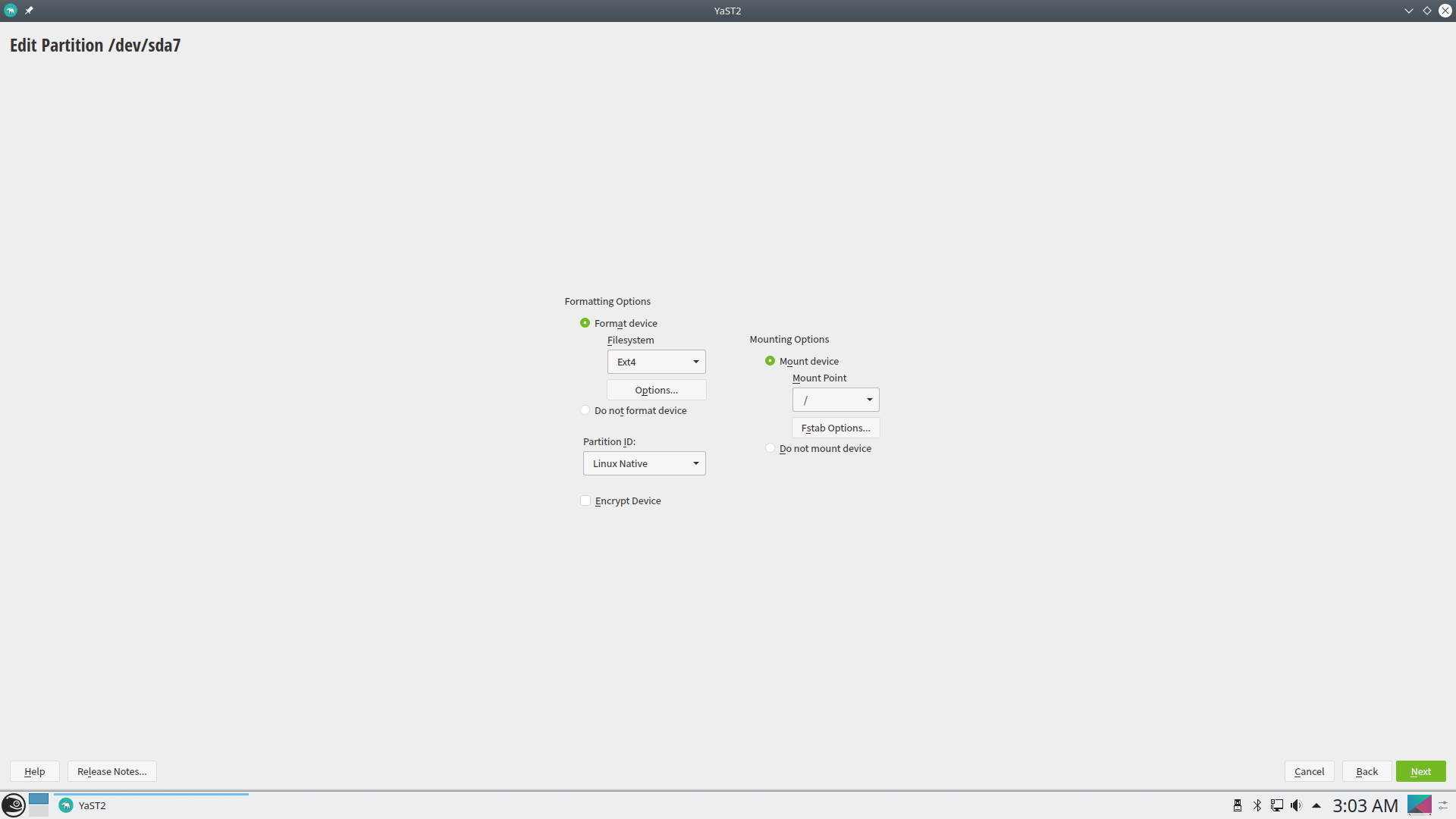
I select a partition for the root (/) to format and I also give the partition for the boot without selecting “format” since it also contains bootloaders from other operating systems.
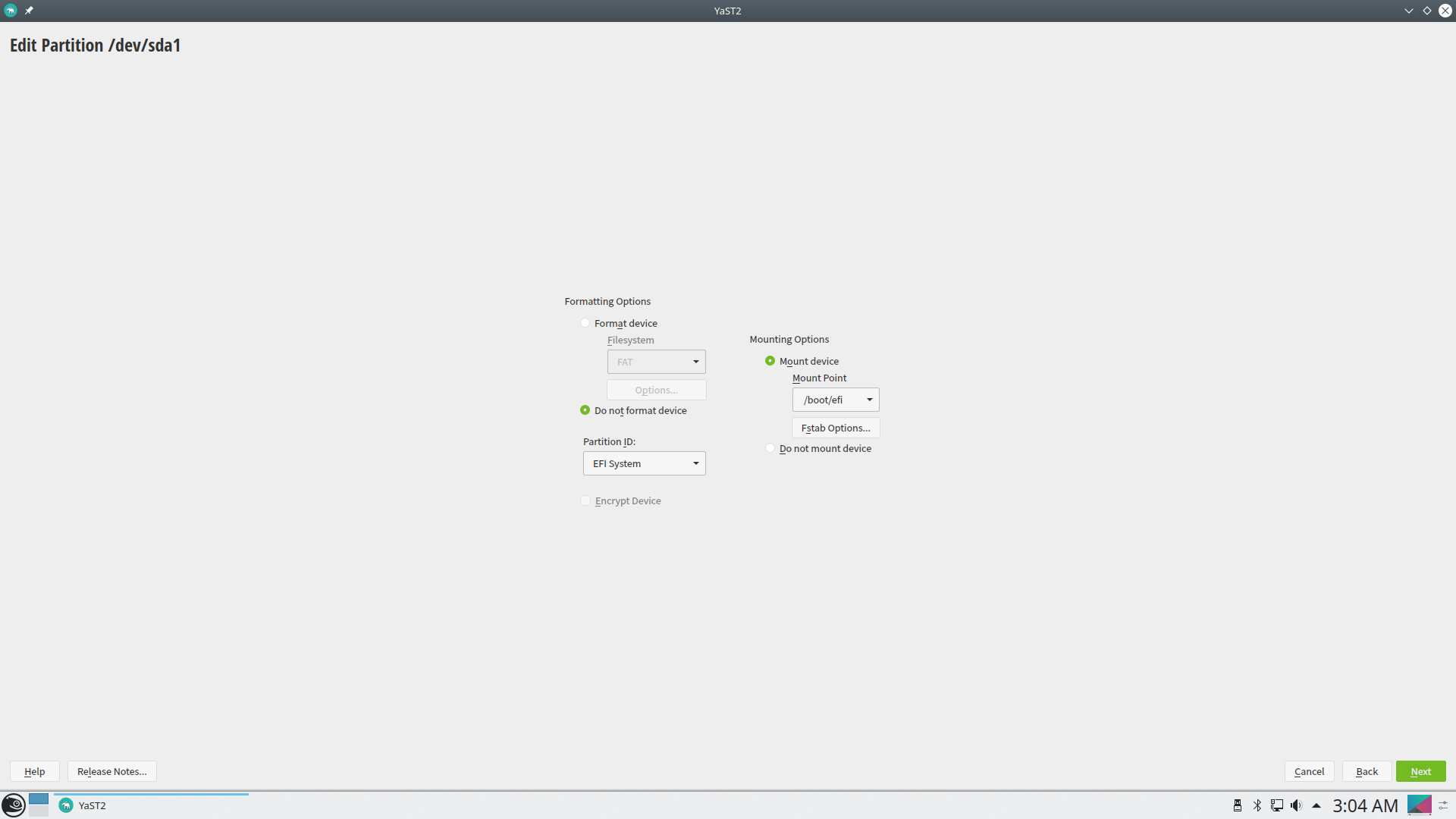
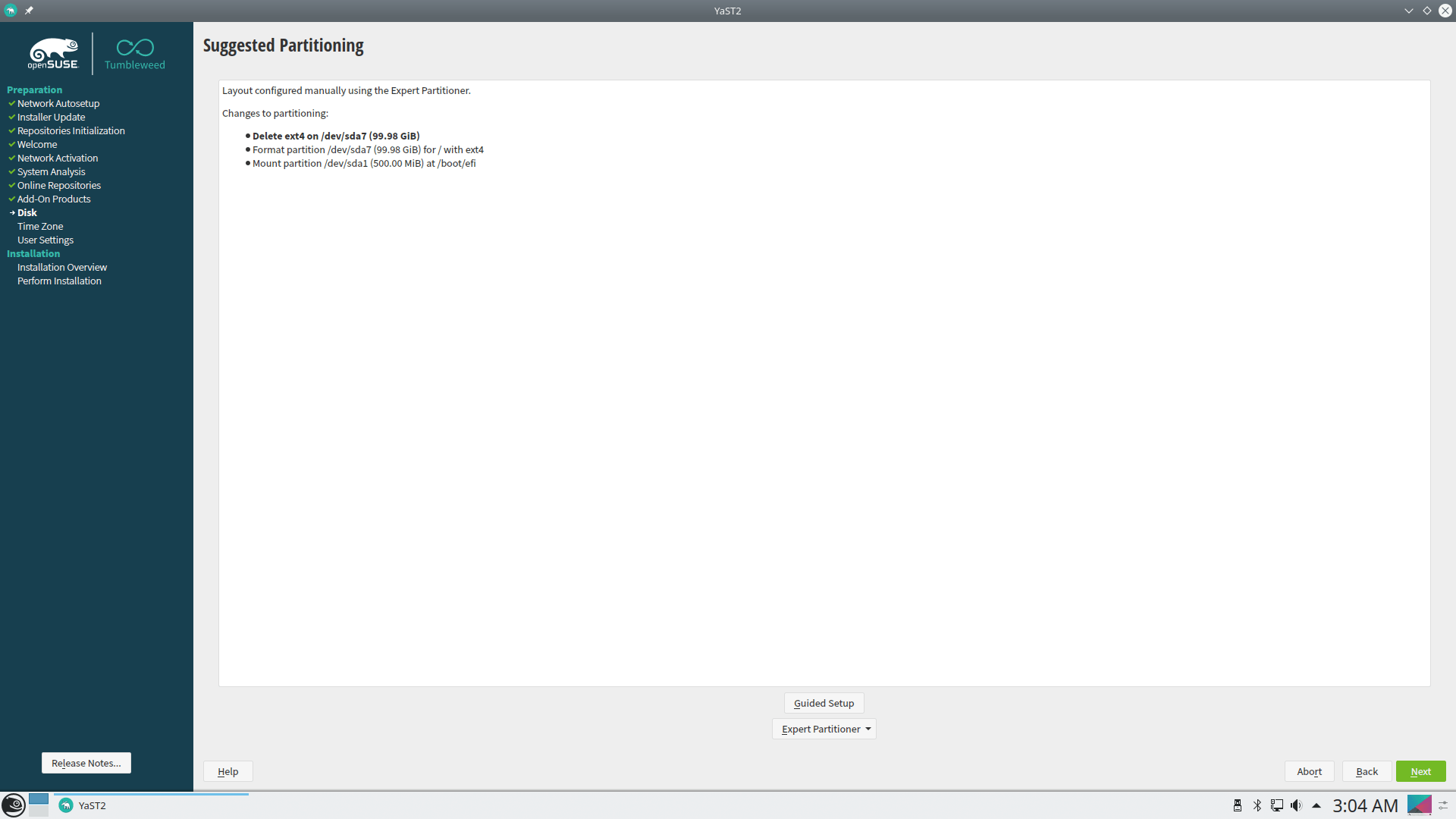
We are ready with the disks. Let's set the time zone
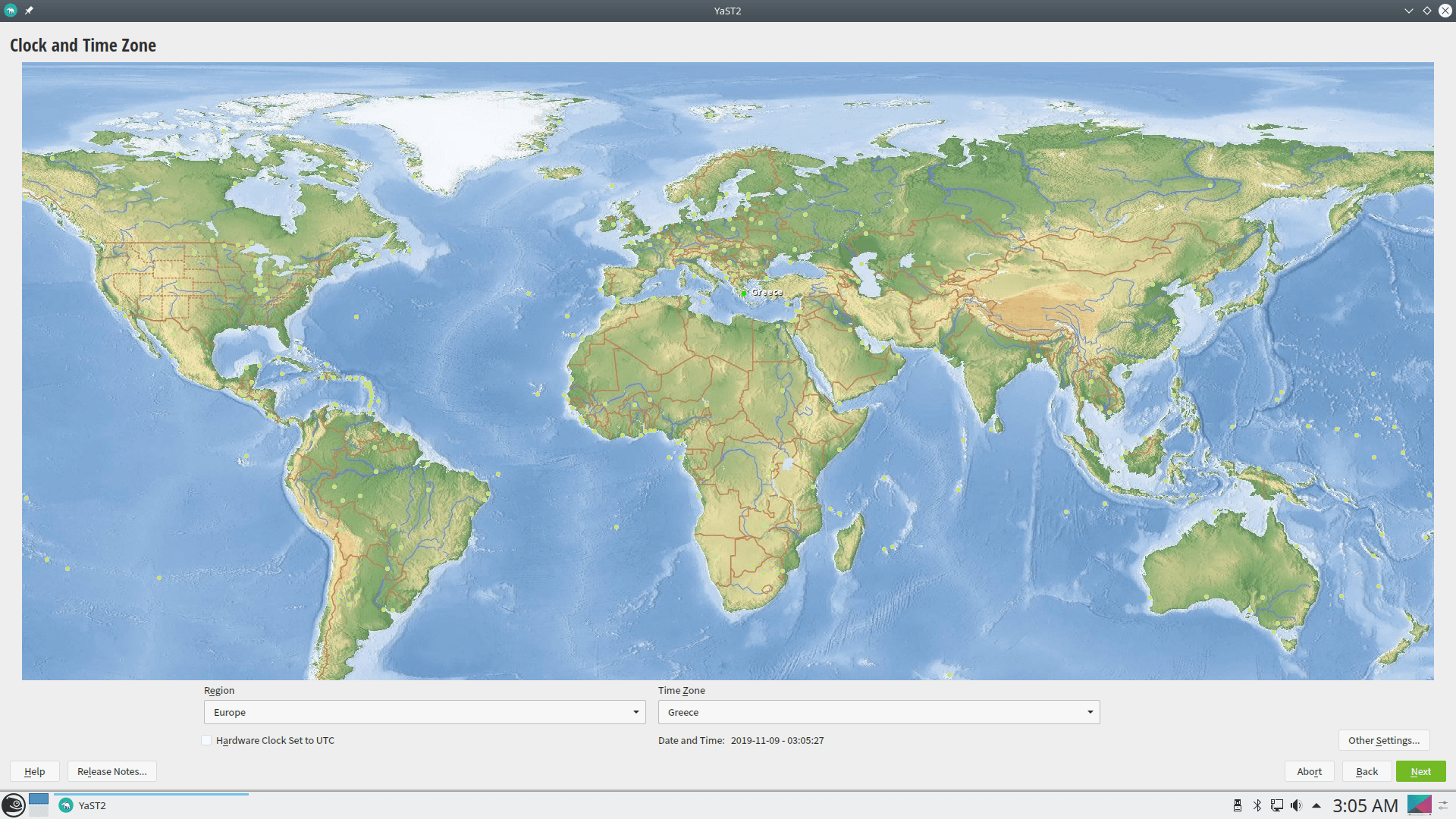
and the additional user besides root
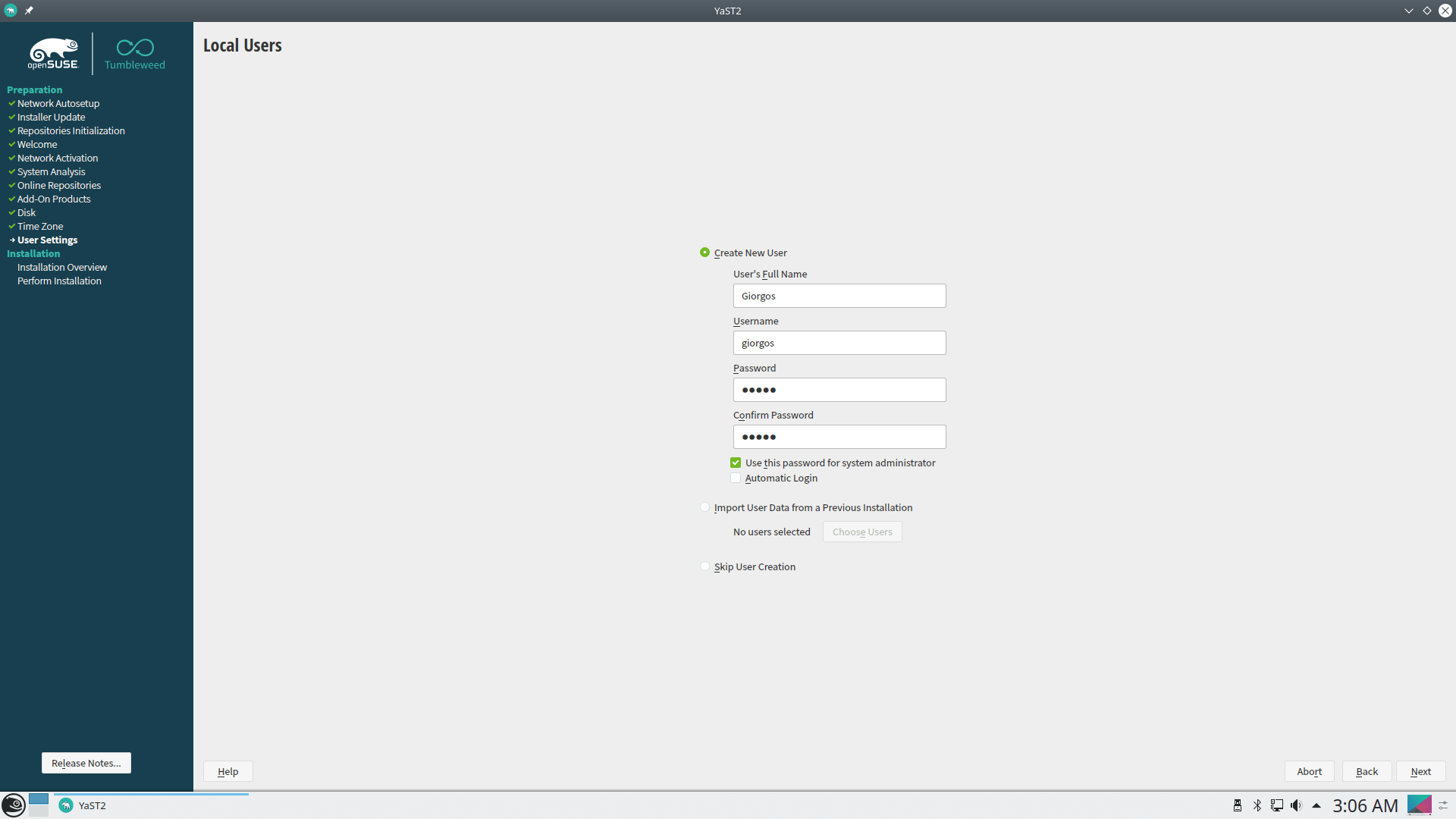
We are ready. The following screen will show us all the settings:
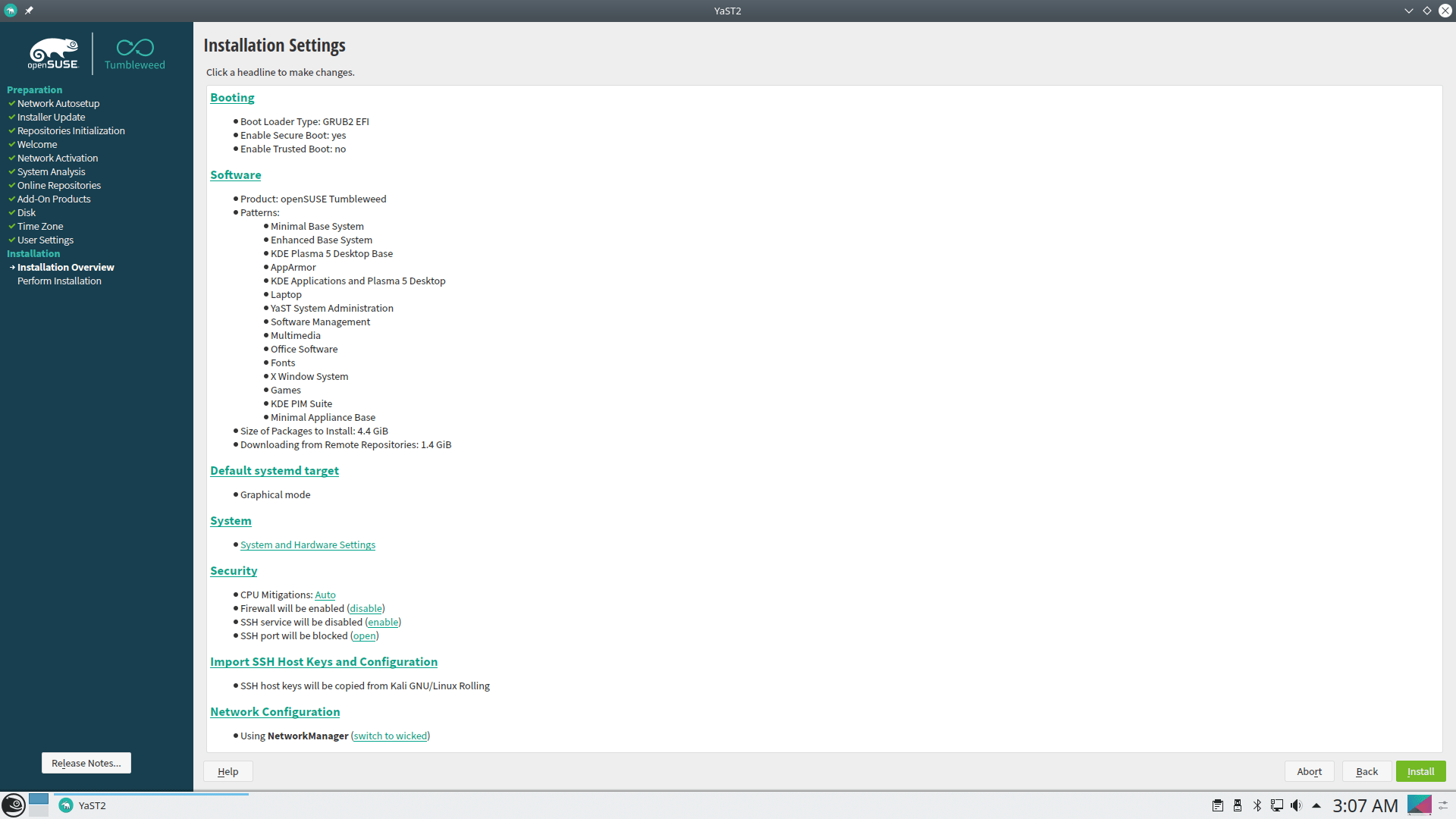
With one click the installation begins:
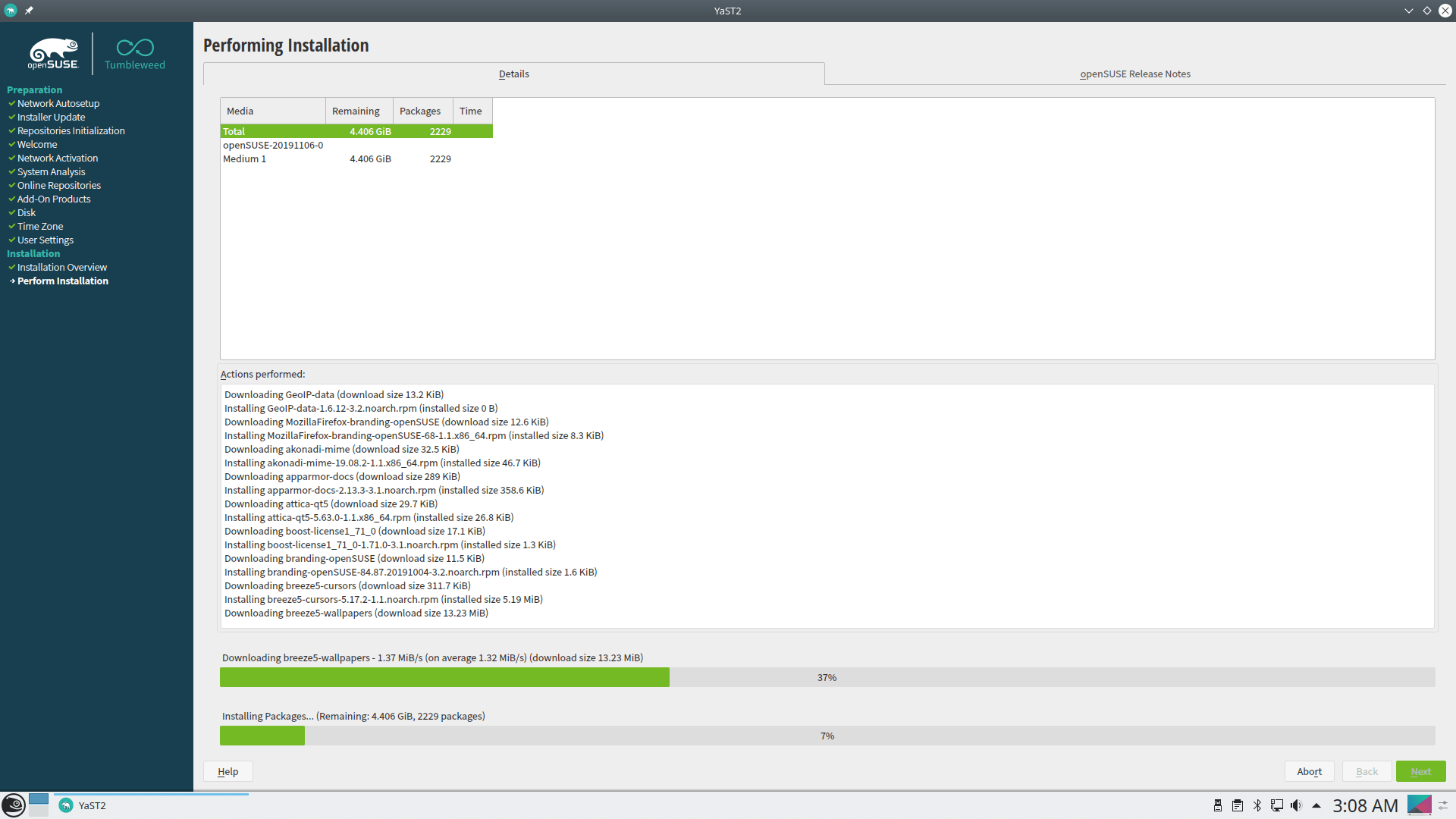
When it's finished, it will ask you to reboot. If you're using other operating systems and haven't messed with the main boot, your computer won't show openSUSE, as the main operating system will have to see it first.
So with a boot into the system I use for main boot I give the following command:
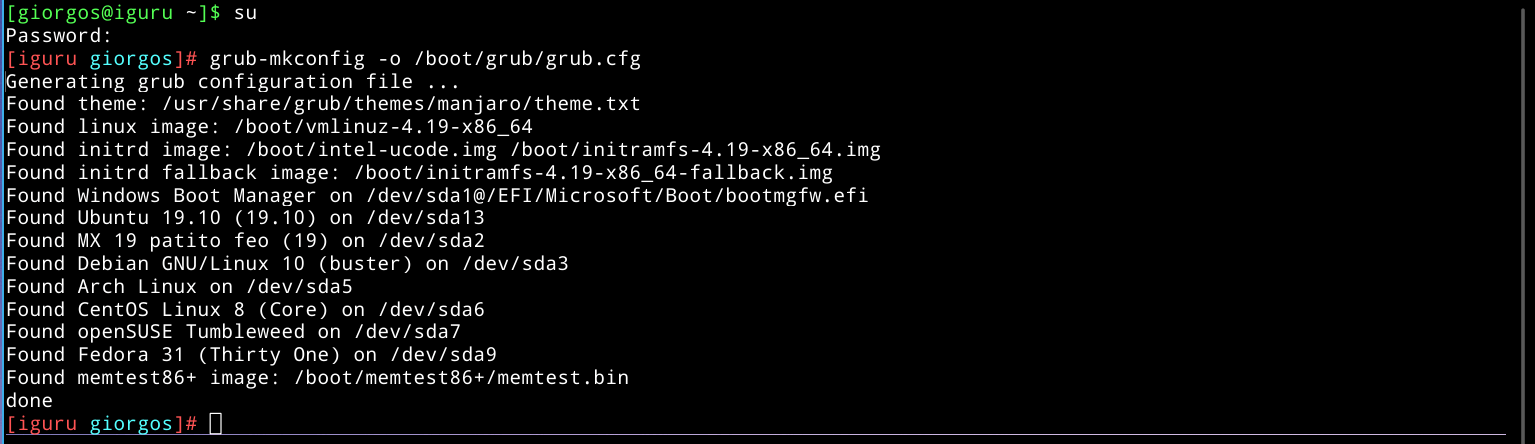
That's it! If you're interested, download the ISO
Enjoy your new openSUSE Tumbleweed. Read more about the distribution