If you're tired of the white color of Microsoft Office applications, you can darken it through the suite's settings.
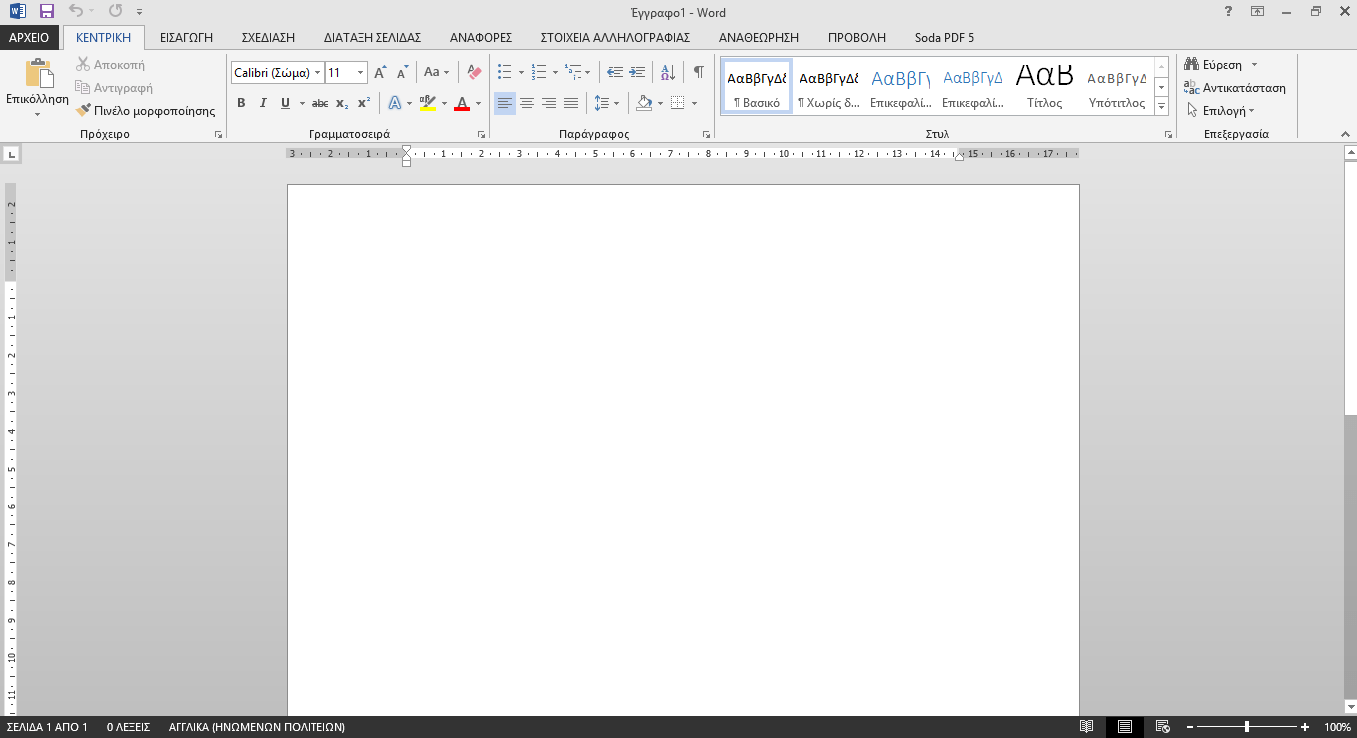
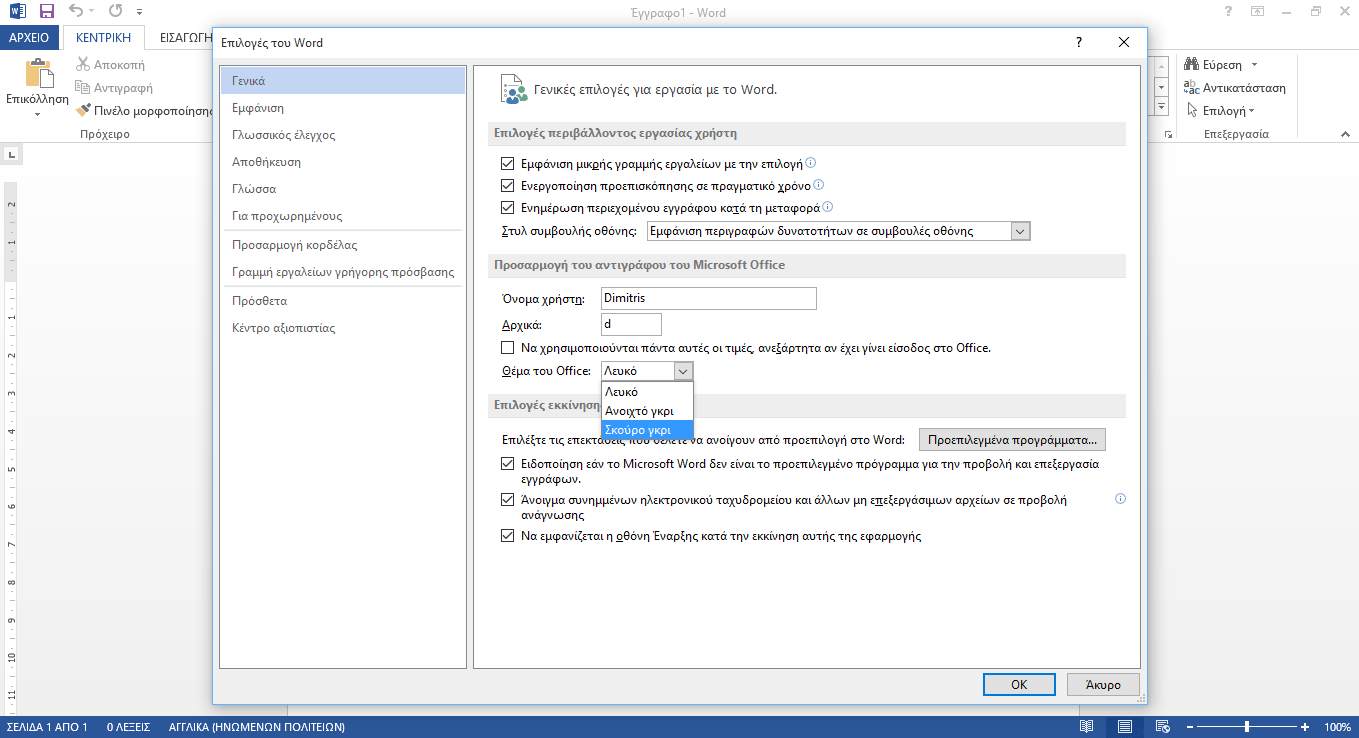
For those of you who like to work at night in low light, the all-white background of Microsoft Office is definitely very tiring on the eyes. You can change it by opening any application in the suite, say Word, and going to File > Options.
On the General tab, somewhere in the middle you will find an options window titled “Office theme”. Click on the arrow pointing down and 3 options will appear. “White”, “Light Gray”, “Dark Gray”.
Choose “Dark Gray”, press the OK button and the change to the theme will be applied to all Office applications.
The option is also available for the 2013 and 2016 suites. The dark gray theme is undoubtedly much easier to use, especially if you are working on large documents, spreadsheets or presentations.
See the dark gray option for the 2016 version below.