

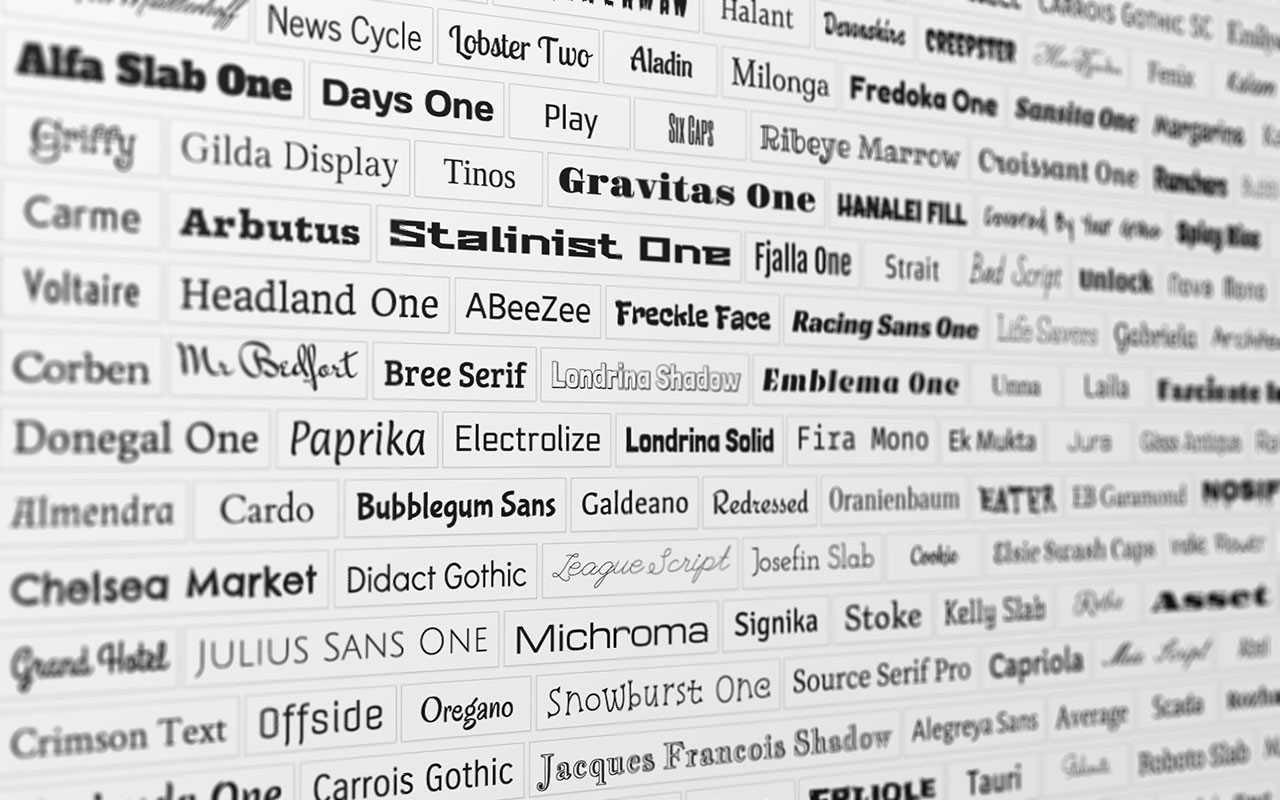
 How to fix the problem with the rendering of the Open Sans & Roboto Google Fonts in Mozilla Firefox.
Greek Site Developers trust Google fonts in the Sites they build on various platforms (WordPress, Blogger, Joomla, etc.) because they are free, they are from Google, and they do not need to download them and burden their available space.
The most common are Open Sans and Roboto because they support the Greek font. And while most browsers have no problem rendering the Greek font of Open Sans and Roboto, Mozilla Firefox comes to stir up trouble and create a problem.
With pleasure then and after the usual appointments with the client, we have found the suitable theme to start the development. We look at all browsers at our work and notice that Mozilla Firefox does not render the font correctly (rendering issue), selecting the second or third font in the order that we have declared in the code.
We look at the original theme in Mozilla Firefox and see that it works correctly. What did we do wrong?
Nothing, you didn't do anything wrong, is the answer. Unfortunately for us Greeks and for everyone who has a different font, we need to add Greek support to the font so that Mozilla Firefox can render it correctly.
We go to our site's code and look for our font:
<link href=’https://fonts.googleapis.com/css?family=Open+Sans:400,300,300italic,400italic,600,600italic,700,700italic,800,800italic’ rel=’stylesheet’ type=’text/css’>
So far so good! This works perfectly for sites with Latin characters and is only useful in the case of bilingual sites so that it doesn't load all the font styles each time.
However, we want the following for Mozilla Firefox to work correctly:
<link href=’https://fonts.googleapis.com/css?family=Open+Sans:400,300,300italic,400italic,600,600italic,700,700italic,800,800italic&subset=latin,greek,greek-ext’ rel=’stylesheet’ type=’text/css’>
Essentially, what makes the difference is the &subset=latin,greek,greek-ext
After this addition, try refreshing your site in Mozilla Firefox and, as if by magic, the problem has been solved.
