

If you use Google services , you may be aware that it collects some information about you so that it can target its ads to your profile. Of all the information the company collects, the most notable are your search queries when you're logged in (or even when you're not), your location, your web browser cookies, and even your email.
For example, if you search the company's search engine for how to buy a tablet, you will see ads talking about online stores that sell tablets.
Some users are very privacy conscious, while others simply don't want targeted ads. For all of these users, Google has a special set of settings.
The concept of targeted or interest-based advertising is known as buddling . Use the link below to adjust your preferences for the ads you see: https://www.google.com/ads/preferences/
Using Google Ads Settings , you can control what kind of information can be used to show you these targeted ads in search results, on YouTube, and across Google's various online services. You can enable or disable the use of the following:
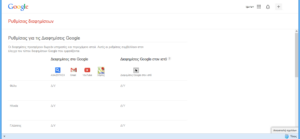
- Sex
- Age
- Languages
- Interesting
- Advertiser campaigns you've blocked
Configure the settings according to your personal preferences and you're good to go! Using Tweek above doesn't mean the company will stop tracking you, as it's known for collecting every piece of data it finds. Still, it's worth a try for those concerned about the personal data they share online.
Source: secnews.gr
