

Google Maps is undoubtedly one of the most useful navigation apps, whether you're commuting around town or traveling to an unfamiliar destination. However, many users are still unaware of one particularly useful feature of the app: offline maps. This is a feature that allows you to save maps to your device and use them even when there's no internet connection.
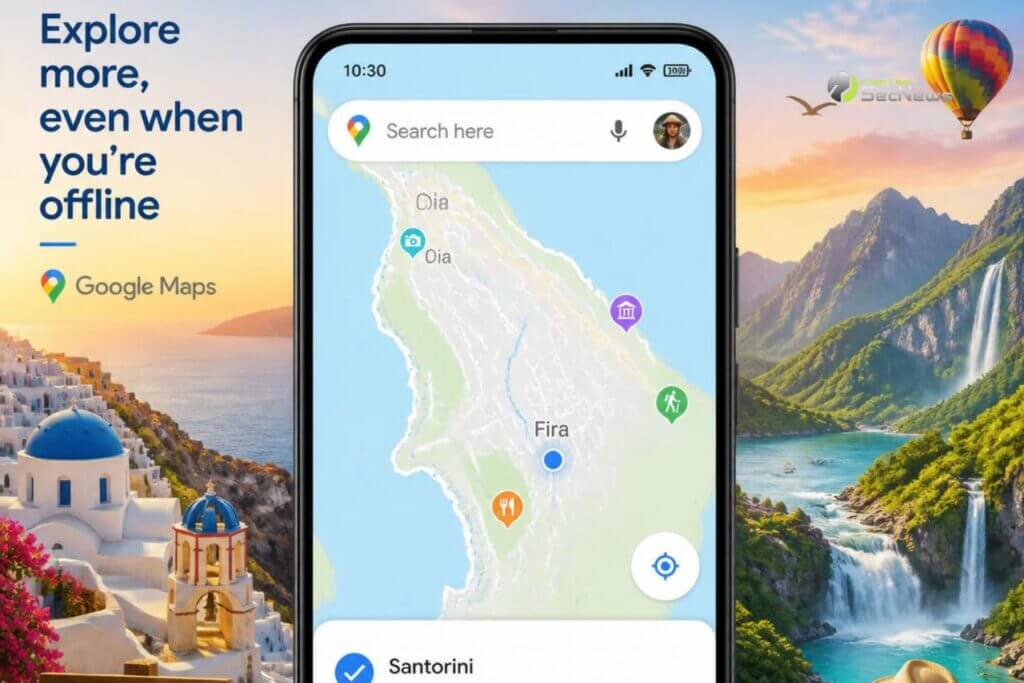
This feature proves invaluable during summer holidays, in areas with weak mobile signal, on mountain routes or when travelling abroad and want to avoid data roaming charges. With just a few steps you can ensure that you always have access to essential navigation information, even without an Internet connection.
Why it's worth downloading offline maps
Saving maps in advance offers several important advantages. First of all, it significantly reduces mobile data consumption , which is especially useful when you're abroad or have a limited data plan
At the same time, offline maps can “save” you in areas where the signal is weak or non-existent. Mountains, islands, remote villages or even major highways may present coverage problems, but navigation continues to function normally as long as the map is saved on the device.
See also: How to use Google Maps on your trip
Additionally, the application loads maps faster, since it does not need to constantly retrieve data from the internet.
Google Maps: How to download a map
The process is particularly simple and is completed within a few minutes.
First, open Google Maps on your device and make sure you're connected to a Wi-Fi network, especially if you're going to download a large area.
- Search for the city or region you plan to visit.
- Tap on the location name or information card
- Select the menu with additional options.
- Tap “Download offline map” or “Download offline map”, depending on the language of the app.
- Adjust the area you want to save by enlarging or shrinking the frame.
- Press Download and wait for the process to complete.
The larger the area you choose, the more storage space will be required.
Next: Share your location live via Google Maps

What you can do offline
Many users believe that offline maps only show the road. In fact, their capabilities are much more.
You can navigate by car, search for streets and addresses within the saved area, view points of interest, such as gas stations, hotels, pharmacies, or restaurants, and calculate routes without an Internet connection.
As long as the device's GPS is working properly, the app can continue to display your location on the map even when there is no mobile signal at all.
The limitations of offline maps
Although the feature is very useful, there are some limitations that you should be aware of.
For example, real-time traffic information is not displayed, as this requires an internet connection. Also, public transport, cycling or walking routes may not be available in all areas.
Also, newly opened businesses or street changes will not appear until the saved map is updated.
Don't forget to update the maps
Offline maps don't stay up to date forever. Google Maps refreshes them periodically, and if automatic updates are enabled, new versions are downloaded when the device is connected to Wi-Fi.
If you don't use the app often, it's worth checking before each trip that the maps you have saved are up to date and haven't expired.
See also: Google Maps: How to find parked vehicles
Useful tips before you go on vacation
For even greater safety, download not only the destination city but also the surrounding areas, especially if you plan to take excursions. At the same time, save key locations, such as your hotel, port, airport or parking .
It's also a good idea to download the maps a few days before departure to make sure everything is working properly and avoid any last-minute surprises.

A simple step that can save you a lot of hassle
Google Maps' offline maps are one of the most useful but underutilized features of the app. With a few minutes of preparation, you can continue to navigate safely even without Internet access, saving data, time, and stress.
Whether you’re traveling abroad, exploring secluded beaches or mountain villages, saving maps before you set off is a small step that can make a big difference. For many travelers, it’s now an essential part of their preparation, ensuring that their destination is always on their screen, even when mobile data is unavailable.
