

Google confirms that with a recent court ruling it is not possible to mirror your Nest devices in multiple rooms at once.
See also: Google Home: New controls for Nest Hub compatible TVs
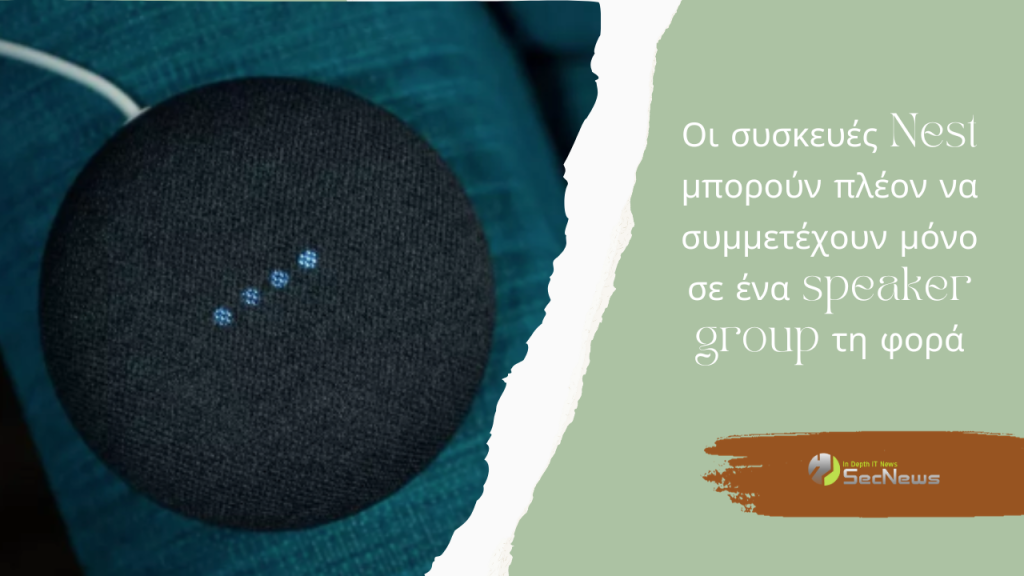
A Nest community manager mentioned in a forum post that many of your favorite Google Assistant speakers from Nest will be limited to only one speaker group in the Google Home app at a time due to a “recent legal decision.” What is certain is that existing speaker groups will not be affected.
This means that if you have a Nest Mini in the kitchen and a Nest Audio in the living room, you can't group them together to play the same music in both rooms at the same time. If you try to do so, you'll see an error message instead. The Nest devices affected by this limitation are:
- Google Nest Mini (2nd gen)
- Google Nest Audio
- Chromecast with Google TV (4K)
- Chromecast with Google TV (HD)
- Google Nest Hub (2nd gen)
- Google Nest Hub Max
- Google Best Wifi point
- Pixel Tablet (Hub Mode)
While the community post didn't mention a specific legal dispute, this change is likely part of the ongoing patent dispute between Google and Sonos, with the latter accusing Google of infringing on its patents related to multi-room audio technology.
Early last year, Google changed the way you can control the volume of a group of smart speakers, following an International Trade Commission ruling in favor of Sonos. As a result, customers were forced to adjust the volume on each Nest and Cast-enabled speaker.
See also: Google Home app will support older Nest cameras
The latest concession is disappointing for Nest users, but it's not the end of the world. You can technically change which speaker group a Nest device belongs to whenever you want, but it's probably going to be annoying to have to do it all the time.
Information source: androidcentral.com
