

Microsoft is now adding support for text recognition to the latest version of the Snipping Tool for Windows 11, allowing users to select and copy text from screenshots. OCR (optical character recognition) support in the Snipping Tool is available to Windows Insiders in the Canary and Dev channels.
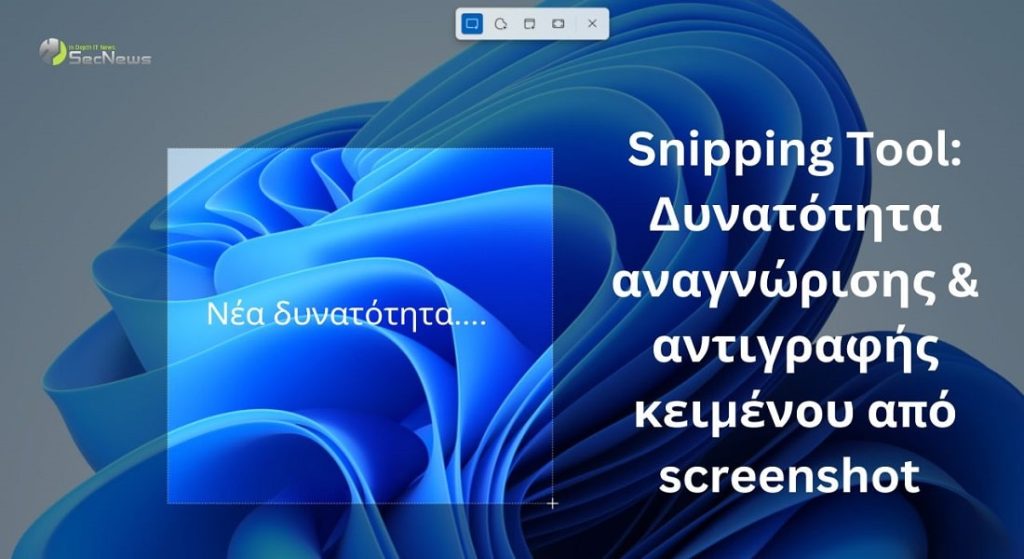
The new feature is called Text Actions and will be available starting with version 11.2308.33.0 of the Snipping Tool.
“We’re introducing Text Actions, which detects text in screenshots you’ve taken, making it easy to copy text from any image to share with others or paste into another app,” explained Dave Grochocki, principal product manager for Windows Inbox Apps.
See also: Microsoft Paint Windows 11: New tool for removing image background
“To get started, click the “Text Actions” button in the toolbar to display the selectable text before copying the text with your mouse“.
The Snipping Tool app will allow users to select and copy text using the “Copy all text” toolbar button or keyboard shortcuts, such as Ctrl + A and Ctrl + C.
A very important feature is that there are editing features to remove sensitive information from screenshots before sharing them. You can click on the “Quick Redact” option in the toolbar, which will automatically hide emails and phone numbers .However, you can also manually select the text you want to hide by clicking on the “Redact Text” option in the right-click context menu.
See also: Windows 11 Snipping Tool: It can record the screen!
The Snipping Tool is an application that comes pre-installed in Windows 11, so all users will have access to this feature without installing additional Microsoft.
Additionally, according to Grochocki, Windows Insiders will be automatically prompted to use the Snipping Tool app to edit screenshots taken on their Android device. This new feature will only work if the PC is connected to the Android via Phone Link. This is a companion app designed to push notifications and calls to the PC while also allowing the use of mobile apps from the PC.

“We are also starting to gradually roll out a new feature for Phone Link (version 1.23082.123.0 or later on PC) that introduces the ability to easily access and edit your most recent photos from your Android mobile device in the Snipping Tool on your PC,” Grochocki said specifically.
See also: How to quickly take screenshots in Windows 10
“Say goodbye to missed opportunities as you will receive instant notifications on your computer every time you take a new photo on your Android device, provided that both devices are connected via Phone Link“.
The Snipping Tool in Windows 11 offers users an efficient and easy-to-use solution for taking and editing screenshots . New features, such as text recognition and further image editing, significantly increase user productivity. With the addition of Text Actions and Quick Redact, users can now recognize and copy text from screenshots, remove sensitive information before sharing, and manage images from their Android device via Phone Link.
Source: www.bleepingcomputer.com
