

NFC allows for the transfer of small amounts of data over short distances from a device such as a smartphone. The NFC reader generates a small amount of energy through the field generator, which is necessary to activate a signal. Since 2015, with the support of AirTag in the iPhone 6s, all iPhone models have been able to activate and read NFC tags.
See also: Google Wallet will soon allow phones without NFC to make in-store payments
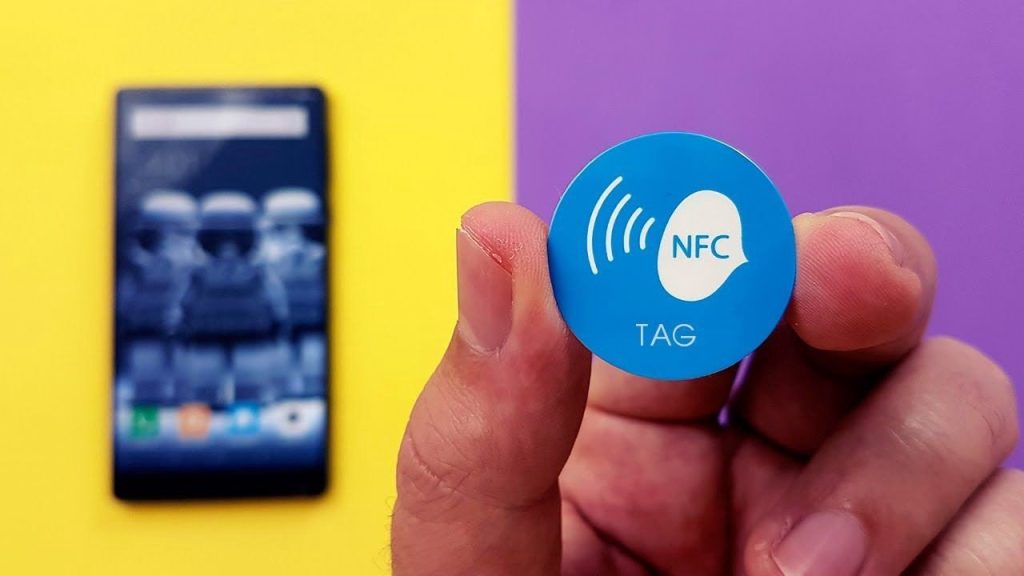
You may have received some notifications from NFC tags. The most common ones are:
AirTag: Tapping an AirTag after receiving a notification that it's nearby. AirTags that aren't registered to you will be recognized by your iPhone. When approached or tapped, they send a web link associated with their unique ID code to help you determine if the AirTag is being used for unwanted tracking.
App Clip: NFC transmitters can offer an App Clip, a piece of a full app used for limited functionality, typically related to a place you are in, such as checking out at a retail store.
See also: iPhone 15 Pro Max: What an analyst reveals about the device
Card with built-in NFC: You could be near or have your iPhone in a wallet next to a credit card or other card with an NFC chip that has additional information that can be activated.
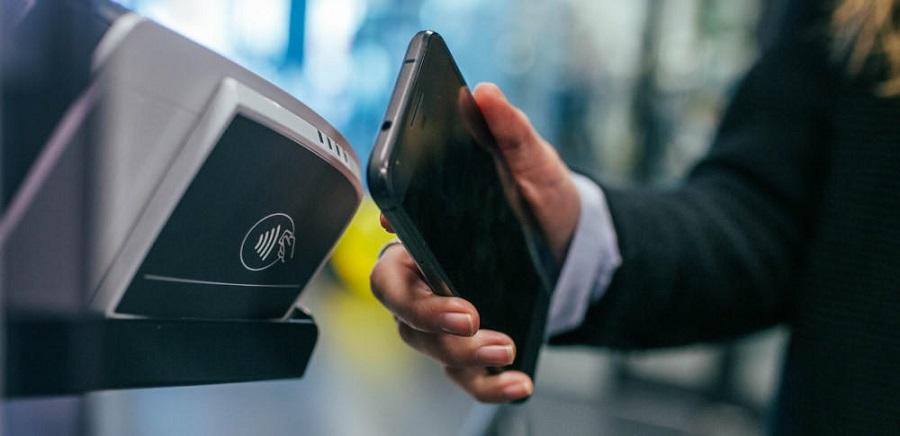
NFC Web Tag: Locations may have NFC tags with labels that you can tap, like scanning a QR, to get a web link. This appears in notifications as a Website NFC Tag.
A user noticed that they were receiving repeated notifications from a payment service, even when their phone wasn't near an NFC device. The source has not been identified, and this is concerning. However, the worst part is that there is no way to turn off these website tag notifications.
See also: How to remove sync between iPhone and iPad?
In fact, disabling App Clips is only possible through a feature in Screen Time. Here's how:
Go to Settings > Screen Time > Content & Privacy Restrictions > Content Restrictions.
Press App Clicks
Change the setting from Allow to Don't Allow.
