

Want to remove traces of what you've searched and viewed on Reddit? If so, it's easy to delete your search, reading, and browsing history on the platform. We'll tell you what you need to know about deleting your Reddit history and how to do it on any device.

Clear your search history on Reddit
To delete your search queries on Reddit, go to the site's search box and remove individual entries. Here's how to do this on desktop and mobile.
On desktop
Open your preferred browser, launch Reddit, and log in to your account.
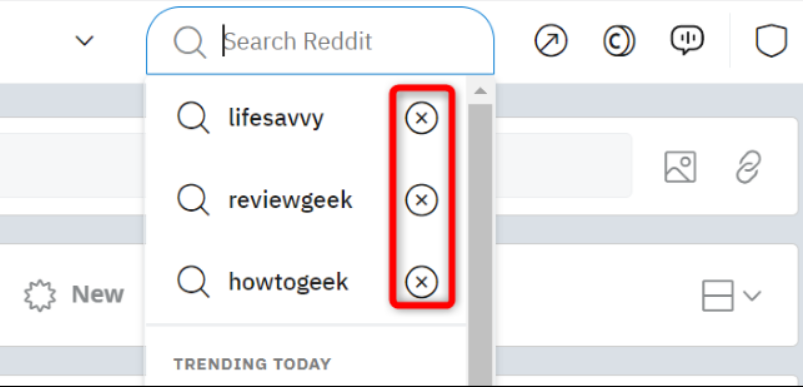
At the top of the site, click the “Search Reddit” box. You don’t need to type anything into the box.

The box will display all the queries you searched for. Here, next to the entry you want to delete from your history, click the “X” icon. Repeat this for all the queries you want to remove.
On mobile
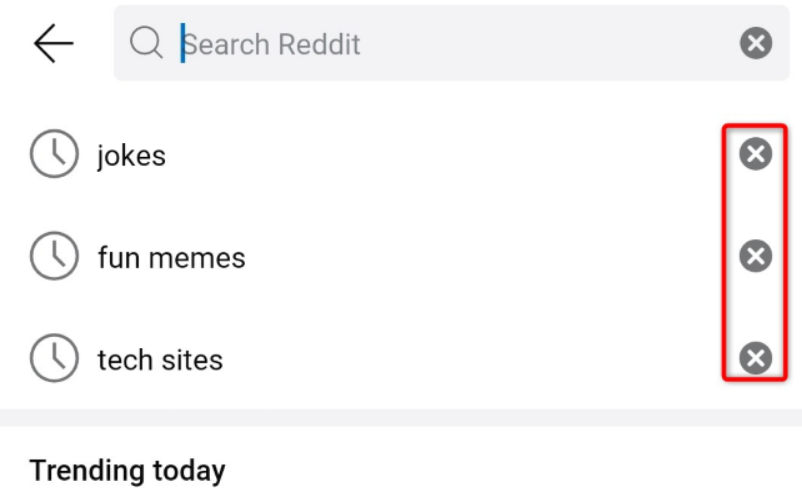
If you're using a mobile phone, launch the Reddit app and log in to your account. Then, in the top right corner of the app, tap the magnifying glass icon.

You will see your recent searches. Here, next to the search query you want to delete, tap the “X” icon. Repeat this for all the queries you want to remove.
Delete your Reddit viewing history
To remove the history that maintains a list of posts you've viewed, follow the steps in the section for your mobile device below.
On Android
Open the Reddit app, log in to your account, and tap your profile icon in the top right corner.

In the open menu, select “History.”

On the “History” page, in the upper right corner, tap the three dots.
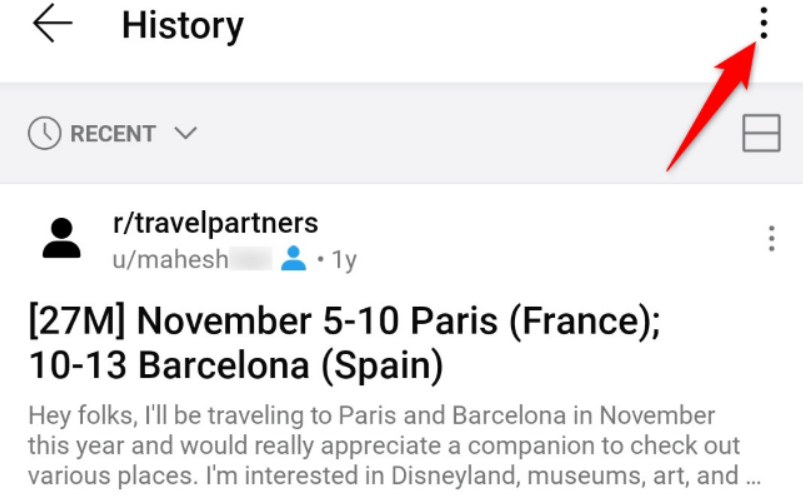
Select “Clear History.”

And that's it. Your viewing history has now been deleted.
On iPhone and iPad
Launch the Reddit app on your phone and sign in to your account. Then tap your profile icon and select Settings > Clear Local History.
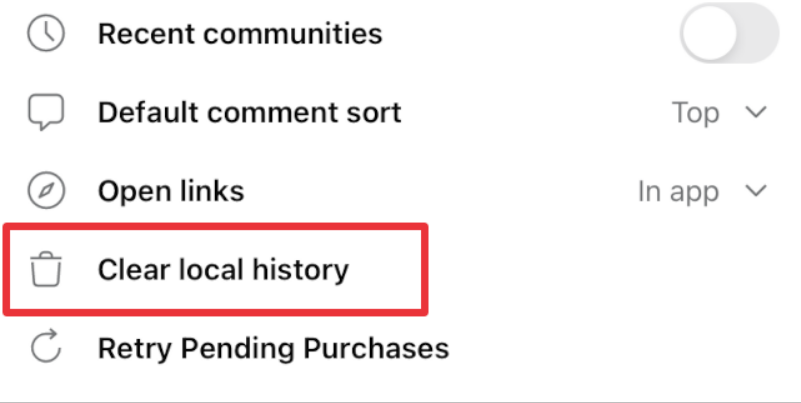
In the open command prompt, select “Clear Local History.”

Your Reddit viewing history has now been deleted.
Information source: howtogeek.com
