


Recently, the first (alpha) version of the Flutter UI toolkitfor Ubuntu-based operating systems was announced. After a long collaboration between Google and Canonical, the first version of the application is now available for developers who prefer Linux.
Although still in its early stages, the app is available to all users via Ubuntu Snap (Ubuntu's universal package manager). Additionally, users have the option to upload their apps to Canonical, called the Snap Store.
What exactly is Flutter?
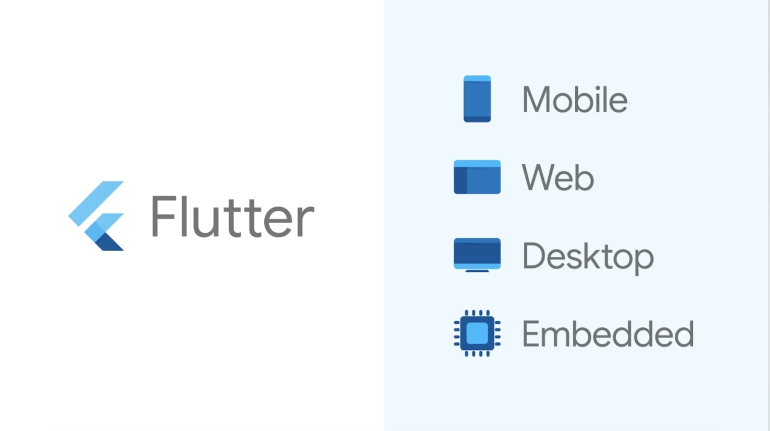
Flutter is an open source platform that combines a UI Framework with an SDK (Software Development Kit). Using the platform, users can create various applications that are compatible with many mobile, web, and desktop platforms.

One of the best features of the platform is the ease with which users can build complex programs. While Flutter has a lot of features, working with it is easy and does not require much knowledge. Knowing the Dart language, users can easily create applications for Android, Web, macOS, Windows, and Linux.
Flutter for Linux:
Although today the platform support is great, initially, Flutter only supported Android and iOS apps. Later, Google decided to add support for Web and desktop platforms. After the release of the first version with support for macOS, the company decided that it wanted to add many of the Linux distributions as well.
Of course, the choice of Ubuntu is not accidental. As is known, Ubuntu is the most popular distribution based on Linux. By choosing it, Google is targeting a larger part of the Linux audience. On the other hand, Canonical announced that it will continue to cooperate with Google in order to improve the application support of the operating system.
How to install Flutter:
It is important to know that installing Flutter requires that you already have snap installed. While many operating systems come with snap pre-installed, it is a good idea to make sure that it is on system . Then, you can proceed to install Flutter by opening a terminal and typing:
sudo snap install flutter –classic
After Flutter installation is complete, you can open a Text editor and start creating your app.
