

Microsoft has released Windows Terminal Preview v0.10 with new features and improvements. If you want to install Windows Terminal, you can visit the Microsoft Store or download the package from the page GitHub relevant .
Let's see what's new:
Mouse support
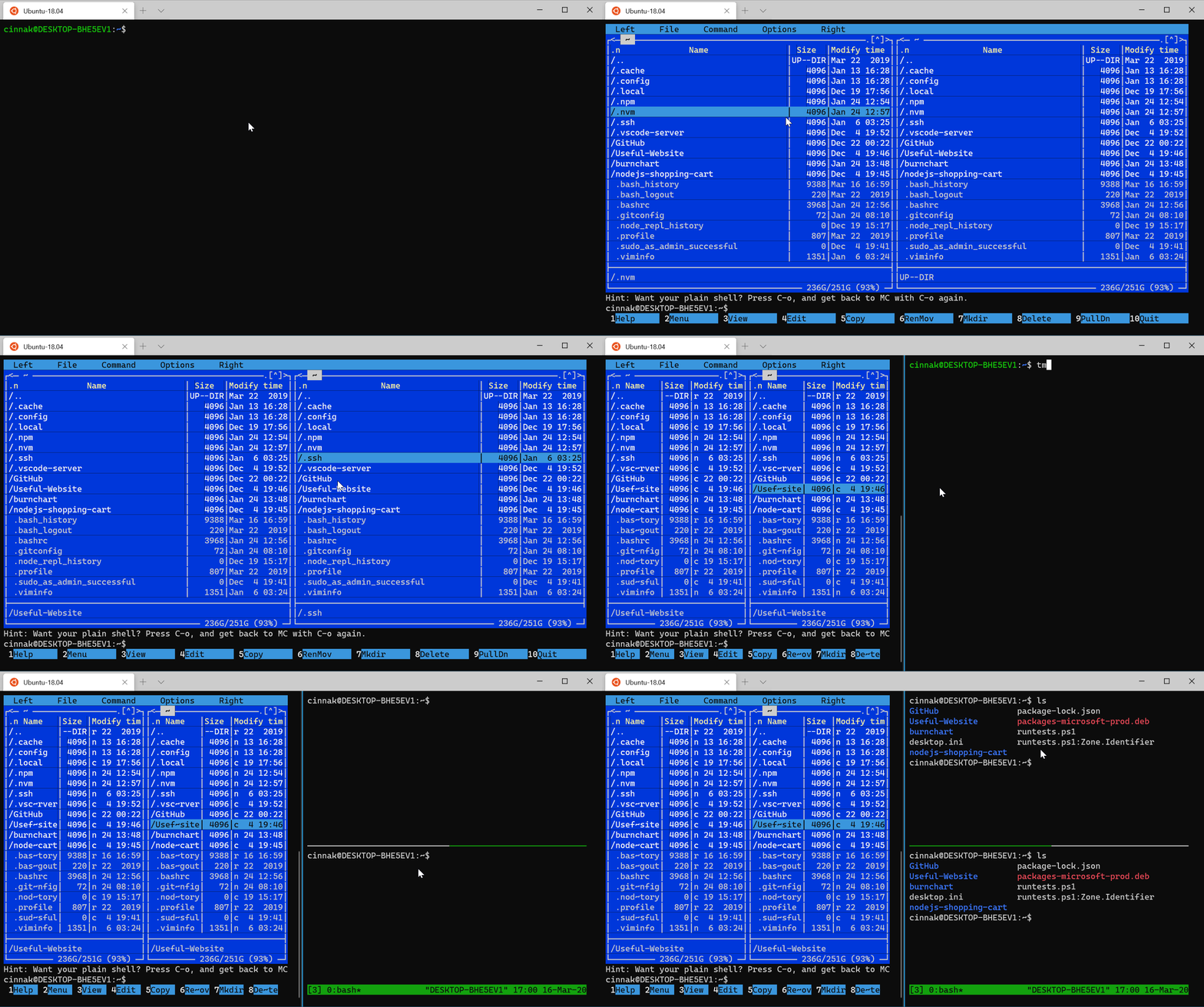
Windows Terminal now supports mouse input in applications Windows Subsystem for Linux (WSL) as well as Windows applications that use virtual terminal (VT) input. This means that applicationslike tmux and Midnight Commander will recognize commands when you click with the mouse on items in the Terminal window!
Settings
Duplicate Pane
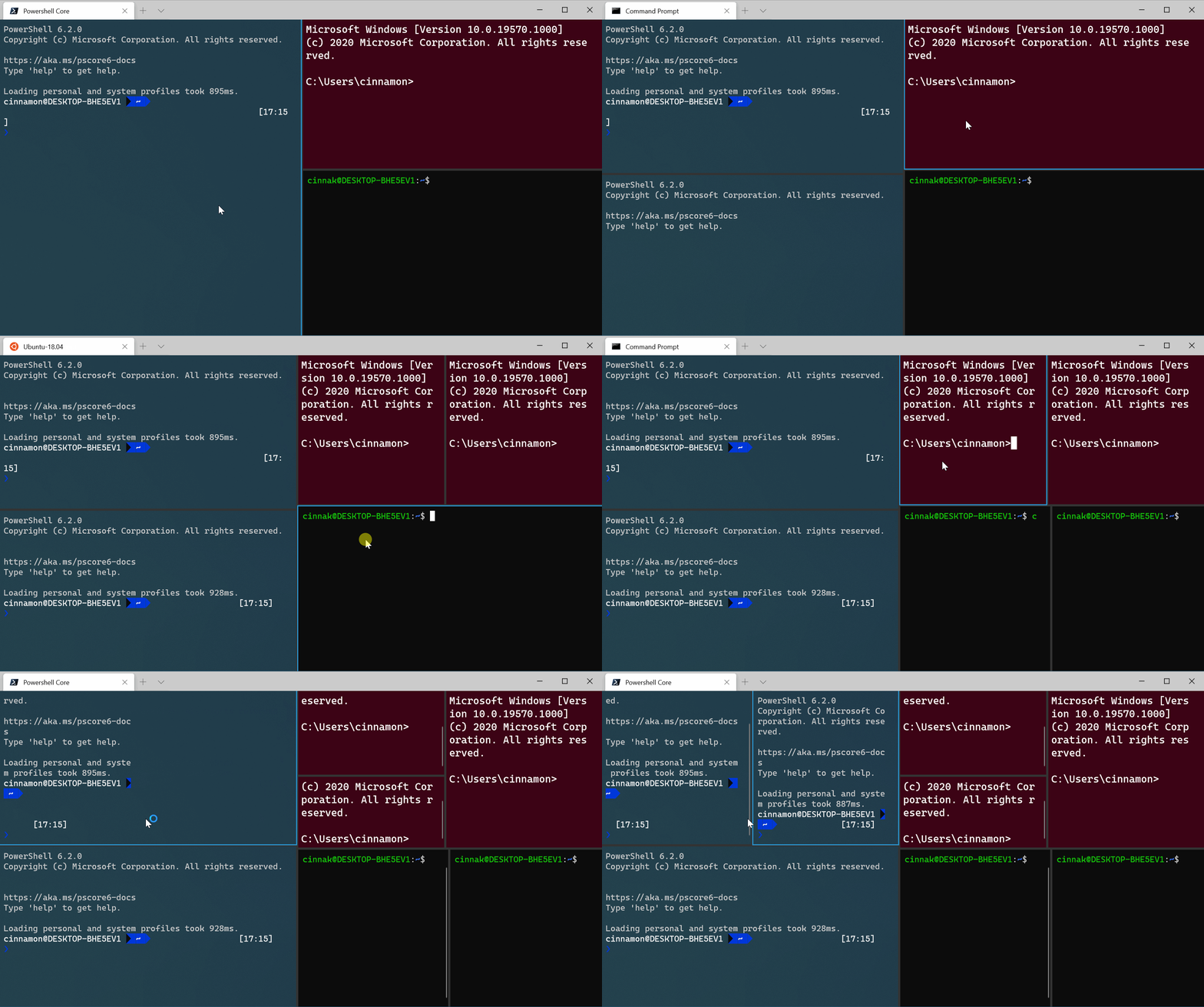
With the new version of Windows Terminal, you can open a new window (pane) with a duplicate profile. This can be done by adding the commands “splitMode“: “duplicate” to the list of commands of “splitPane” in the key bindings. This key binding will display a duplicate profile, but you can also add other options, such as “commandline”, “index”, “startingDirectory”, and “tabTitle”.
If you want to know more details about key binding options, you can check out this blog post.
{“keys”: [“ctrl+shift+d”], “command”: {“action”: “splitPane”, “split”: “auto”, “splitMode”: “duplicate”}}
Bug fixes
- The text display is significantly better when the window size is changed!
- The frames, when using dark theme, are no longer white!
- The taskbar (which is auto-hidden) will now be visible when the mouse is at the bottom of the screen.
- Azure Cloud Shell can now run PowerShell, support mouse commands, and follow the desired shell of your choice.
All of the above can be found in Windows Terminal Preview v0.10.
Microsoft said its developers are working on fixing some bugs in preparation for the release of v1. Windows Terminal v1 will be released in May.
