

If you are a new blogger or just an entrepreneur who wants to take your company a step further, a good solution for a new website is Joomla. But how do you upload an article yourself? Below you can find how to write an article step by step.
Create your article
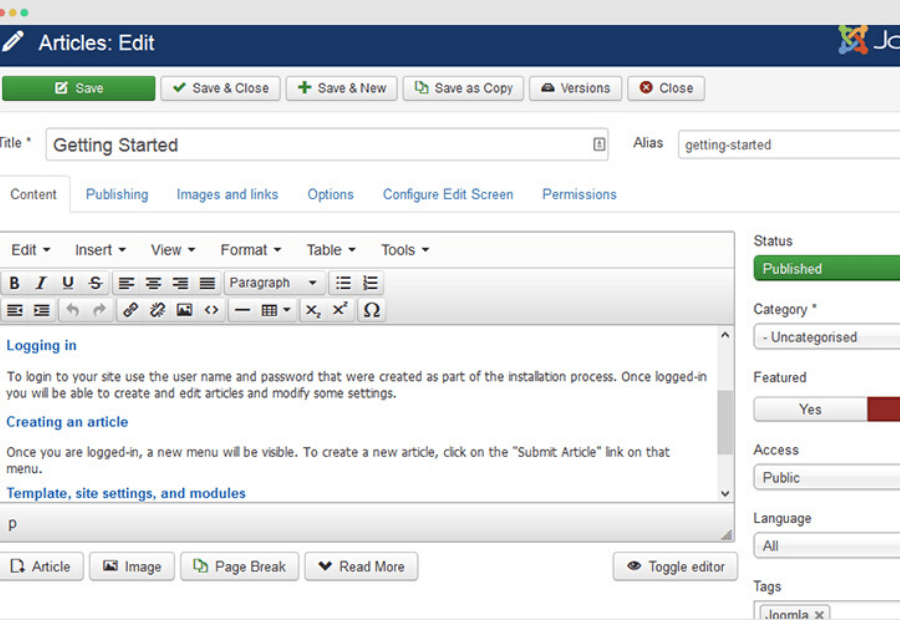
First you need to go to Administration . Then open the content, click on article management and finally, add a new article. Alternatively, you can click on Content, then on Article Management and finally on the green “New” button. If you want to edit an existing article, click on its title in the Article Management.
Create the title of your article
First, write the title of your article. Be careful to write a title that arouses interest. The nickname is the URL of your article (myblog.gr/to-arthro-mou.gr) as it appears in the browser. Essentially, you must write the title of your article in Latin characters without spaces and without articles and prepositions. Then, click the green Save button. With the green save button you can save something without being “thrown” out of Joomla editing. If you have completed your article and want to make the final save, click the green save button.
Write your text
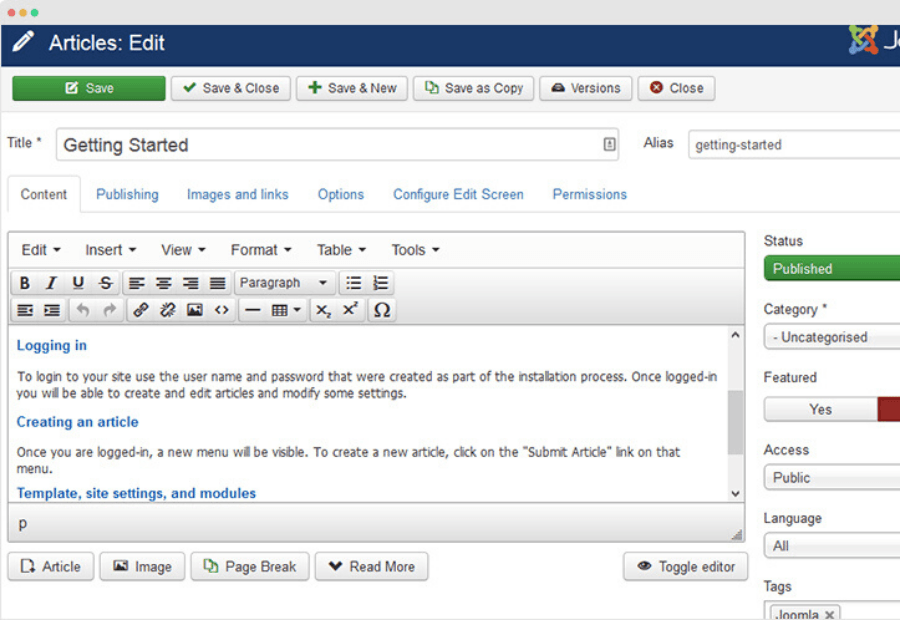
First of all, write your text in the copywriter, which is a word- with corresponding functions. If you have already written your text in word and want to add it, copy and insert it into the article. Finally, click save.
Add images to your article
Once you have completed your text, you can upload your image from the icon you will find in the copywriter. However, you must first have created your image in the appropriate dimensions (500 X 250px)
The process of adding text to Joomla is quite easy, in general, and something you can do yourself without outside help.
