

Microsoft continues to develop the Chromium-based Edge browser and earlier this week released a preview build exclusively for Windows 10.
The company promised to release more versions in the coming months, which will be able to run on older operating systems such as Windows 7 and 8.1.
So according to the company, the first preview builds are only available for Windows 10. However, they can also be installed on Windows 7 as long as you have the right installer.
In short, what Microsoft is doing is preventing Windows 7 and 8.1 users from downloading the browser on older operating systems even though it exists on the company's servers. The Windows 10 Edge installer can also run on Windows 7 and the browser installs just fine. However, Microsoft is blocking Windows 7 and 8.1 users from downloading the installer.
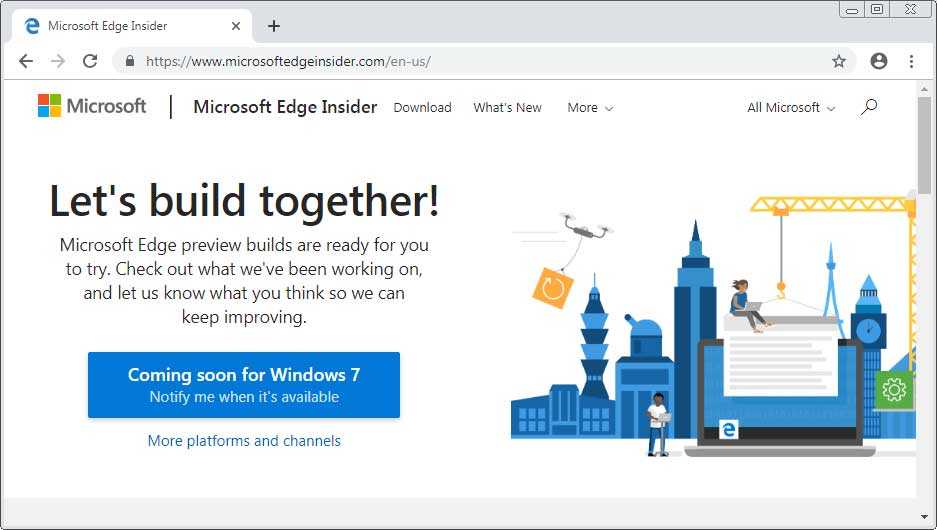
However, once you bypass the company's restriction and download the exe you will be able to install the new Microsoft Edge on Windows 7, and possibly Windows 8.1.
There are several ways to bypass Microsoft's restriction and download the browser, and one of them is to simply change the user agent in your browser. This can be done manually, or with a plugin for the browser you are using. 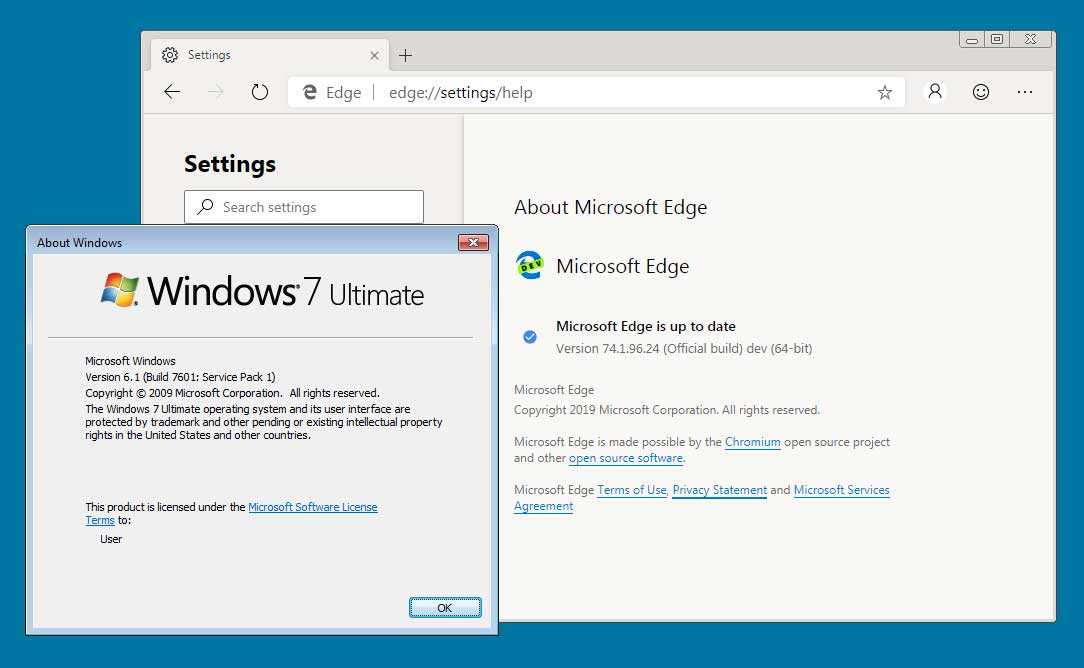
Microsoft hasn't given a timeline for when Chromium-based Edge will officially be released for other versions of Windows, but the plan is to release the browser on multiple platforms.
For now, you can try Microsoft Edge on Windows 7 by changing your browser's user agent. However, you should be aware that only 64-bit devices are supported.
If you want to try the browser, you can download one of the Developer or Canary versions.
_________________
- Windows 10 Fall Creators end of support, upgrade immediately
- Windows 10 May 2019 Update available today in the Release Preview ring
