

Local, LocalLow and Roaming folders: If you use Windows and like to search, you have certainly come across them. If you still don't know where they are, it is very easy to find them: 
If you open RUN (Win+R) in Windows 10 and type %AppData% or if you open File Explorer and paste the same into the location bar, you will be taken to a folder called AppData.
This folder exists in the user profile and is created by Windows. Inside the folder there are always three others: Local, LocalLow and Roaming. Inside these you will find folders for the various applications you run on your system.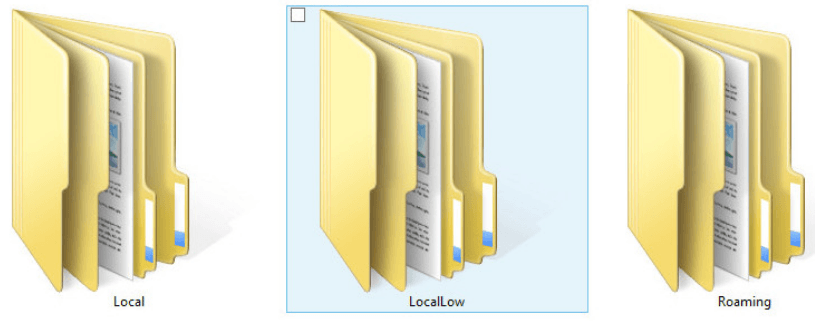
These folders are not where your applications are installed, and below we will see in detail what each one does.
Local, LocalLow, and Roaming folders
As we already mentioned, these folders are created by Windows itself. Even if you don’t have any applications installed on your system, the three folders are present inside the AppData folder. In them you will find everything needed for an application you install to run properly. Chrome, for example, will add a Google folder under Roaming while iTunes will add an Apple folder under Local. The applications you install decide for themselves where to create their folders, but each application’s “decision” has a purpose.
Local
Let's mention once again that these folders exist in each Windows user's profile. Applications that create folders in Local and store data means they will never leave your system. If you delete the user profile, the applications and data stored in Local will not be deleted.
LocalLow
LocalLow is almost the same as Local, however, applications that store data in LocalLow either because they do not have access rights to store data in Local or because the data is of a type that should not be stored in Local or Roaming. For example, if you use portable applications, they may create folders here if they do not create them in Local. Adobe for example stores files in this folder as well as the other two folders.
Roaming
All folders in Roaming can be synchronized to a server and can be copied between computers to move a user's profile. Applications that create folders and store files here, such as Chrome, do so because they synchronize their files through a web service. Chrome stores the user profile you have created in the browser in the Roaming folder.
There are applications that create folders in all three, storing different files in each. Adobe is one example, but Microsoft also creates and stores some Windows files in each of these folders. If you tamper with these files, there may be some data loss, for example, you may delete a bookmark from your browser, but it will not break your system.
_____________________________
- AV-TEST the best security suites for Windows 10
- Google Location Services: disable the service completely
- Windows 10 preventing installation of pre-installed apps
- Facebook: reveals what data they share with third parties
