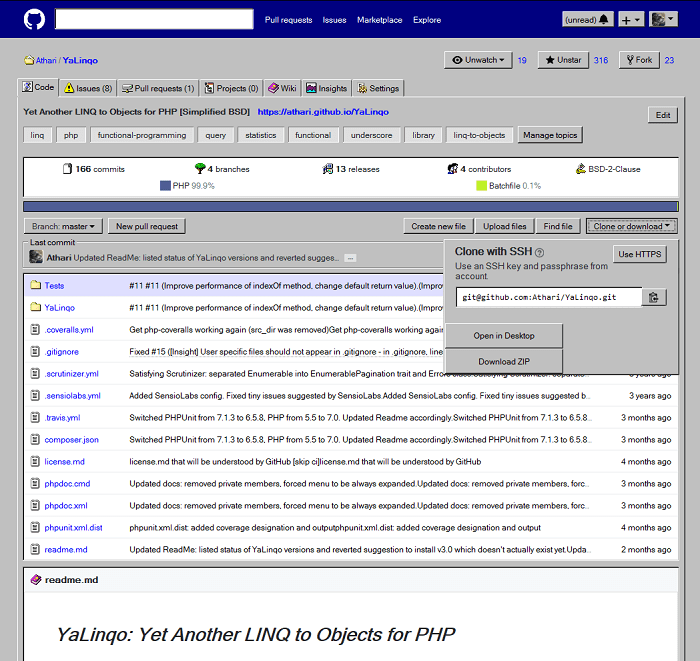
Microsoft recently bought GitHub, and what better way to celebrate this historic announcement than to make the largest code repository service look like classic Windows?
That's exactly the purpose of this style posted on GitHub, which transforms project pages in modern browsers to look like Windows 95 and 98.
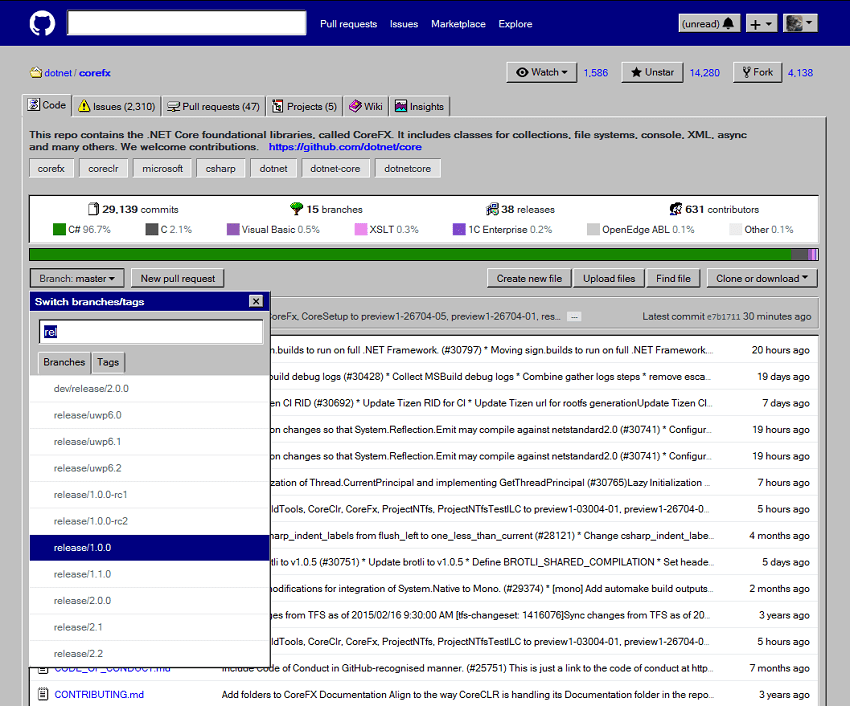
While the developer says that only some parts of the website have been fully transformed, this look looks awesome, bringing back the nostalgia of Windows 98 for those who prefer the classic interface over a modern approach.
Of course you won't get the same usability benefits, but the sheet style offers what the dev describes as "near-pixel-perfect reproduction of buttons, tabs, separators, groups, edit boxes, list boxes, tooltips, windows", as well as Windows 9x icons, text selection systems and other elements to match the new style.
To get the old look on GitHub, you need to switch to Stylus or Stylish extensions that allow you to import various styles into your sheets from third-party browsers. They can be used with either Google Chrome or Mozilla Firefox – other browsers may be supported, but further configuration is required.
There are also some known issues, as explained on the GitHub page. “Due to the requirement for elements to have multiple borders, the size of some controls such as buttons has changed. Developer Alexander Prokhorov explains that some borders may also be displayed incorrectly.
Below is a photo with some of the instructions for changing the style of GitHub.