

NVIDIA is providing a new GeForce, 391.24, which adds Old Film and Tilt-Shift filters to NVIDIA Freestyle and also the Game Ready driver improves the gaming experience when playing Sea of Thieves.
In addition to that, the update fixes issues for the HTC Vive and Oculus Rift VR headsets, removes a bug that prevented NVIDIA Freestyle from working in supported games, and resolves TDR detected when using Firefox.
Additionally, NVIDIA is fixing the flickering and stuttering that appear in the Rise of Tomb Raider game UI, improving compatibility with Surface Laptops , and other minor changes.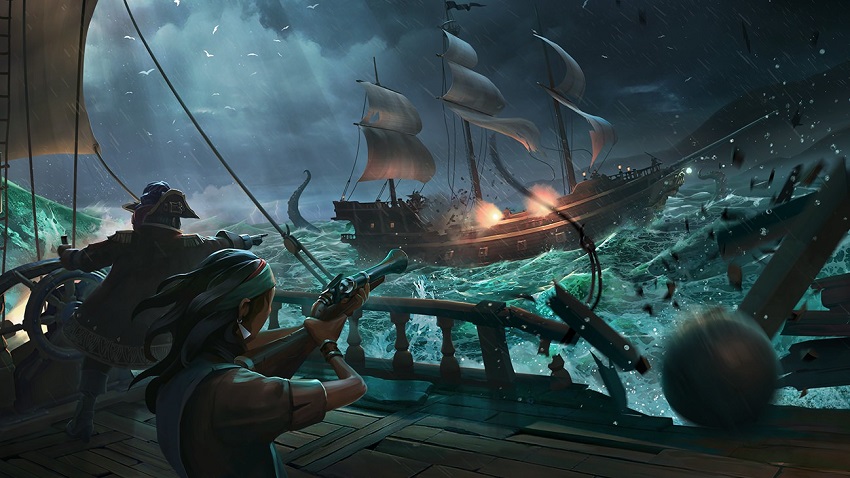
In terms of supported platforms, this version is suitable for both laptops and PCs supported by Microsoft's Windows 7, 8, 8.1, and 10 operating systems (32- and 64-bit).
From an installation perspective, make sure you have saved the appropriate package for your system configuration, close all programs and processes that may affect the upgrade, run it, and wait for all the files required to be extracted.
Then, follow all on-screen instructions for a complete installation and don't forget to reboot once the upgrade is complete. If this action is not automatically prompted, be sure to do it manually.
So, download NVIDIA GeForce Graphics Driver 391.24, apply it to your device, and enjoy your newly improved system.
