

The upgrade from the Linux Mint 18.2 “Sonya” operating system to the latest Linux Mint 18.3 “Sylvia” release is now officially available.
Linux Mint 18.3 launched with Cinnamon and MATE editions, which were previously only available in Beta . Now, all Linux Mint 18.2 users can upgrade to Linux Mint 18.3.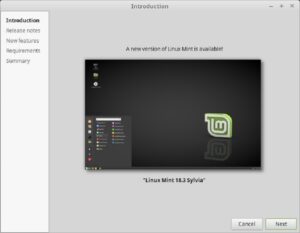
Note that the update is only open to Linux Mint 18.2 “Sonya” Cinnamon and MATE users, while Xfce and KDE users will have to wait until the official release of Linux Mint 18.3 “Sylvia” Xfce and KDE.
Installing Linux Mint 18.3
First, you should create a system backup of your important files using the Timeshift utility and then disable the screensaver. Cinnamon users should also upgrade all Cinnamon spices.
To upgrade to Linux Mint 18.3, open the Update Manager application, click “Refresh” to check for new versions of the mint-upgrade-info and mintupdate packages and install them, if available. Then, open the System Upgrade utility, go to the edit menu, and click “Upgrade to Linux Mint 18.3 Sylvia”.
Follow the on-screen instructions to complete the installation successfully. Make sure to replace any configuration files during the installation, if prompted. When the upgrade process is complete, restart your computer and you are ready to use Linux Mint 18.3.
Please note that this update will not update the kernel packages, so you will need to do it manually. You will also need to manually install applications like Redshift and System Reports from the official software repositories.
