

It seems Microsoft has secretly changed some Group Policy options in Windows 10 that will be released on August 2. The upcoming Windows 10 version 1607 Anniversary Update limits the control you had in the Pro versions.
What does this mean? Pro users with this release get fewer options that were available since version 1511.
Thus, many behaviors of the operating system will not be able to be controlled.
If you read the description of some settings in the new Group Policy of the upcoming Windows 10 build 14393, you will find that the options listed below are no longer available for Windows 10 Pro users, and are only allowed in Enterprise and Education editions:
The ability to disable the lock screen
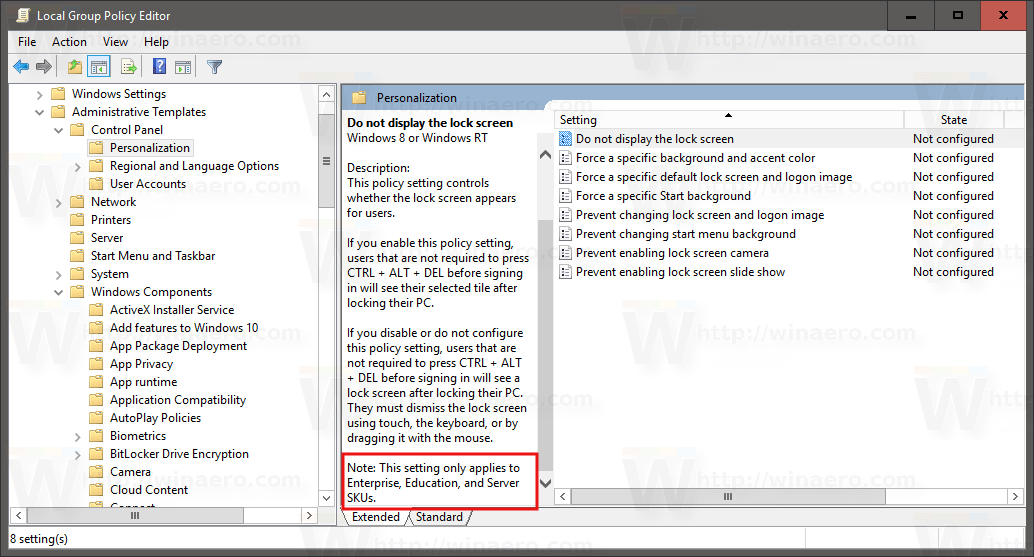
In Windows 10, the lock screen displays fancy backgrounds and some useful information like the clock, date, and notifications. You can also choose a user account to sign in to. If you disable the lock screen, you can have the login screen with authentication. As the lock screen gradually merges with the login screen, Microsoft is eliminating the ability to disable it for Pro users.
Disabling Windows Tips
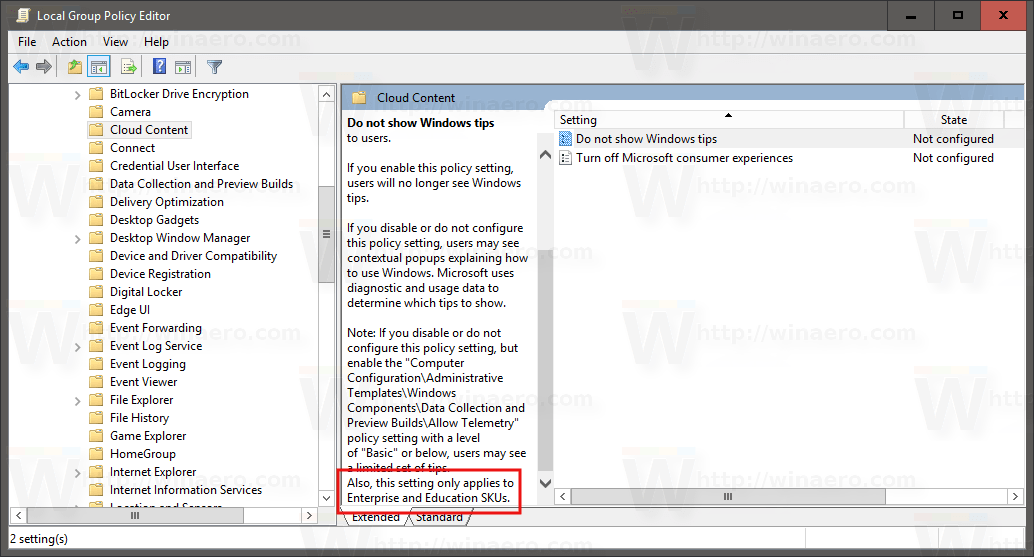
The same goes for the Group Policy “Do not show Windows tips”, which could be used to disable help tips and notifications in Windows 10. These are of course very annoying for experienced users.
Disabling Microsoft's consumer experiences
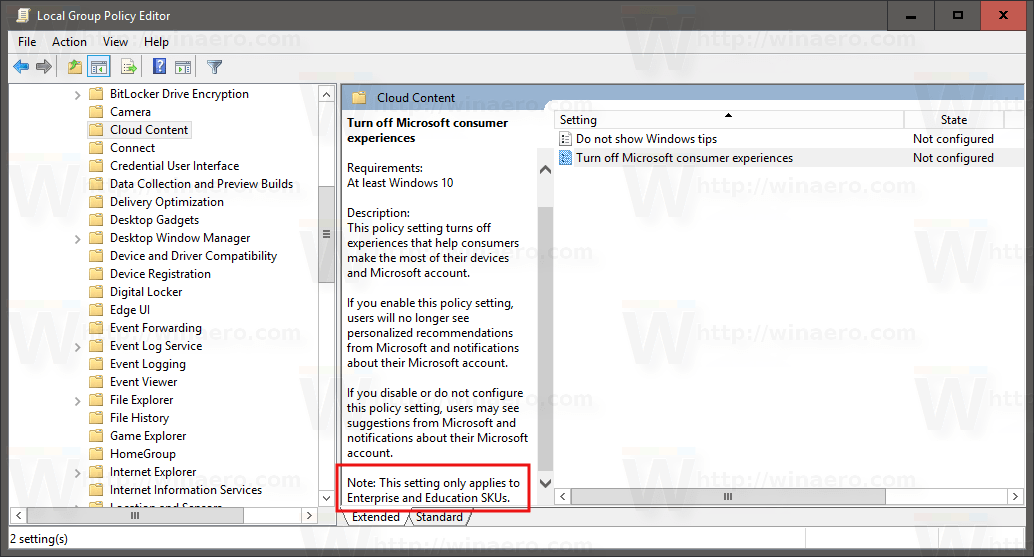
Using this option, you could prevent Windows 10 from automatically downloading and installing promo apps like Candy Crush Saga Soda, Flipper, Twitter, Netflix, Pandora, MSN News, and many other unwanted apps and games. With the new policy, Pro (and Home) users will not be able to prevent these apps from automatically downloading and installing. Setting this policy has no effect on these editions, while you can prevent automatic download and installation on Enterprise and Education editions of Windows 10.
From the above, you can see that Microsoft is starting to downgrade Windows 10 Pro. These changes make the Pro version less attractive for users who want to be in control of their system.
So if you use Windows 10 Pro for work, you'll have to put up with automatic downloads of games and more from the Windows Store. In this way, Microsoft is forcing its customers to look towards the higher-priced editions (Enterprise and Education) that are only available through a certain number of licenses. The licenses are not only more expensive, but you also have to buy a certain number of licenses and above.
Enterprise and Education editions seem to be the only editions that still offer full control over the installation of unwanted applications and the restriction of telemetry.
(Restriction, not blocking).
Winaero Images
