

In Windows, by default, when you request to open a Command Prompt window (command line) with elevated privileges, it opens in the C:\Windows\System32 folder. This option is not particularly useful. To change the folder you will need to type a bunch of paths on your hard drive.
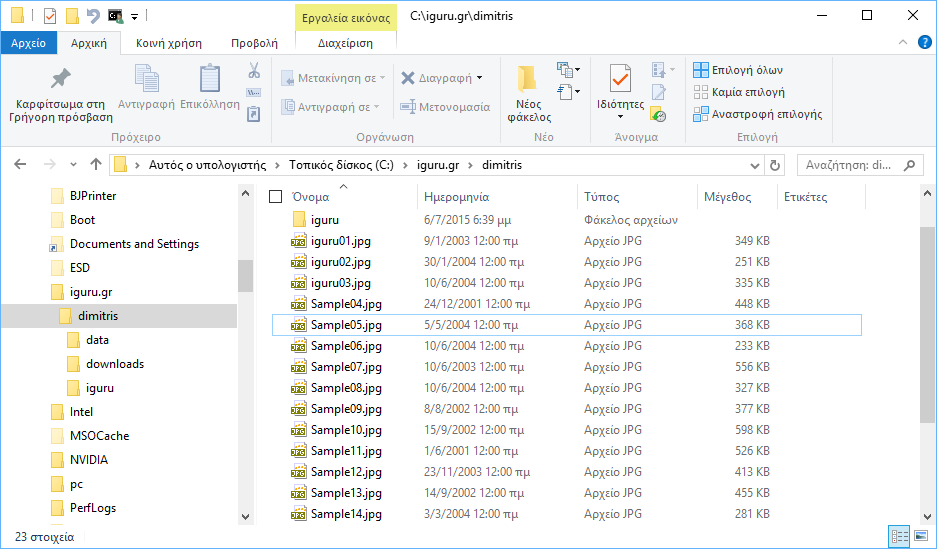
But with the advent of Windows 8, 8.1, and 10, opening the command prompt directly to the folder you want can be a very easy process through file explorer. Just follow these steps:
1. Open the folder you want in File Explorer
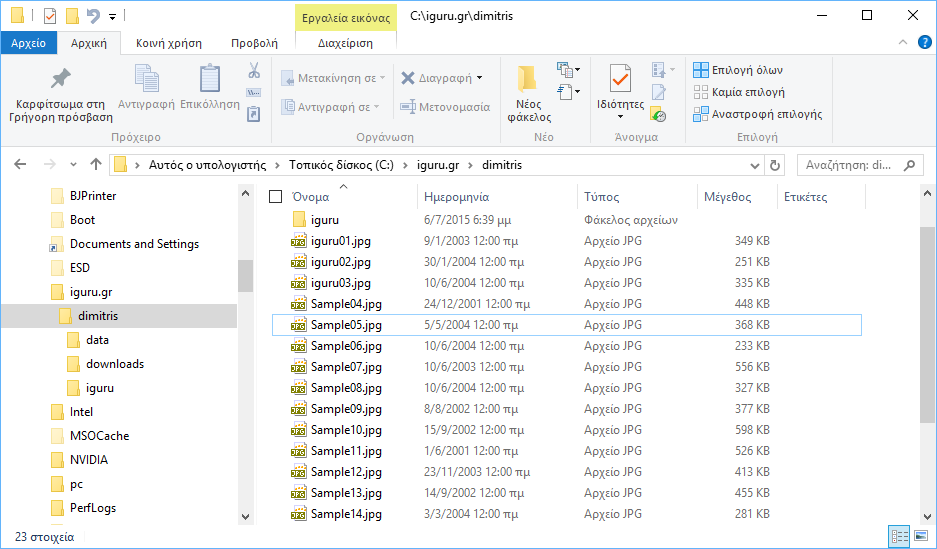
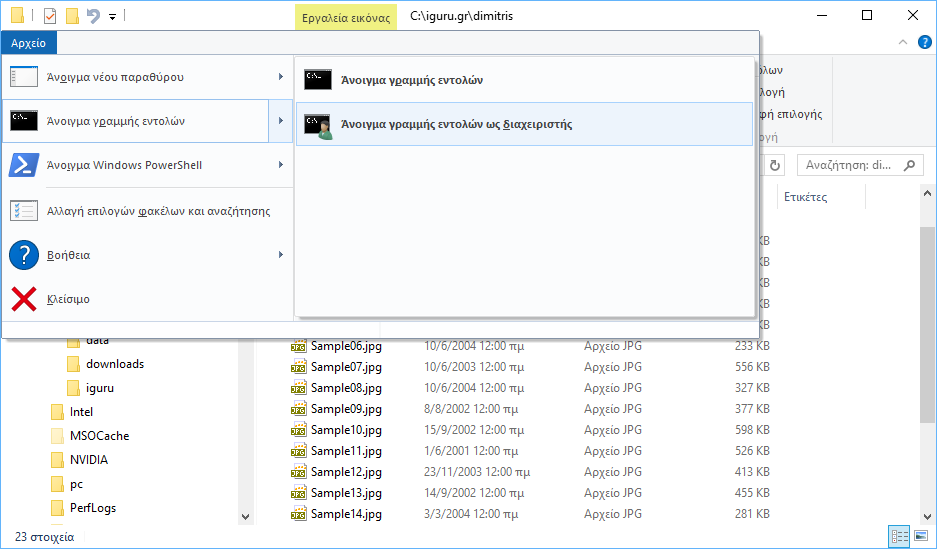
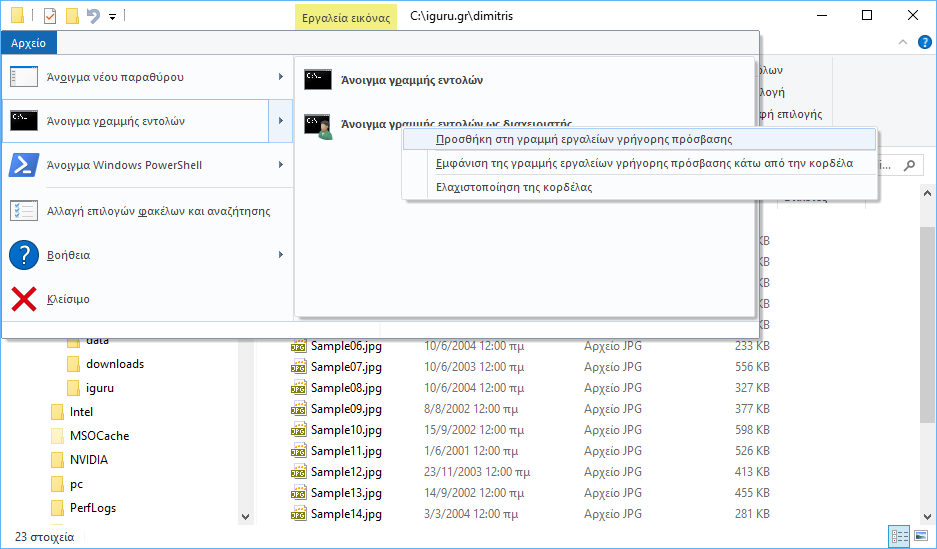
2. Go to the File tab -> Open command line -> Open command line as administrator
3. Say “Yes” to the UAC confirmation and you are ready!
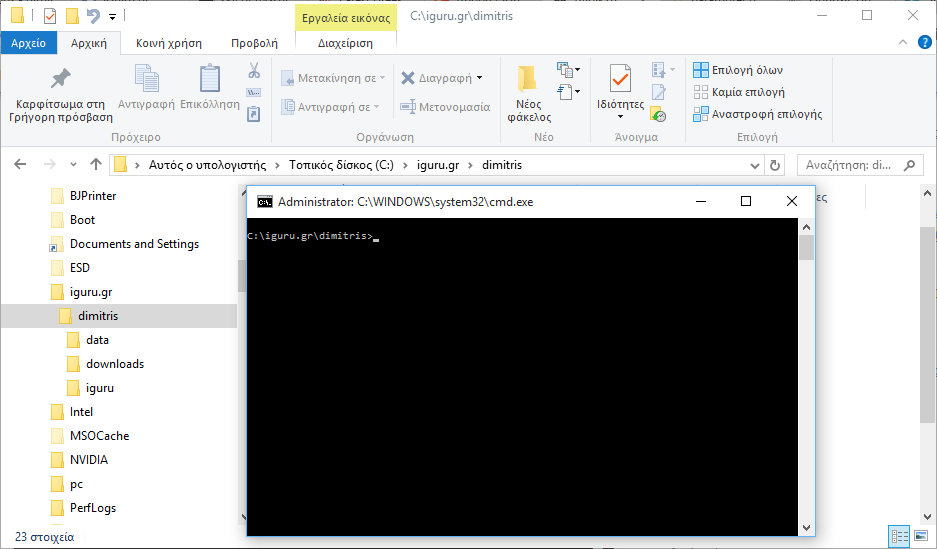
Another even faster way is to add the “Open command line as administrator” item directly to the Quick Access toolbar. Right-click the previous command and select “Add to Quick Access toolbar”. Then you will be able to open it with a single click from any folder you have opened in File Explorer.
That was it.
