

Windows 10 has a lot of settings from the old Control Panel as well as the new Settings app. Microsoft's new Settings app may be a harbinger of the phasing out of the old Control Panel. But what if you want all your PC settings in one place?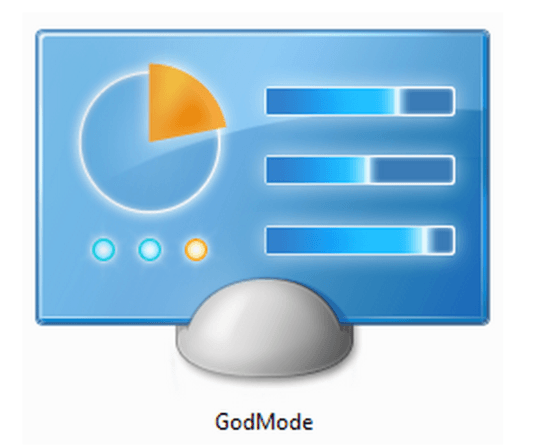
iGuRu.News readers will be familiar with the GodMode feature that provides access to all the settings of the operating system you are using. This feature is still present in Windows 10, and is not part of the Settings screen or the Modern UI that Microsoft introduced with Windows 8.
GodMode opens your familiar Control Panel, which contains all of your computer's settings. The feature appears to work in Windows 10 as well.
It should be noted that GodMode is present in all versions of Windows, but it is not enabled by default because it provides access to critical settings that could affect the overall performance and stability of your system. So to enable it, you need to follow a few simple steps.
Create a new folder on your desktop. After creating the folder, rename it to
GodMode.{ED7BA470-8E54-465E-825C-99712043E01C}Obviously, you need an administrator account to do this. Once you paste the name and press enter, you'll be able to access all of GodMode's configuration settings. Simply open the folder, which no longer looks like a folder.
If you want to remove it, simply select delete the GodMode icon from your desktop.
