

The debut of the Windows 10 Anniversary Update is just around the corner, and Microsoft has decided to make an unexpected change that is sure to lead to more criticism from the community.
Starting with the Anniversary Update, users will no longer be able to completely disable Cortana, but will only be able to hide it from the taskbar.
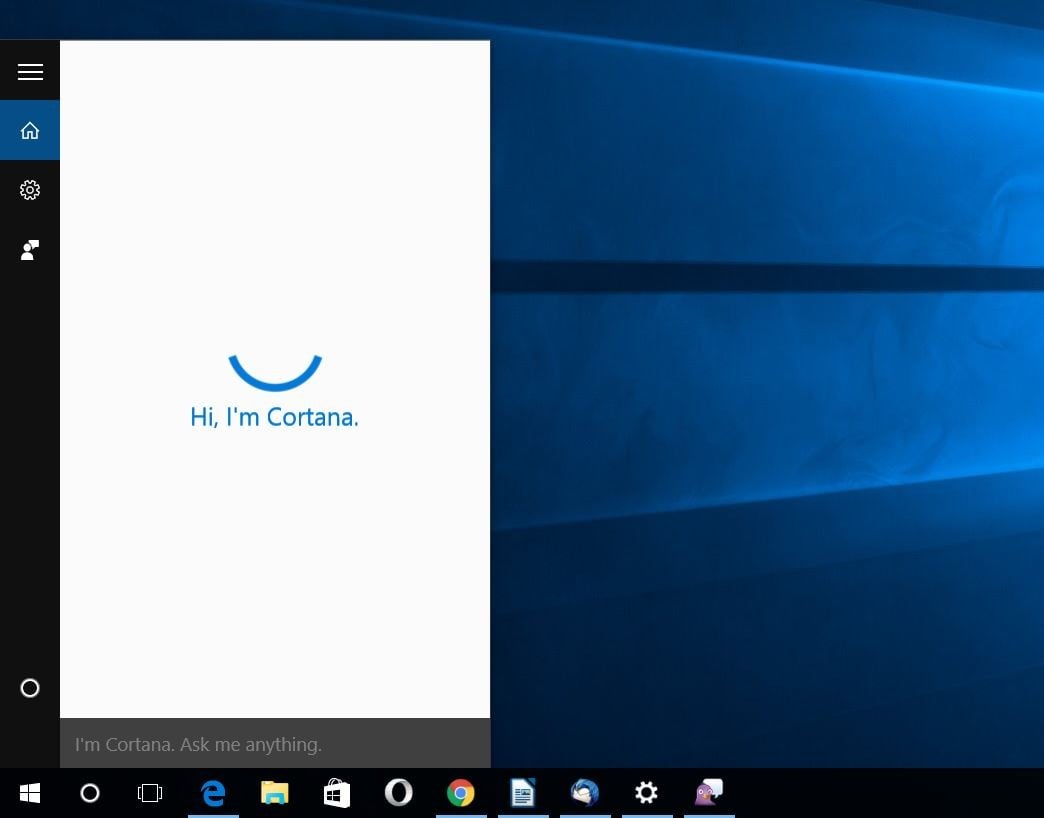
In the current version of Windows 10, Cortana can be disabled from the settings, and the icon in the taskbar is replaced with a simple search icon that allows you to perform your searches with Bing. All of this will change with the update, BI notes and Cortana will continue to search for information locally, even if you disable them.
Pro and Enterprise editions of Windows 10 will come with the option to disable Cortana, but for Home users it will be impossible.
One possible solution is to sign out of the personal assistant, so it won't use an account when you perform searches. Microsoft will be able to collect anonymous data, but at least it won't be associated with your account.
In statements published about Cortana's new behavior in Windows 10 Update, Microsoft avoided explicitly saying that it will be impossible to turn it off, but it did note that users will benefit from the personal assistant and the new features it introduces.
It remains to be seen how users will react to this new change and how Microsoft will adapt to their feedback, as the company claims to be more than willing to change its operating system based on user suggestions.
