

Apple today announced major upgrades to Apple Creator Studio and the Camera Final Cut for iOS, bringing new features that content creators are sure to love. Final Cut Camera, Apple’s professional filmmaking app for iPhone, now supports variable aperture on iPhone 18 Pro. This feature allows users to adjust the aperture and choose between aperture-priority and shutter-priority modes, offering greater flexibility and creative control when shooting video.
See also: Apple removes references to PCIe 6.0 from the technical specifications of the new Mac Studio
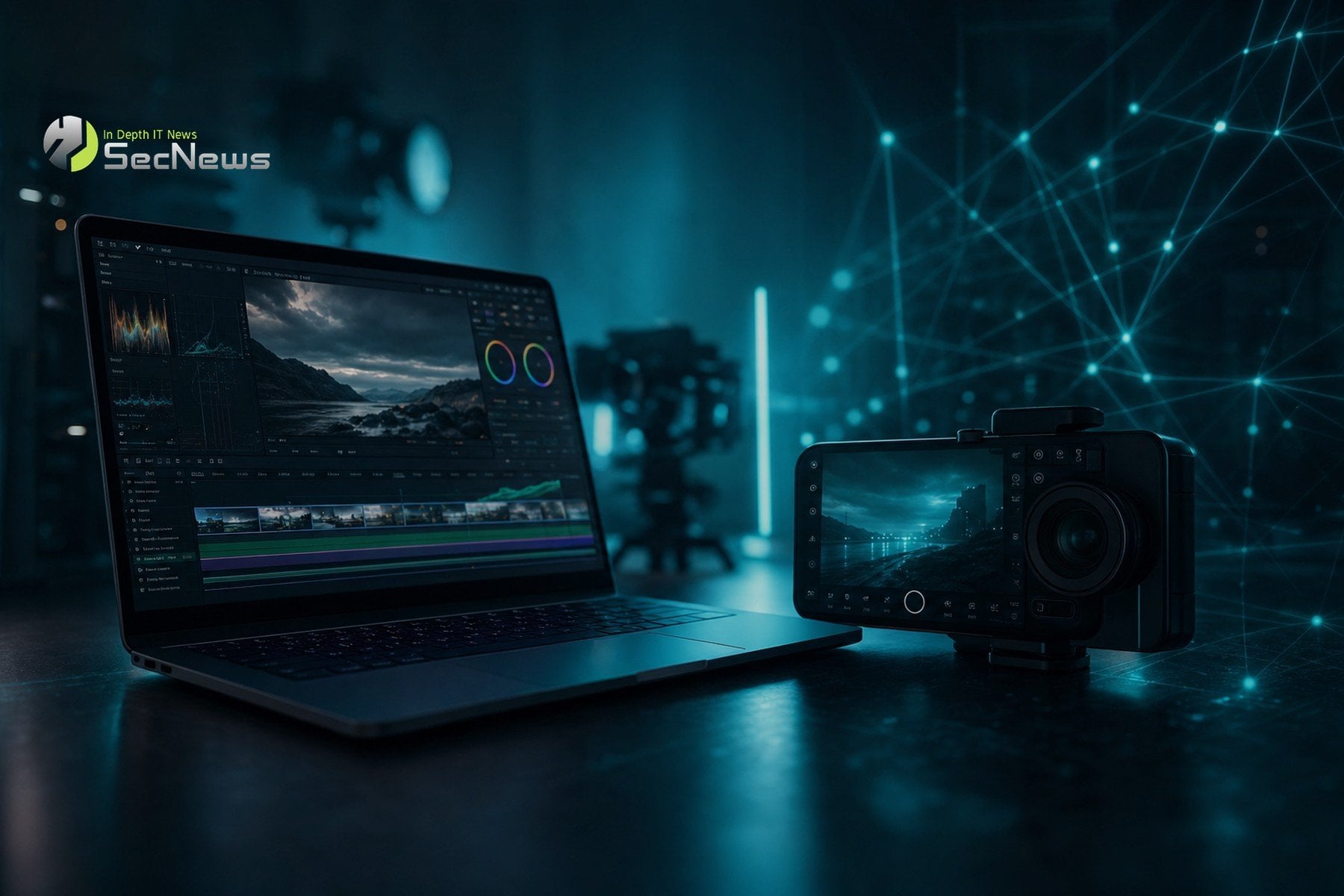
Apple says the app has been redesigned from the ground up to give creators easy access to professional settings like shutter angle, ISO, and white balance. This upgrade is expected to enhance the quality of the videos users can create, allowing them to adjust settings based on lighting conditions and their creative needs.
Additionally, the app offers customizable false-color overlays and exposure clipping indicators, as well as improved focus peaking with sensitivity control. These tools allow users to more accurately see areas that are properly exposed and in focus, making it easier to create professional-looking shots. A tally light is activated during recording, providing visual confirmation that a shot is in progress, while a two-finger gesture allows the viewfinder to be cleared to focus on the shot.
Other new features include support for professional video scopes, clean SDI output, and genlock offset. These features are especially useful for professionals who need precise timing and high image quality during live broadcasts or complex productions.
See also: Apple Mac Roadmap 2026-2028: All the new MacBook, iMac, Mac mini and Mac Studio
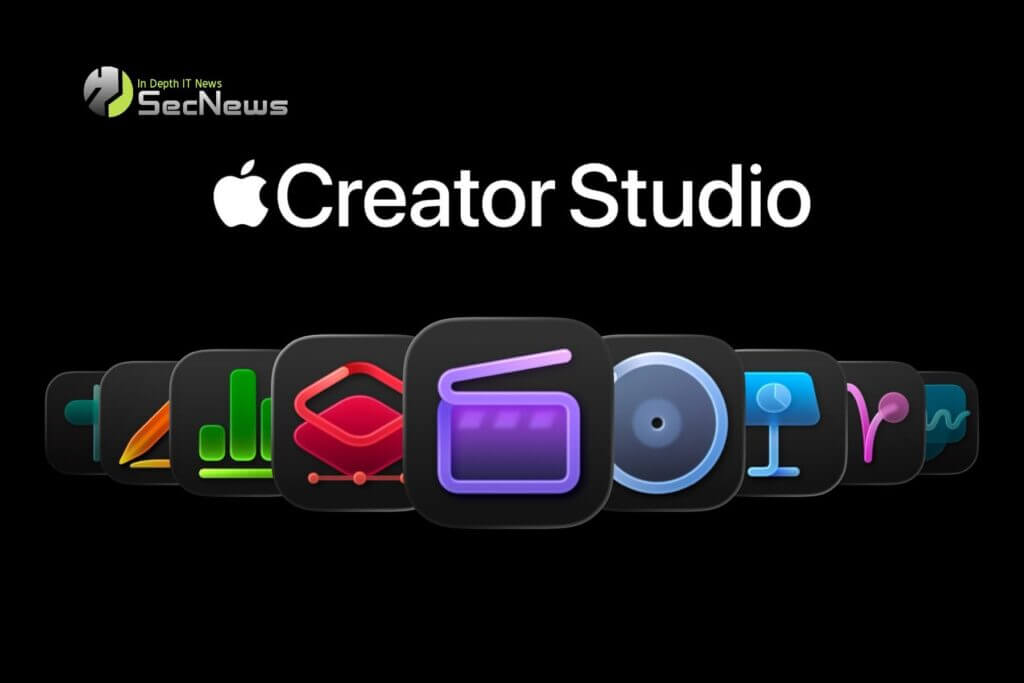
In the office apps space, Pages, Numbers and Keynote have been upgraded with new templates and themes, as well as better collaboration tools. Keynote supports intelligent slide creation, allowing users to create presentations with greater ease and efficiency. Numbers has built-in trigonometry, statistics and logic functions, making it easier to solve complex problems in spreadsheets, while Pages for Mac has a Screen View feature that optimizes content for reading and writing.
Pixelmator Pro for iPad has also been updated with new collections of templates on Mac and iPad for launching ideas, businesses or products. There’s a Podcasts category with cover options, while the iPad app adopts Select and Mask from the Mac app for precise mask and selection enhancements, giving users greater precision and control over their creations.
In the area of video editing, Final Cut Pro and Motion on Mac have a new option to add Cinematic mode effects to videos shot with iPhone 18 Pro. This allows users to adjust focus points and depth of field in the Final Cut Pro timeline, offering greater creative freedom and control in the editing process. Compressor supports converting videos with Cinematic mode effects back to the previous Cinematic mode format, and features new HEVC and MPEG-4 export presets, allowing users to export their projects in a variety of high-quality formats.
Freeform includes automatic Dark Mode support for whiteboards, folders for better organization, and support for Writing Tools. With Writing Tools, Apple Intelligence can rewrite, correct, and summarize handwritten notes, making it easier to organize and edit information. In visionOS 27, the Vision Pro version of Freeform allows users to drag multiple objects from a whiteboard into their space, with multiple users able to view 3D models together as a team, enhancing collaboration and interaction in virtual environments.
See also: Apple working on Mac Studio M7 Ultra for 2028 with possible major upgrade
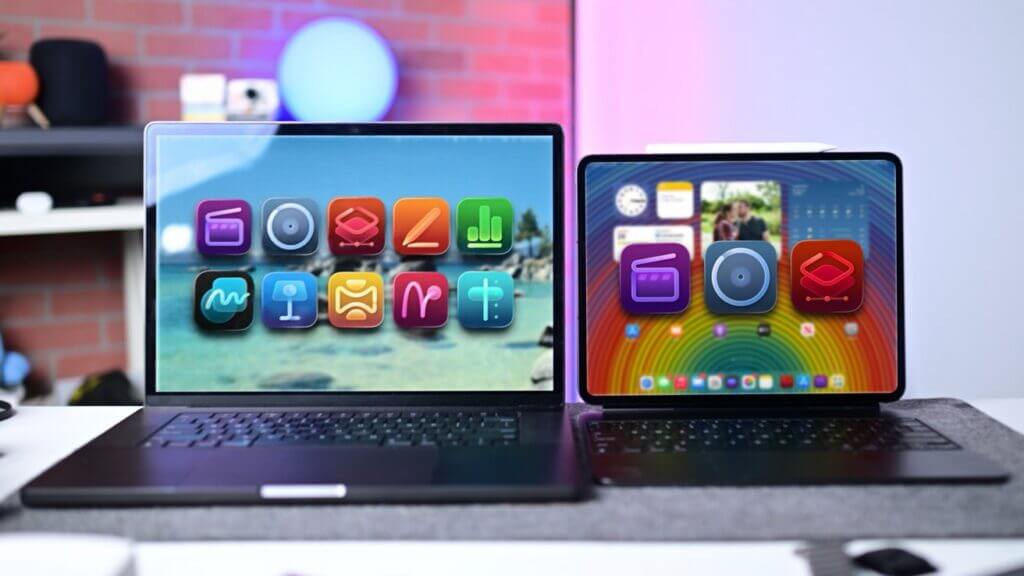
All updates are available today, and Apple Creator Studio costs $12.99 per month. It provides access to all of Apple’s creative apps, including Final Cut Pro, Logic Pro, and Pixelmator Pro, while adding premium features to free apps like Numbers, Pages, and Keynote that aren’t available in the free versions. This subscription service offers users a comprehensive platform for creating and editing content, making Apple Creator Studio an attractive option for both professional and amateur creators.
