

In select U.S. states, residents can add license or state ID to Apple’s Wallet app (on iPhone and Apple Watch), giving them an easy, contactless way to show their ID or age at select airports and businesses. The feature is now available for users in Illinois.
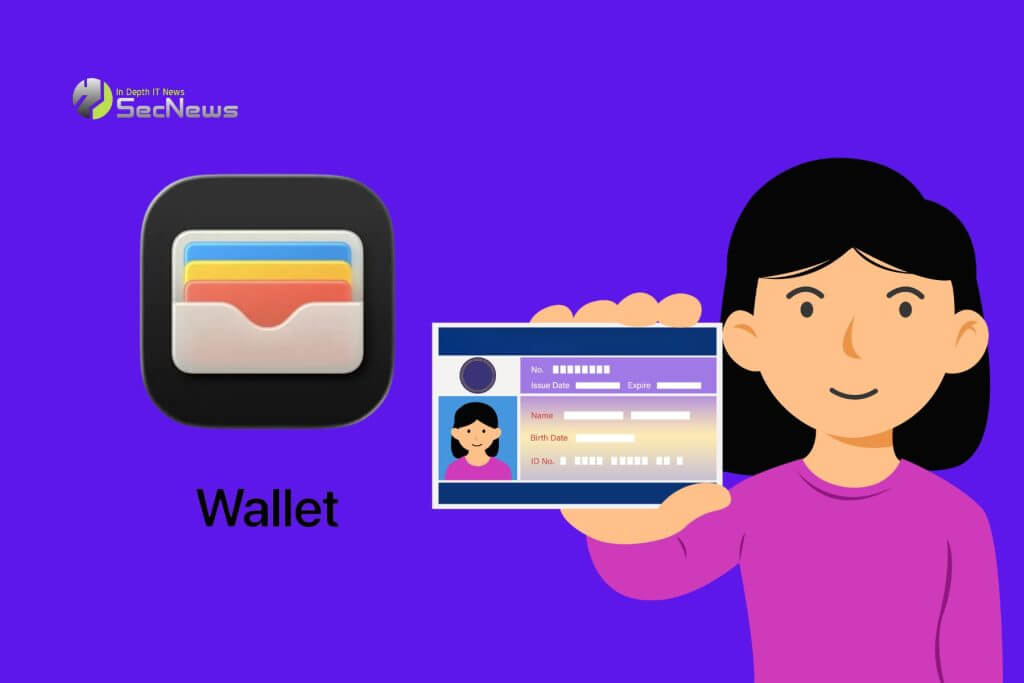
Apple Wallet IDs are accepted at TSA checkpoints at more than 250 airports, including O'Hare and Midway in Chicago. They can also be used to prove age or identity at select businesses and venues, but there is no list of specific locations.
See also: Apple: New firmware for Magic Keyboard and Magic Trackpad
Apple Wallet – license : How is the feature activated?
Those who want to set up the feature should open the app Wallet and tap the + in the top right corner. They should then select Driver's License and ID Cards and follow the steps that appear.

Apple says the feature requires an iPhone 8 or later running iOS 16.5 or later. For Apple Watch, users must have Series 4 or later running watchOS 9.5 or later.
See also: China Apple: Increased sales due to iPhone 17
The feature is also available in Arizona, California, Colorado, Georgia, Hawaii, Iowa, Maryland, Montana, New Mexico, North Dakota, Ohio, West Virginia, and Puerto Rico.
The Japanese My Number Card can also be added to Apple Wallet.
See also: Sixth Apple Store in Beijing to open on December 6

Apple previously said that Connecticut, Kentucky, Mississippi, Oklahoma, and Utah plan to offer the feature in the future. However, the company did not provide a timeline.
