

Some owners of the first-generation AirPods Max have reported experiencing the “three orange lights of death” issue. This occurs when the headphones fail to connect and a standard restart doesn’t fix the problem.
See also: Live translation via AirPods may not come to iOS 26
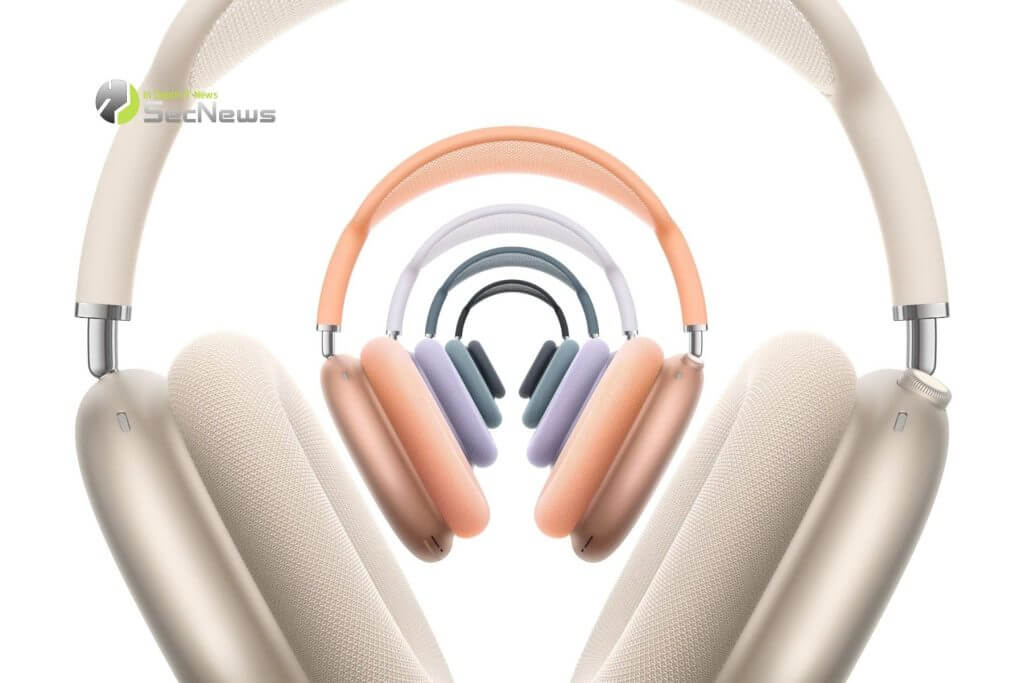
Even though the headphones may appear damaged, indicating a hardware failure, there are some possible solutions that may keep them operational for a while.
Many people now replace their audio equipment when newer technology appears, and many manufacturers seem to adjust their quality standards accordingly. Additionally, the degradation of the battery over time in wireless headphones is something we have to accept.
This also appears to apply to the AirPods Max, as an increasing number of owners report that the headphones fail with the LED flashing orange three times to indicate a hardware failure.
Some owners have managed to revive their headphones by cleaning the contacts. Others have found that a more unusual approach, such as putting the AirPods Max in the freezer for about half an hour, has worked.
See also: New AirPods tricks surpass Android headphones
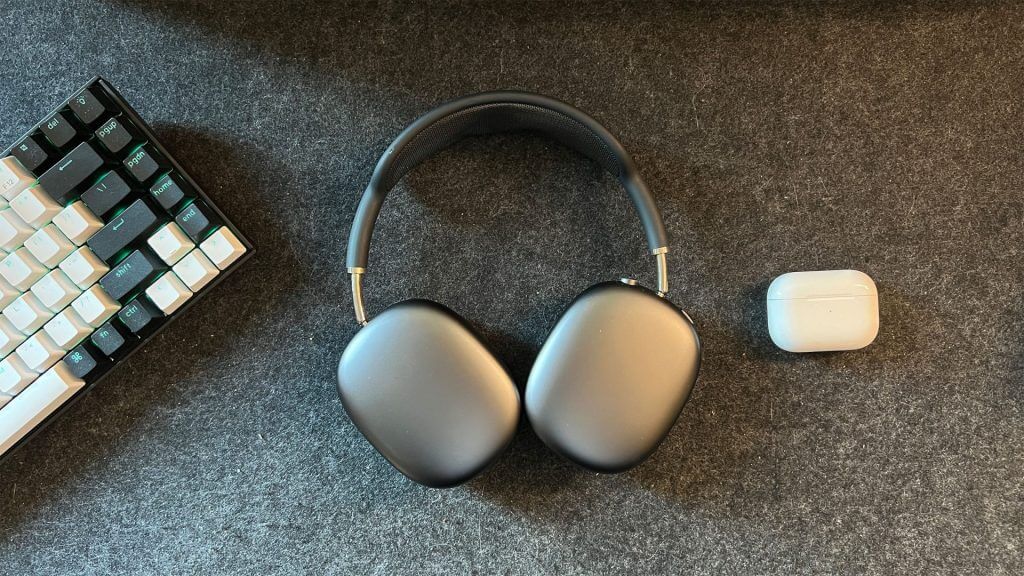
Jeff Carlson of CNET was one of those who found this solution worked. Online advice suggests letting them freeze for at least 30 minutes, but Carlson left them in for over an hour to be sure. When he took them out, he removed them from the hard case, put them in his ears, and listened for the sound indicating a successful Bluetooth connection to his device. Aside from wiping them down to remove condensation and dealing with frozen ears for a few minutes, the headphones worked as they should.
If the theory of a Reddit user about why this works is correct, it is likely to be a temporary solution. The speculation suggests that the thin wires that carry the power can break over time, especially after many rotations of the earbuds. This tiny crack can cause connection problems.
By freezing the AirPods, the cold can cause the coating around the wires to contract, temporarily joining the cracked areas.
See also: iPhone 17 Pro: Maybe it wirelessly charges AirPods and Apple Watch
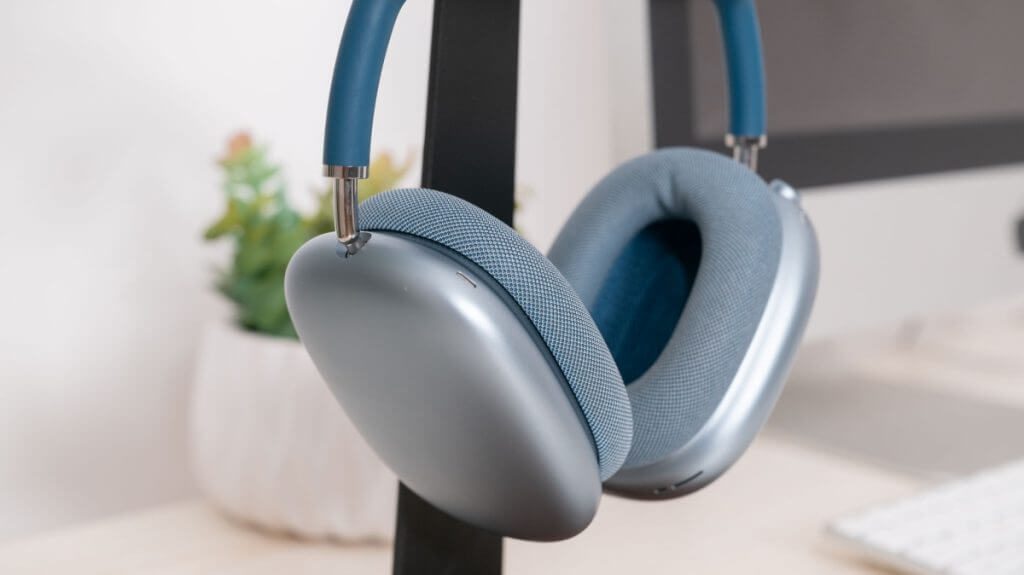
While no solution can permanently fix the problem, extending the life of the headphones is better than nothing. If your AirPods Max appear damaged, it's definitely worth trying this before you consider replacement.
