

Popular online image and graphics editing tool Canvais experiencing technical difficulties, including server errors and access issues. While the problem appears to be localized to specific regions, the outage highlights significant issues for the reliability of a cloud-based service that serves millions of users around the world.
What users are saying
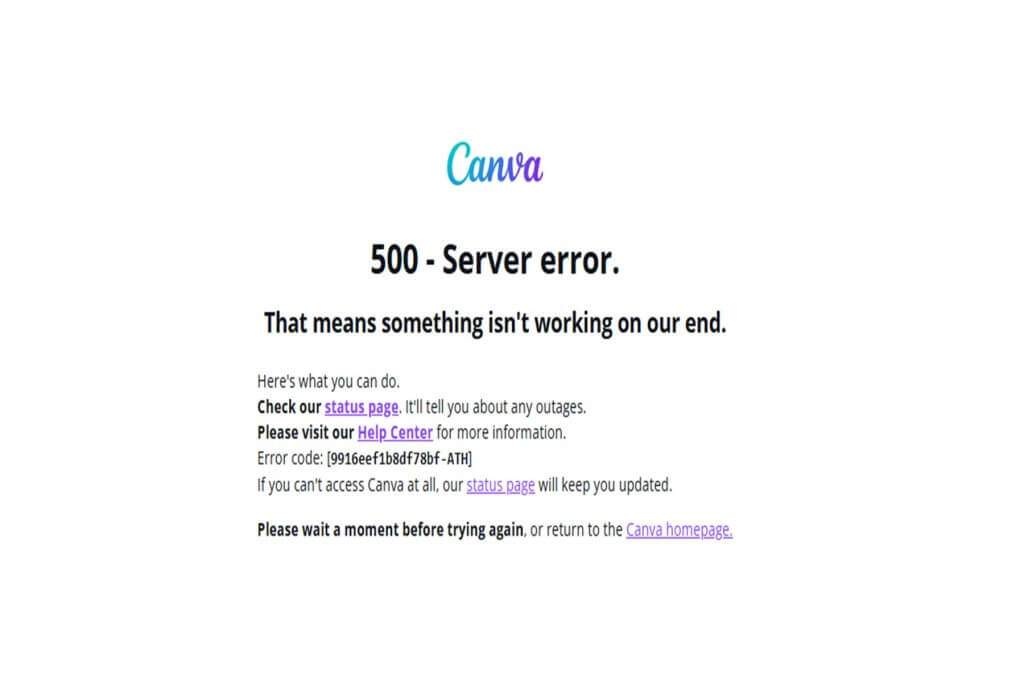
Users in many regions reported that they were unable to access the Canva main page or links related to the service, seeing messages like “500– Server Error”. In testing with Google Chrome, the homepage did not load, while in another browser the service opened but did not allow images to be downloaded to the desktop.
In the iOS app the message that appeared was:
«Something is wrong on our end. You can try again, sometimes we are back up and running in a few seconds. Otherwise, check the status page for updates and help».
See also: Canva: How to create videos?
The fact that the problem manifests itself in both the app and the web version indicates a widespread impact — not just an isolated local bug.
Canva's response and crisis management
So far, the company has not issued an official statement explaining the cause of the outage or giving a timeline for restoration. On its status page, it states: “Investigation – We are aware that Canva and its features are currently unavailable for some users. Our team is actively investigating the issue and working to restore full access as soon as possible.”

Why the topic is technologically important
Canva has become a staple tool for graphic designers, content creators, students, and small businesses. Dependence on the platform is high — and an outage highlights the technological challenges that arise when large-scale services rely on cloud infrastructure.
See also: Canva: How to design an end screen for YouTube videos?
Key technological considerations include:
- Automation and workflow: As Canva integrates more and more AI tools and expands functionality, the pressure on system stability increases.
- Management: The appearance of a "500 Server Error" error indicates that the servers were unable to respond to requests, either due to overload or internal maintenance.
- Transparency and communication: The delay in official updates raises questions about user trust.
What users can do until the situation is resolved
Users experiencing problems can follow some practical steps to limit the disruption:
- To store locally (offline) the designs that are already being processed.
- Use alternative design tools — e.g. Adobe Express, Pixlr, Visme — to keep work moving.
- Check Canva's status page or Downdetector for live updates.
- Inform clients or partners if their work depends on the tool to avoid surprises.
See also: Canva: How to schedule an Instagram post?
Canva's current outage highlights a critical truth about the modern digital ecosystem: when a cloud tool is used by millions of users, any failure is not just a technical incident — it's a matter of reliability, trust, and business continuity.
For those aiming for professional use of Canva, or working in teams that rely on it, this crisis serves as a reminder: to have alternatives, save projects frequently, but also to demand clear information from the provider in the event of similar incidents.
