

Removing a CPU is the process of removing the integrated heat spreader, or IHS. This is a fairly drastic process and carries the risk of damaging or even breaking processor . But the thermal improvements, especially for CPUs that typically run hot, can be huge. The result is a processor that runs cooler, quieter, and often faster.
See also: Intel: CPU vulnerability affects desktop and server systems
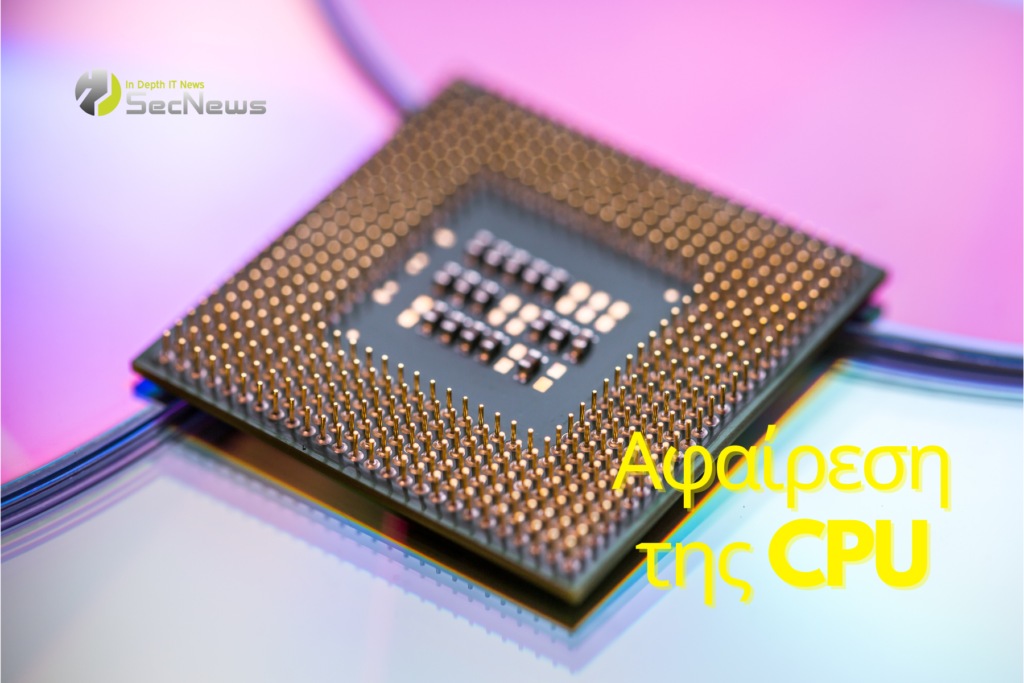
It's not something you should do without due care, but it's not as dangerous as it once was. With special tools that make the process easier and safer, removing your CPU is no longer reserved for the most hardcore overclockers.
Removing your CPU is the process of removing this built-in heat spreader so that you can attach your cooler directly to the CPU die. Removing this extra layer of metal allows your cooler to work more efficiently by drawing heat directly from the chip, rather than through its internal thermal interface material, then through the IHS, and then through another layer of thermal paste.
There are a few ways to remove a CPU, but the most popular and safest modern method is to use a dedicated removal tool. While you can get similar results with a heat gun and a blade, this old method is much more dangerous.
See also: MediaTek: Dimensity 8300 brings Generative AI to mid-range phones
Instead, with a tool like the Thermal Grizzly, you can place the CPU in the tool, tighten the screws to hold it firmly in place, and then activate the removal function. This usually requires screwing in a component that can pry the IHS off the CPU for you, but it varies slightly from device to device, so read the instructions carefully.
Once your CPU is as bare as the day it was built, you can put on some liquid metal thermal interface material, attach your cooler (with or without an additional mounting plate for security), and enjoy improved temperatures.
Removing the CPU is one of the most effective ways to boost cooling potential and reduce overall chip temperatures. For Intel, it's one of the few ways to get them to run at their stock specs without thermal throttling.
See also: AMD: Launches its own Ryzen 7040 processors for laptops
However, removal can go horribly wrong and leave you with a completely useless CPU. Removal itself can put too much stress on a processor if not done very carefully. Similarly, if you try to install your cooler without the additional support of a direct mount kit, you run the risk of over-tightening the screws and cracking the chip.
Source:
