

Final Cut Pro elevates video editing on Mac and iPad, delivering powerful new features and taking the experience to the next level.
See also: We test the new Apple Pencil with USB-C
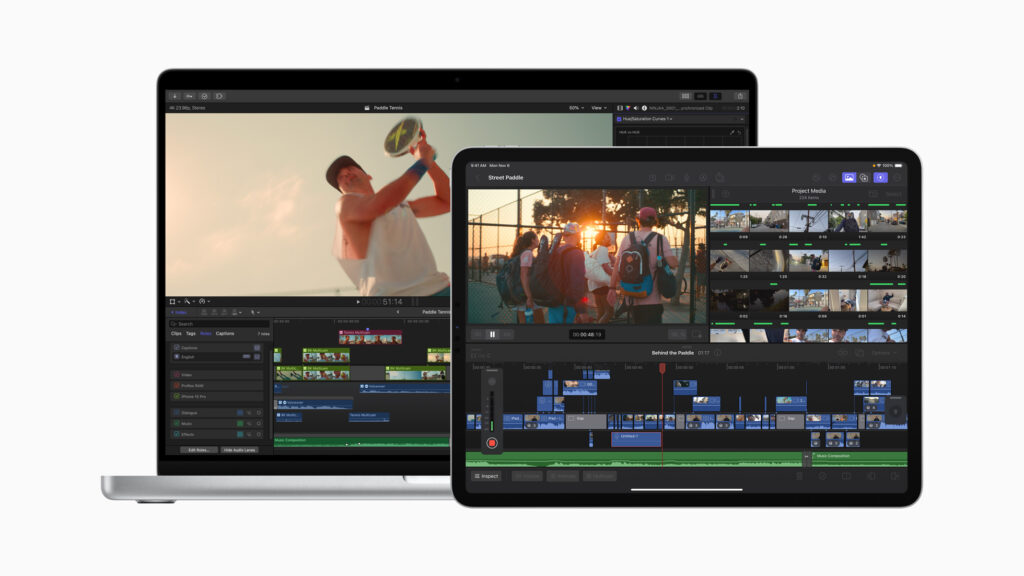
Today, Apple announced new updates to Final Cut Pro for Mac and iPad, delivering powerful new features that help streamline workflows. Final Cut Pro includes improvements to navigation and timeline organization, as well as new ways to simplify complex edits. The apps take advantage of the efficient performance of Apple silicon, along with a new machine learning model for Object Tracker, which also delivers much faster export speeds on Mac models powered by multiple media engines. Final Cut Pro for iPad brings new features that further enhance Multi-Touch editing on mobile devices, including support for recording with voiceover, expanded content options in the app, additional color grading presets, and workflow improvements. These updates to Final Cut Pro will be available later this month through the App Store.
New features in Final Cut Pro for Mac
The latest update to Final Cut Pro for Mac gives creators new tools to simplify complex edits and speed up the export process.
Powerful Organizational Tools
To ensure creators stay in the loop when editing complex timelines, Final Cut Pro introduces automatic timeline scrolling, making it easier for users to stay focused by keeping clips in view below the cursor during playback. Creators can dynamically adjust their timeline view during playback using the Zoom tool or keyboard shortcuts.
Worth watching: Apple “Scary Fast” event: New M3 chips and Macs
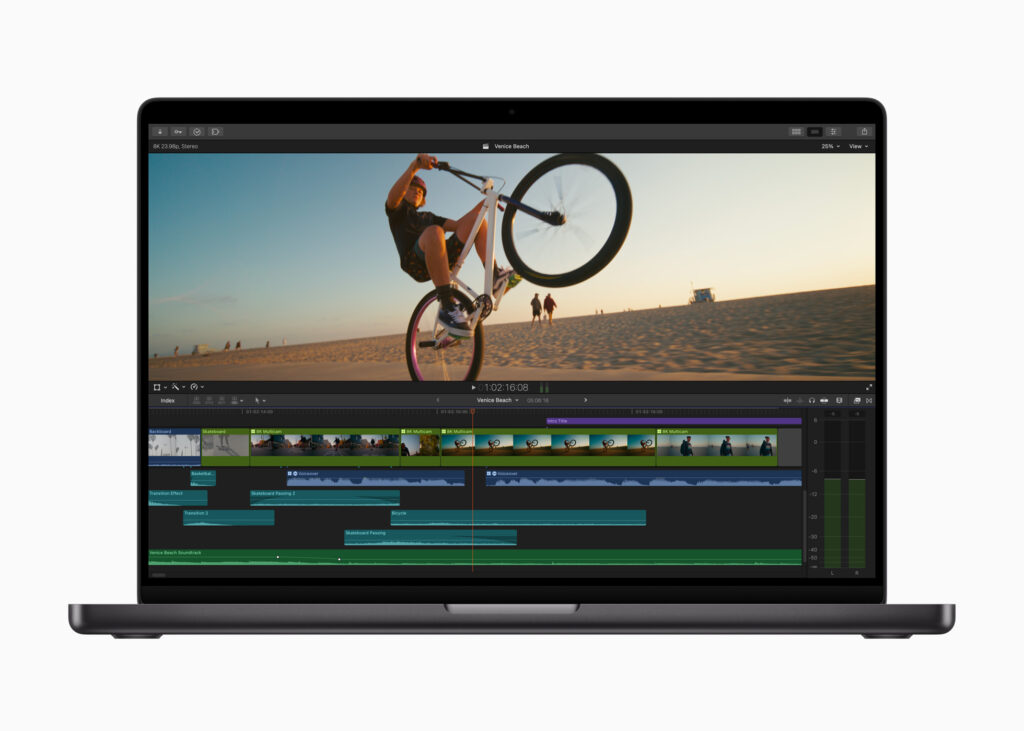
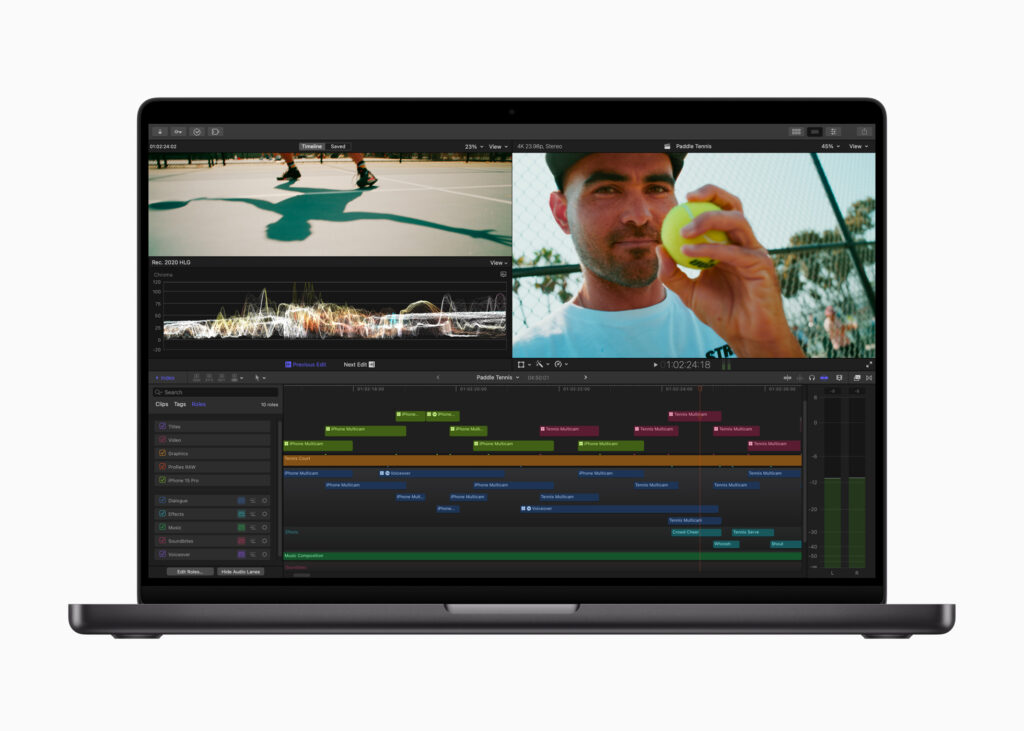
This update will also allow creators to see their timeline organization at a glance and easily differentiate clips by assigned role, improving the experience of viewing colored video and audio roles. The different colors also allow users to identify and highlight clips by role using the timeline marker.
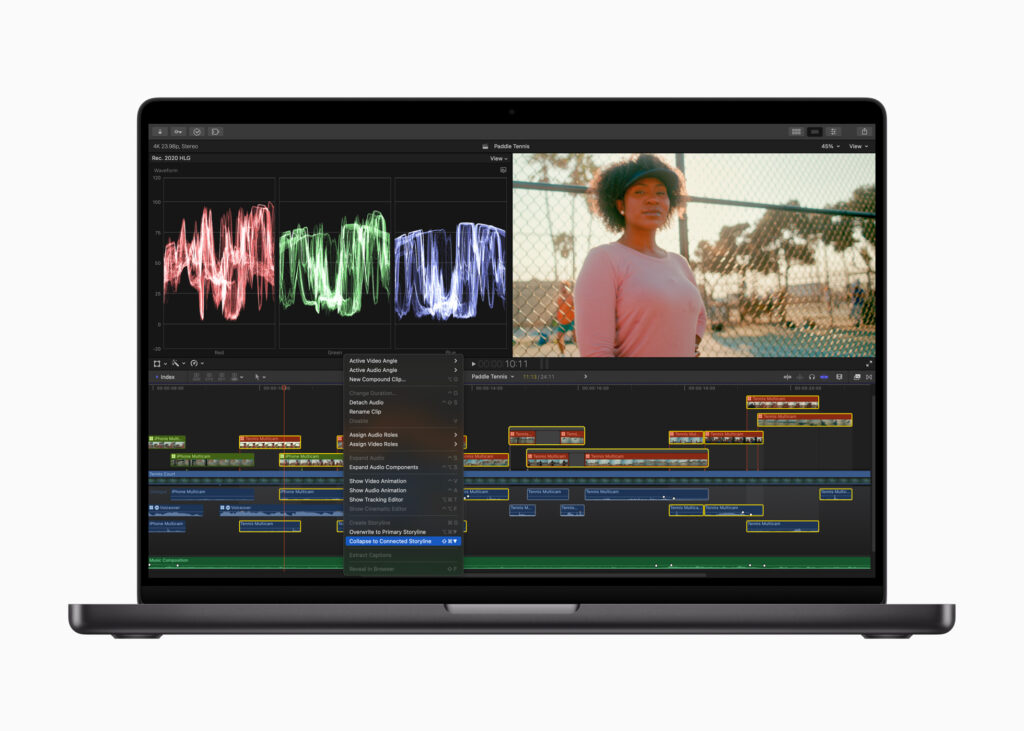
Creators can now work more efficiently than ever, quickly cleaning up complex sections of the timeline, and can customize edited footage by combining a select group of overlapping connected clips into a single connected story. To further simplify organization, users can now also combine connected clips with existing connected storylines.
See also: Apple: Is it preparing iOS 17.1.1 for iPhone?
Additional optimization for Apple Silicon
Video professionals often work on multiple projects at once, and with this update, exporting those projects is now faster than ever. Users can accelerate H.264 and HEVC exports by automatically sending video segments to available media engines for simultaneous processing.
Object Tracking now offers a wide range of capabilities for creating stunning effects with the new machine learning model. Results are improved when using Object Tracker to analyze the motion of faces and other objects on Mac computers with Apple Silicon. Final Cut Pro will choose the most appropriate resolution when the analysis method is set to automatic.
See also: Apple CEO: "We are investing significantly in artificial intelligence"
What's new in Final Cut Pro for iPad
The latest update to Final Cut Pro for iPad offers a powerful set of tools for video creators to capture, edit, finalize, and share, all from one device.
New Voiceover Features
The addition of live recording is even more convenient with this update. Creators can easily record voiceovers and live audio directly into the timeline using the built-in microphones or external microphones on their iPad. Users can tap the record button while playing their timeline, or find the point where they want to start the voiceover and use a countdown timer to get started.
Workflow benefits
Users can now enable stabilization in Pro Camera mode to improve shaky footage and create smooth videos, or turn it off to emphasize action and movement. Footage can be integrated directly into the project, so creators can start editing even faster, with new enhancements like linked stories.
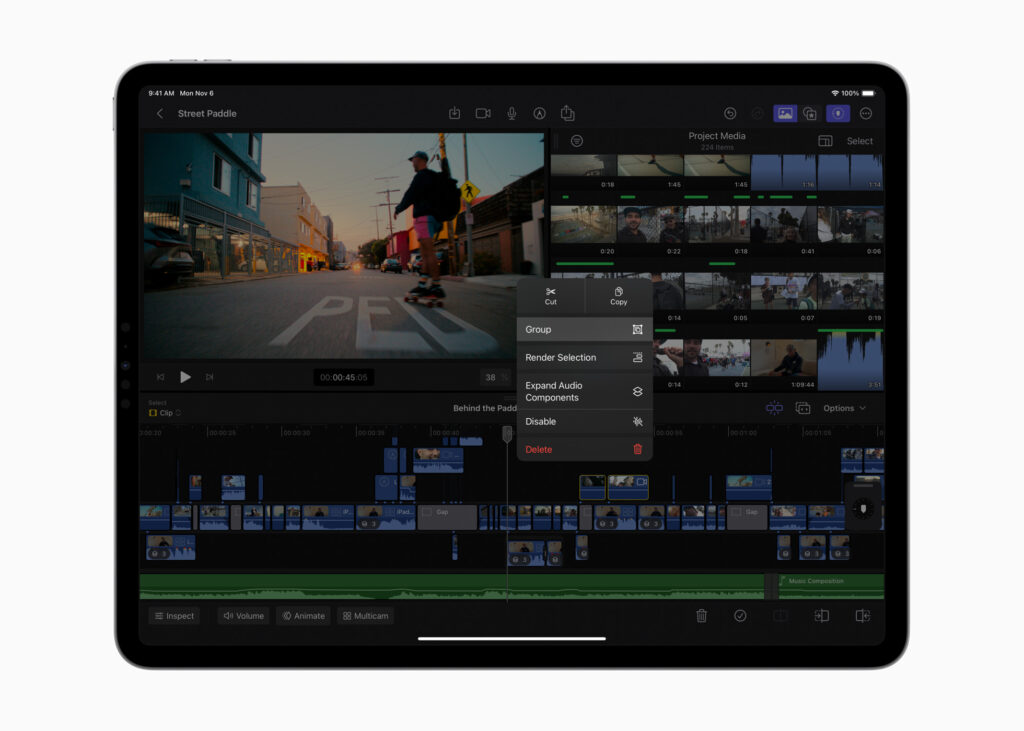
Creators can increase their efficiency by combining a select set of linked clips or stories and merging them into a single linked story. The new group command combines the power of Magnetic Timeline with linked clips and organizes the timeline.
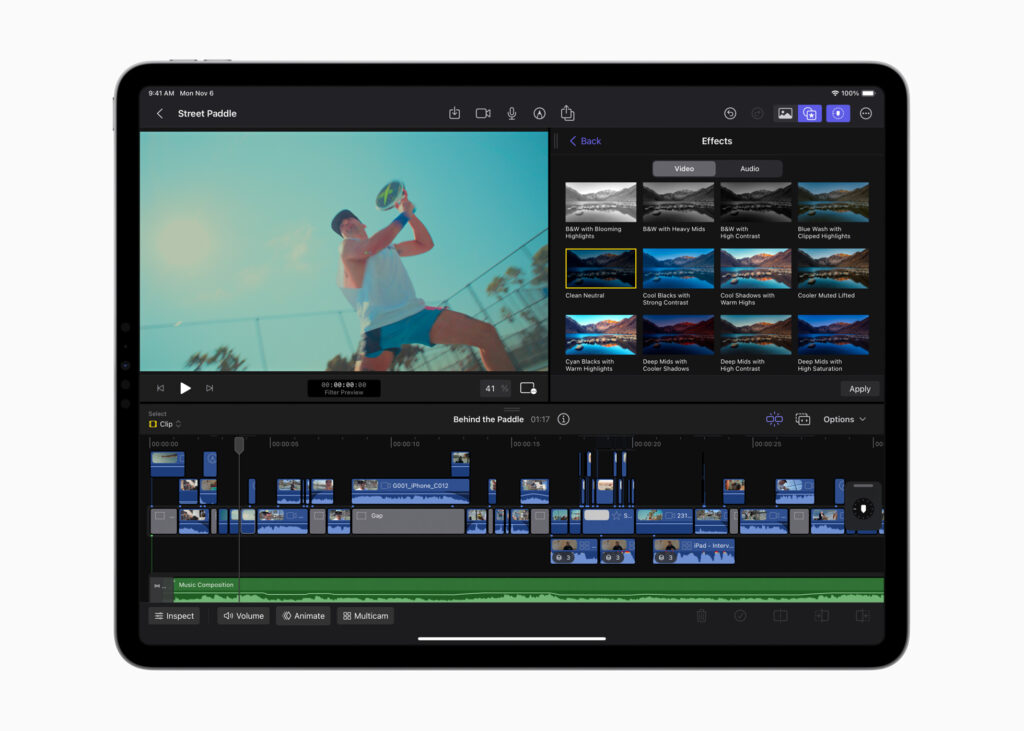
New keyboard shortcuts for voice narration and clip grouping further help speed up editing. Users can now finish their videos with a range of stunning new color correction templates and a selection of new titles and creators to choose from to create the perfect look.
Final Cut Pro for iPad also supports the ability to import projects created in iMovie for iOS, and iPad users can export their projects from Final Cut Pro to Mac for additional tools, such as advanced color correction and extensive third-party content options.
See also: Apple: Stops signing iOS 17.0.3, iOS 16, iOS 15 versions
Pricing and Availability
Final Cut Pro 10.7 for Mac will be available later this month as a free update for existing users and for new users for $299.99 (U.S.) in the Mac App Store. All users can download a free 90-day trial of Final Cut Pro. For more information, visit apple.com/final-cut-pro.
Final Cut Pro for iPad 1.3 will be available later this month as a free update for existing users and is available on the App Store for $4.99 (U.S.) per month or $49 (U.S.) per year with a one-month free trial. Final Cut Pro is compatible with iPad models using the M1 chip or later and requires iPadOS 16.6. For more information, visit apple.com/final-cut-pro-for-ipad.
Source: apple.com
