

With the high production of visual content, many tools that allow us to create high-quality visual material very easily. Among these productivity tools is DesignCap, a tool that is very practical and very clear in terms of its interface, making available a series of options for digital graphic design, for users who design without being graphic designers.
See also: Disney Avatar 2: The title and first trailer of the film have been announced

What is DesignCap ?
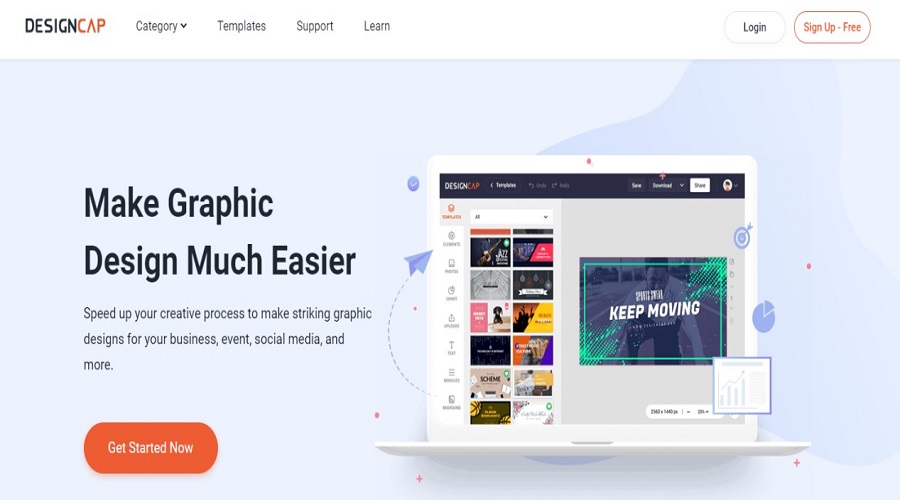
DesignCap is an online “graphic design creation” site, which can be used for free. Through this site, anyone can develop their creativity by making cool designs, without having to understand design skills. The reason is that there are many templates that can be used.
This website was created by PearlMountain, which has been focused on developing graphic design softwarePearlMountain strives to help users easily edit photos and create graphic designs. All it takes is a few drags and clicks, and adjusting a few decorative elements as needed to create an attractive design.
Why is DesignCap worth trying?
Want to know why you should try this graphic design maker site? There are a few reasons you can consider.
1. Free registration
To be able to use this site, you just need to register. There is no charge for creating an account. Of course, there are some limitations in the free version. For example, for this free account, you can upload a maximum of 5 images per month and you can only download them in jpg format. However, if it is only for blogging activities and you want a design that is a little different and not for commercial purposes, this is enough.
See also: Reddit announced a new comment search tool
However, if you want to get more benefits, you can simply upgrade your account to a Basic or Plus account. You will get unlimited templates, stock icons, and modules for Basic and Plus accounts. You can also download designs in PNG and PDF formats, so the image resolution is better than the free ones. The difference is that in your Basic account you can only upload images and save 100 designs, while in the Plus account it can be up to 1,000 designs. Also, for the Plus account, you can upload fonts.
2. Easy to use
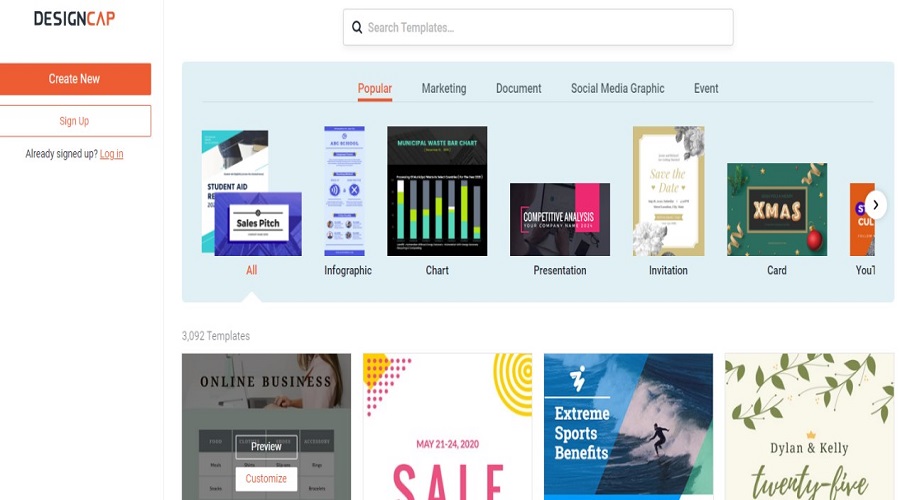
DesignCap is very easy to use, even for beginners. Graphic designs can be created in just a few minutes. It only takes a few modifications to the existing template to make a nice design. Unlike design apps that require skills, design websites like this one provide custom templates.
3. Save time and cost
Initially, I was not familiar with online graphic design sites and once I ordered a logo from a specialist. For a logo, I spent $500 at that time. Now with this online site, we can create our own logo. We can be more free to express ourselves and be creative and of course make a logo that is “very ours”.
See also: Google's new tools will help logistics companies
4. No installation required
Unlike applications that require installation, DesignCap can simply be opened through a browser on your computer. Because it is web-based, we can access our accounts from anywhere, without being limited to a personal computer at home. So, don't worry if you need a design created at any time.
Starting design with DesignCap
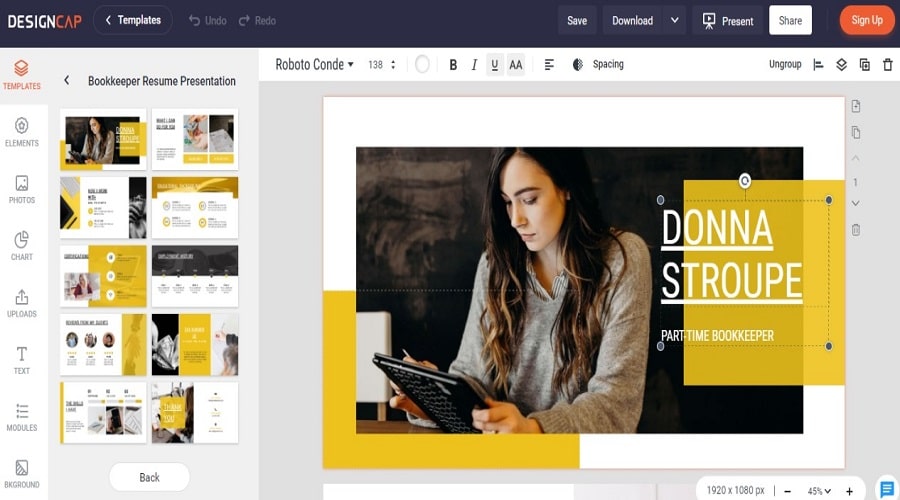
To be able to start creating designs with DesignCap, the first step you need to take is to register or create an account on the website. Simply choose to register with Google account and then fill out the form. Once you do, confirm the account via email. That way, you can start designing. Easy?
Closure
Undoubtedly, DesignCap is one of the free marketing tools recommended for all professionals and those learning to deal with digital graphic design.
