

It's well known that Apple places a high emphasis on iPhone , and malware protection is one of the main reasons people buy these devices. However, that doesn't mean an iPhone is 100% secure.
See also: Craig Federighi: Macs are more vulnerable to malware than iPhones
If malware gets onto your iPhone, it can cause a lot of problems.
How does malware affect iPhones?
Just like computer viruses, malware often affects iPhone performance . For example, you may notice that your battery is draining faster than usual. Of course, there are other factors that affect battery life , but if you notice that you're having to charge your phone more often, scanning for malware is a good idea.
You may also notice that your phone overheats quickly. This is another sign. This problem can also be caused by other factors. Either way, you should look into it.
In the most serious cases, the iPhone may stop working due to malware.
When you see the above signs, you should immediately check for malware to prevent further damage. Malware usually does not aim to cause the phone to malfunction. It can be used to steal passwords and other sensitive data.
See also: Microsoft: Massive malware campaign distributes fake ransomware!
How to check iPhone for viruses or malware?
If you suspect there is malware on your device, you should check it:
Check for unknown apps
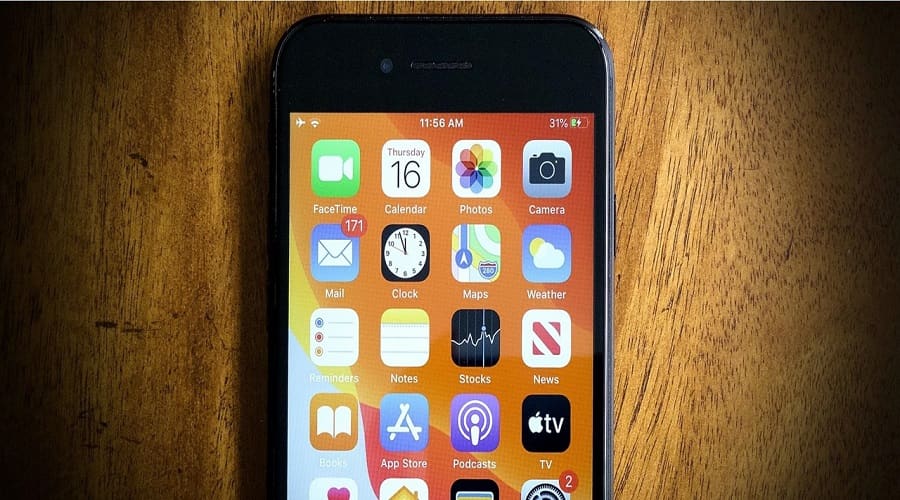
One of the easiest ways to detect malware on your iPhone is to check for unknown apps on your phone, meaning apps that you haven't downloaded or that aren't Apple's default apps.
Check if your device is jailbroken
Jailbreaking allows users to remove Apple's restrictions, but it also makes the iPhone more vulnerable to malware. If you've bought a used device and don't know if it's jailbroken or not, you should check.
It's not easy to tell if your phone is jailbroken. One possible sign, however, is the presence of an app called Cydia. This is an app only available on jailbroken iOS devices.
Check your data consumption and corresponding bills
When your iPhone has malware, you may find that the phone has used more data, which you can then see in your bill.
You may also notice calls that you didn't make . Again, these calls can lead to a higher bill.
Check your storage space
If the available storage space is significantly less than what it should be based on the apps, photos you have, etc., then something is wrong.
How to get rid of a virus or malware on your iPhone?
If you believe or have confirmed that there is malware on your iPhone, you need to act immediately.
Restart your iPhone
Restarting your iPhone helps, in some cases, get rid of malware.
If for some reason you can't restart, try doing a factory reset.
Delete apps you don't know about
If you notice apps that shouldn’t be on your phone, deleting them will help remove malware from your phone. To do this, you can press and hold the icon until the individual app is highlighted, then click “Remove app.” Alternatively, you can find the app in “Settings” and delete it from there.
Delete your history
Clearing your Safari history can help clear out a virus on your iPhone, and it can also prevent your passwords and other data from being stolen.
Learn more: iPhone/iPad: How to delete recent History in Safari?
Use security software
Downloading and using a reliable antivirus softwarecan help detect and remove malware from your iPhone.
It is a good idea to invest in such software because it can help prevent infection.
Replace your iPhone
If you've tried everything to no avail, you may need to replace your device.
Act quickly!
Although cases are rare, your iPhone can get infected with a virus or malware. So you need to be prepared and know what to do!
Source: MakeUseOf
