

Sound Recognition, first introduced in iOS 14, lets iPhone users with hearing loss be notified when their iPhone detects certain sounds like smoke alarms, sirens, doorbells, and barking dogs. It does this with built-in intelligence, so it doesn't require a network to work. Here's how you can use it.

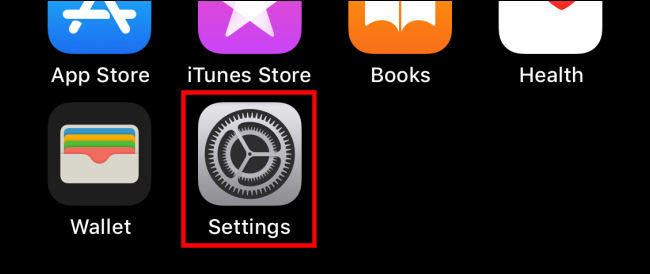
First, open “Settings” on your iPhone.
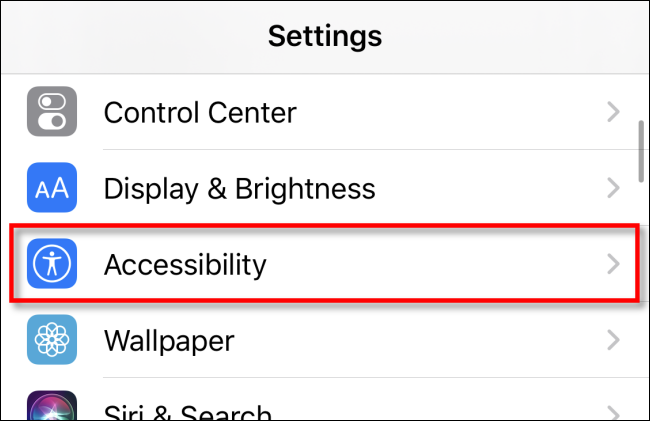
In Settings, tap “Accessibility”.
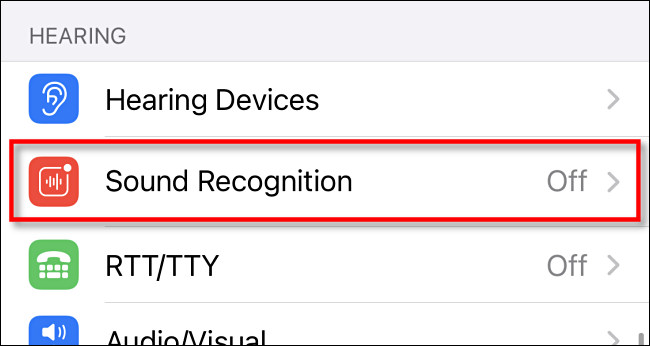
In Accessibility, go to the “Hearing” section and tap “Sound Recognition”.
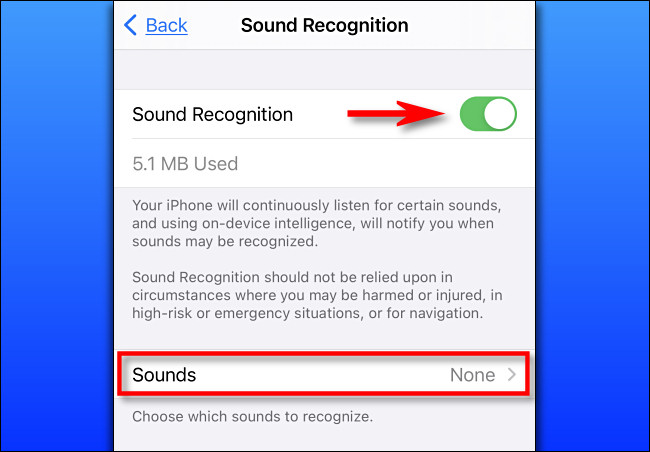
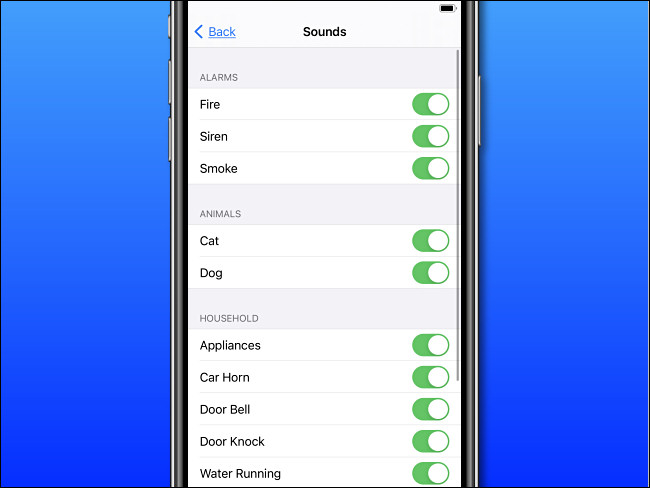
In the Sound Recognition settings, tap the switch next to “Sound Recognition” to turn it on. Then tap “Sounds” below it to choose which sounds you want to recognize.
On the next screen, you'll see a long list of switches that correspond to sounds your iPhone can recognize, like sirens and running water. Here's the full list:
- Fire alarm
- Siren
- Smoke alarm
- Cat
- Dog
- Devices
- Car horn
- Doorbell
- Door knock
- Running water
- Crying baby
Tap the switch next to each sound you want your iPhone to recognize. You can turn on any combination of these options , or you can turn on all of them if you want
After that, press “Back” once and then exit Settings.
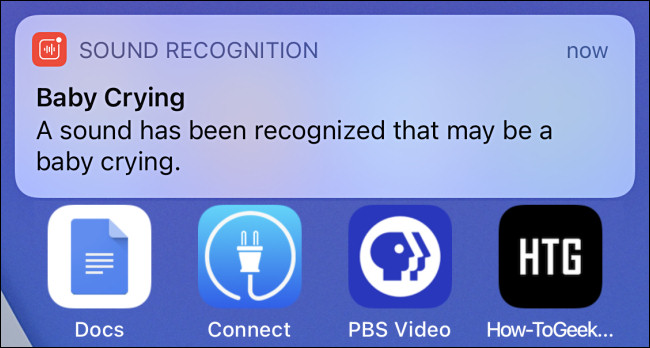
If you want to try out Sound Recognition, try searching for sounds like “fire siren” or “baby crying” on YouTube. When enabled, Sound Recognition will place a notification at the top of your screen.
Later, you can see a list of these notifications in your iPhone's Notification Center.
Information source: howtogeek.com
