

Microsoft has identified a new issue affecting some Windows 10 devices and preventing users from using "Reset this PC" to reinstall Windows.
The Reset this PC feature comes with all versions of Windows 10 and allows users to reinstall the operating system using a local recovery image or the latest version of Windows 10 on Microsoft's servers.
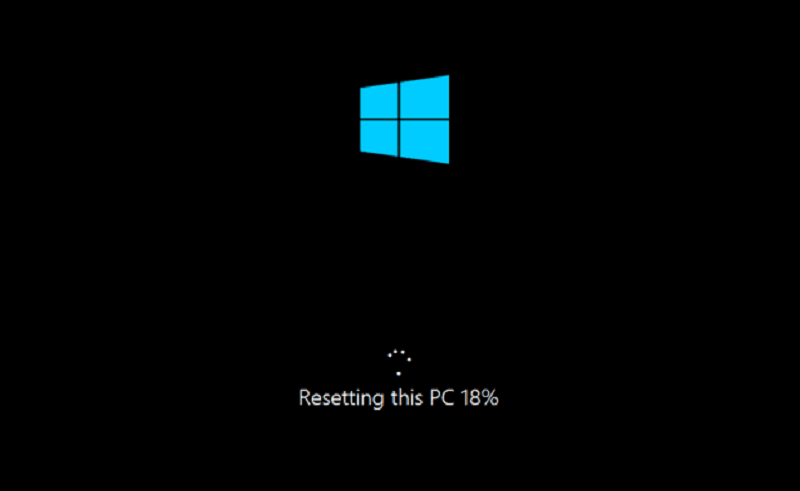
When resetting their PC, users can also decide whether they want to keep their files and remove apps and settings, or remove everything.
Solution available
Devices running Windows 10, version 2004 appear to be the only ones affected by this known issue, according to an advisory published today by Microsoft.
"Under certain hardware, when attempting to reset this PC on a system running Windows 10, build 2004, the reset attempt fails with the following error: There was a problem resetting your PC. No changes were made," Microsoft says.
To work around this issue, Microsoft advises customers to use the Deployment Image Servicing and Management (DISM) command-line tool that is used to prepare images in Windows image (.wim) or virtual hard disk (.vhd or .vhdx) formats for Windows PE, Windows Recovery Environment (Windows RE), and Windows Setup.
As per Microsoft's recommendation, users should use DISM to repair the online Windows image used to restore the computer before attempting to use the feature.
The complete procedure you need to follow to resolve this issue in “Reset this PC”:
- Open a command prompt with elevated privileges. To do this, click the Start button, type Command Prompt or cmd in the Search box, right-click Command Prompt, and then click Run as administrator. If you are prompted for an administrator password or confirmation, type the password or click Allow.
- Type the following command, and then press Enter: dism /online /cleanup-image /restorehealth
- Restart your system and try to restore this computer again.
Information source: bleepingcomputer.com
