

Firefox with DNS-over-HTTPS: In June, the Mozilla Foundation announced that it was investigating adding DNS-over-HTTPS (or DoH) functionality to Firefox on a limited basis (for Nightly users).

This feature uses Cloudflare's DNS service to encrypt both requests and responses to any DNS queries, to increase the privacy security of the application's users.
The Mozilla Foundation is reportedly very happy with the performance of DoH so far, stating that even the slowest connections see a huge improvement in performance. So Mozilla is expanding the availability of the feature to allow more users to try out the DNS-over-HTTPS feature.
“Our initial DoH tests studied the time it takes to receive a response from Cloudflare’s DoH resolver,” Mozilla says.
“The results were very positive, with even the slowest users showing a huge improvement in performance. A recent test in our Beta channel confirmed that DoH is fast and does not cause any issues for our users.”
So if you want to try the new feature, below we will see how you can enable it in the Firefox you are using.
How to enable DNS-over-HTTPS (DoH) in Firefox
DoH is currently still being tested, but if you want to use it immediately, you can do so from the settings in about:config.
To enable DoH, follow these steps:
Type about:config in the Firefox address bar and press enter. Click the button that says you accept the risks.
In the search box, type network.trr to display all the settings for Firefox's Trusted Recursive Resolver.
Double-click network.trr.mode, and type 2 in the box. Click OK as shown below. This will enable DoH in Firefox.
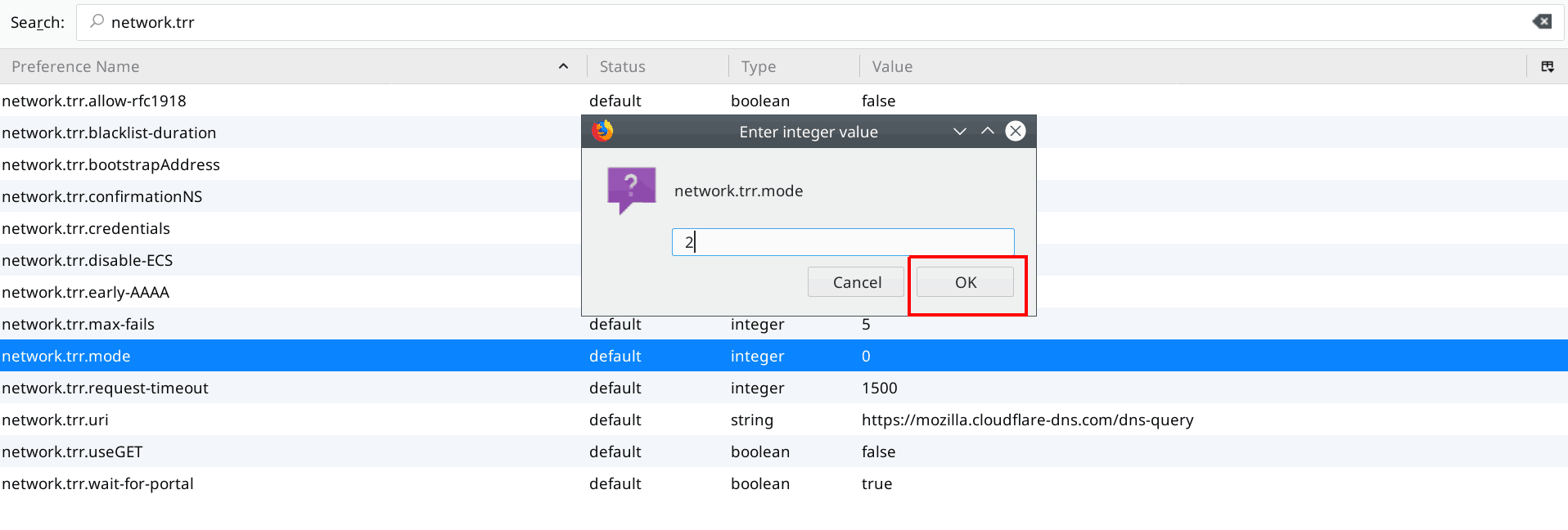
Next, you should make sure that network.trr.uri is set to https://mozilla.cloudflare-dns.com/dns-query as this is Cloudflare's DoH DNS resolver, which Firefox uses for testing. If this URL is not set, double-click on the setting and type in the URL.
You can now close the about:config page.
To check if you are using DoH to query DNS, visit Cloudflare's Browsing Security Checkup and click the "Check my browser" button.
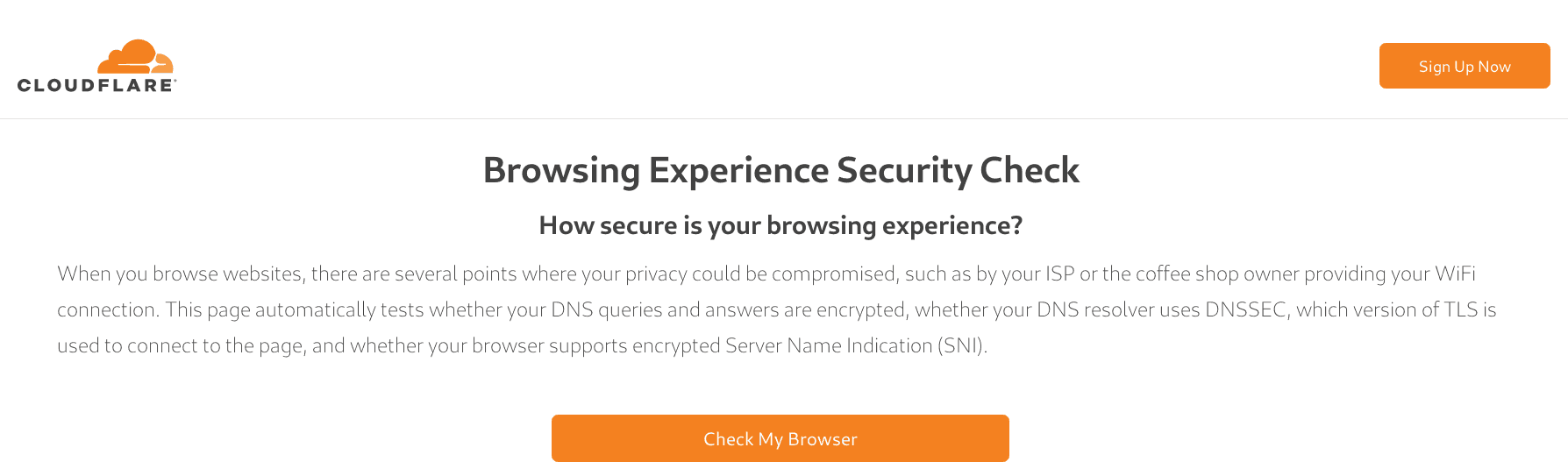
The website will perform various tests to determine if you are using Secure DNS, DNSSEC, TLS 1.3, or encrypted SNI.
If DoH is enabled correctly, it should report that Secure DNS and TLS 1.3 are enabled as shown below.

This way, your Firefox will use DoH to resolve the browser's DNS queries.
___________________
- Firefox: blocking ad trackers by default
- The 5 best free translator programs for foreign languages
- Mozilla: doubles Tor Project donations
- Firefox Monitor available for everyone
- Dell hacked: beware of data leak
