

Microsoft has just released three new wallpaper packs for Windows 10 and you can download them for free from the Microsoft Store.
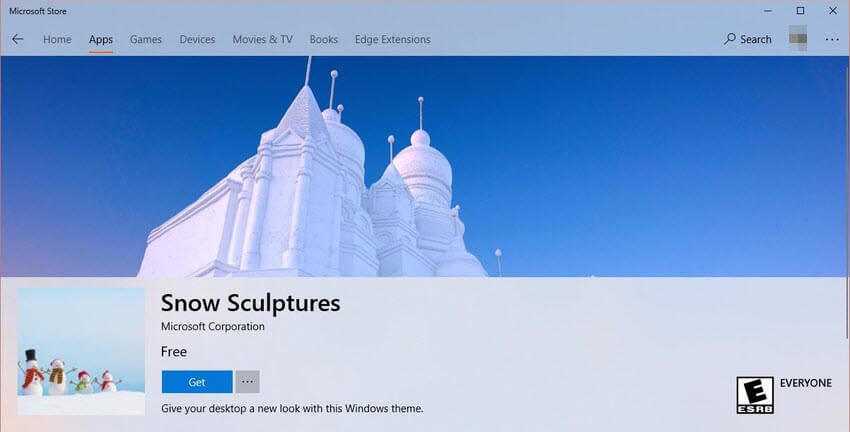
The themes are called Snow Sculptures , Warm Winter Nights , and Festival of Lights and include high-quality photos that can be used as your desktop background.
Although they are released as themes in the Microsoft Store, these new packs don't include anything other than wallpapers, so if you install them, you won't see any other visual tweaks or sounds.
To install free themes from the Microsoft Store, you need to have at least the Windows 10 Creators Update (version 1703), although there's a good chance you're already on the Fall Creators Update.
Free themes published by Microsoft in the Microsoft Store can be enabled from Settings > Personalization > Themes. Don't forget to back up your current custom theme in Windows 10 before making any changes.
Once you set a specific theme as the new default in Windows 10, you can cycle through wallpapers right from the desktop. Simply right-click on the desktop and click “Next Background” to change the wallpaper to a new one included in the background.
Needless to say, you can find a wide variety of themes for Windows 10 almost everywhere on the internet. However, downloading Microsoft's packs is an easier process since they are published in the Microsoft Store, and the quality of the wallpapers is usually quite high.
You can download the themes from the Microsoft Store by clicking the links above. A Microsoft account is required to sign in to the Store.
