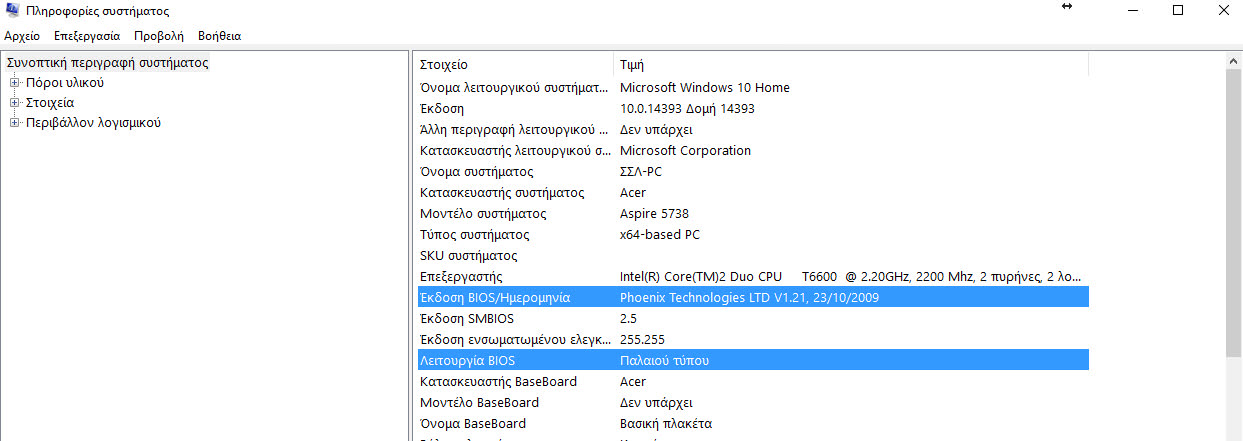
In Windows 10, you can find out information about the BIOS your system has using the command line. Below we will see how to find the BIOS version without restarting your computer or using a third-party tool.
First, open a command prompt window with administrator privileges. (From the Menu search, search for cmd, right-click on the icon that appears and run as administrator).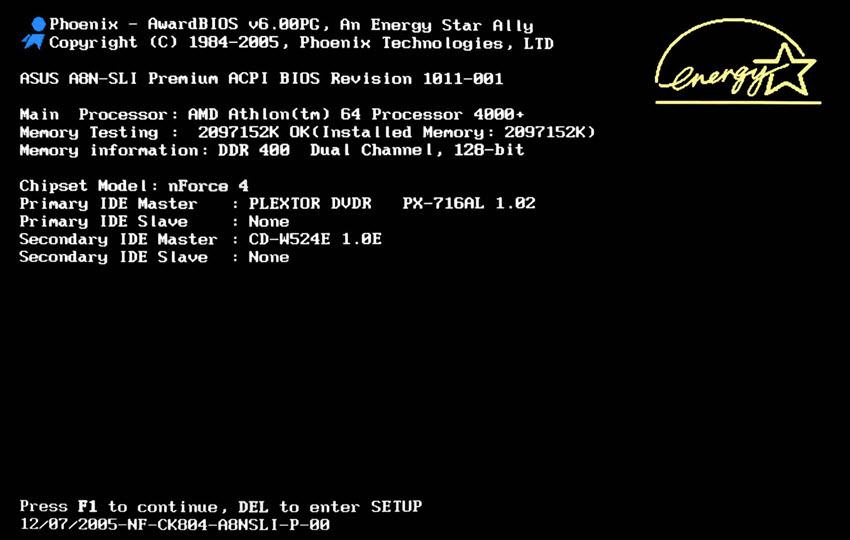
Type the following command:
wmic BIOS get name, version, serialnumber
The command will show you the BIOS information that your machine has.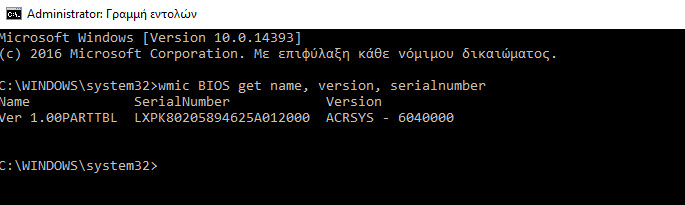
While the tweak can't replace powerful applications like AIDA64 or hwinfo, it's a nice option to see the information you need without third-party tools. It's possible to use it in various automation scripts, when needed.
If you want, you can still use GUI tools to view some BIOS information via the built-in System Information tool. The tool will tell you whether Windows 10 is running in UEFI mode or legacy BIOS mode.
You will need to do the following:
Press the Win+R keys together and type the following command in the RUN box:
msinfo32
In the System Summary section, you will see the values for the BIOS version, date, and BIOS mode: